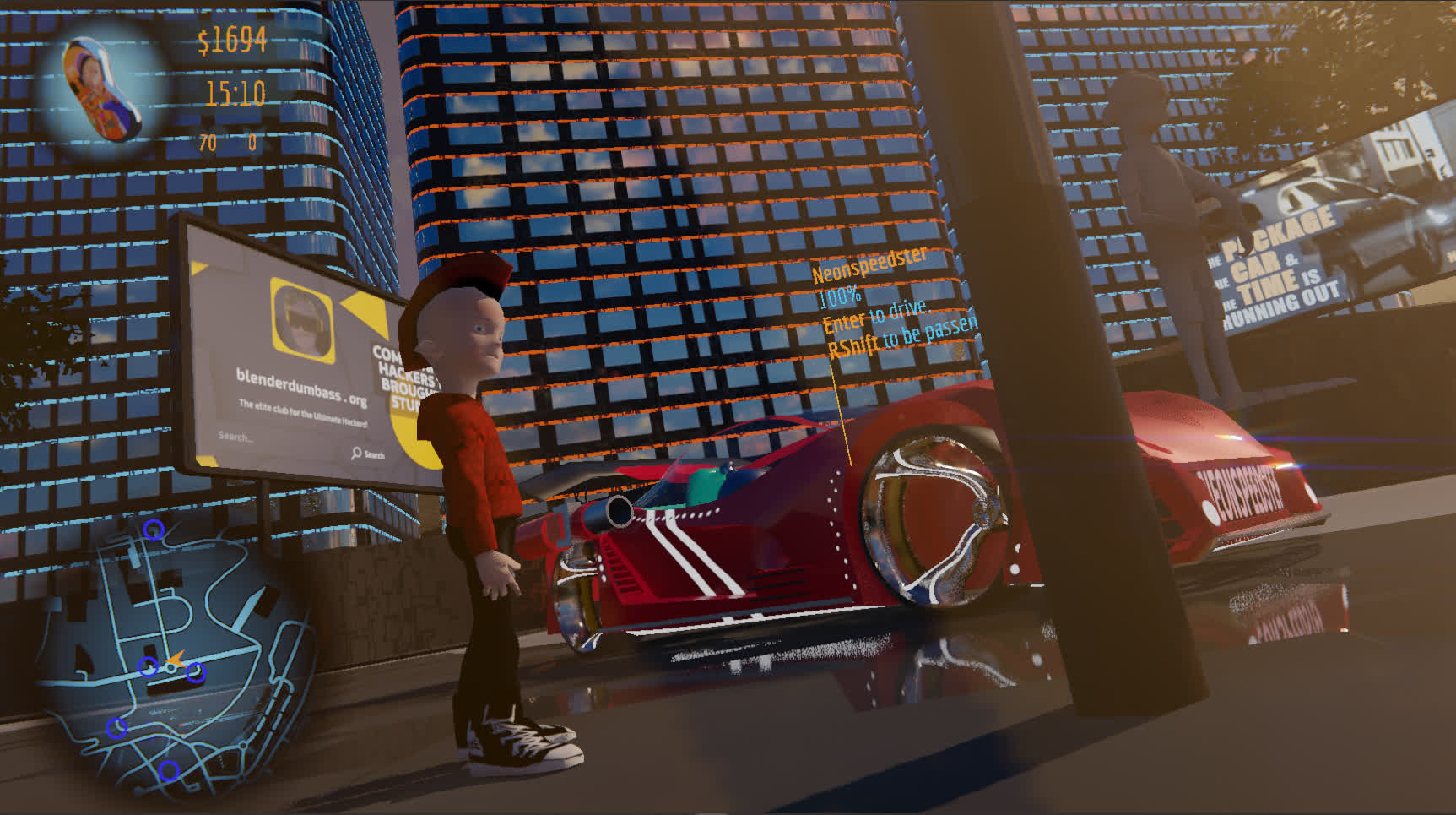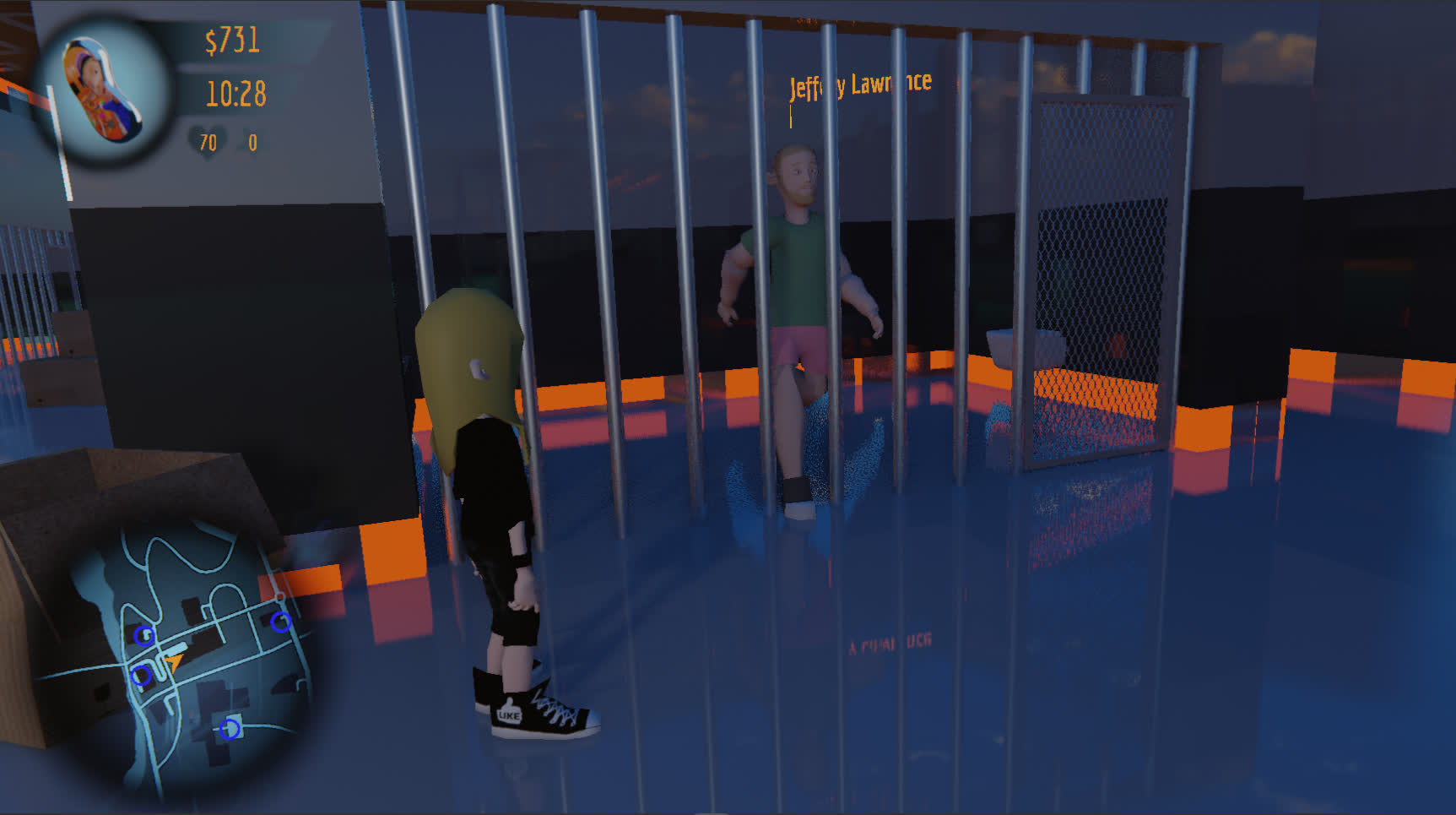
...back to blenderdumbass . org


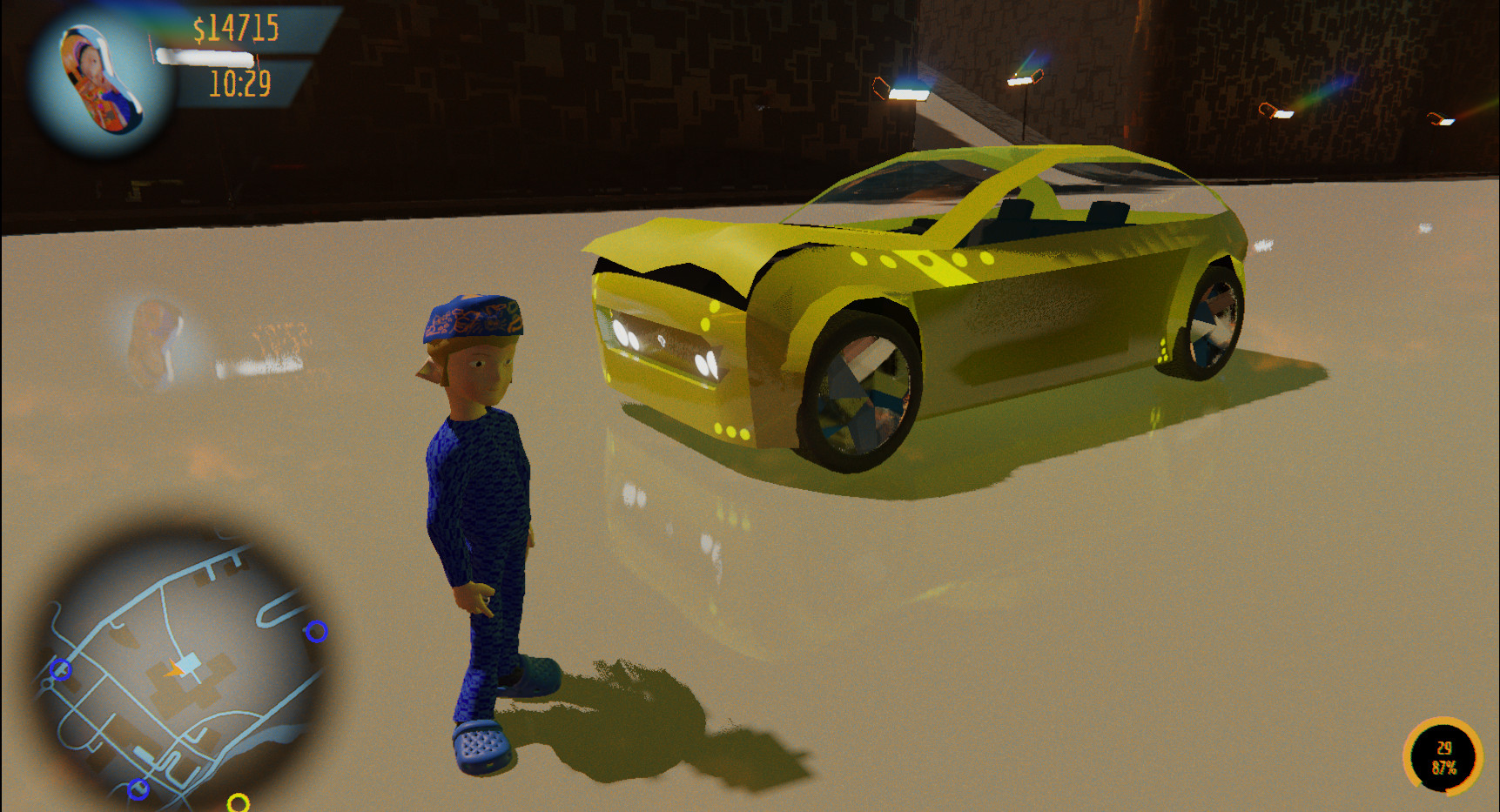
Game for nerds and kids*.
[icon download] Install


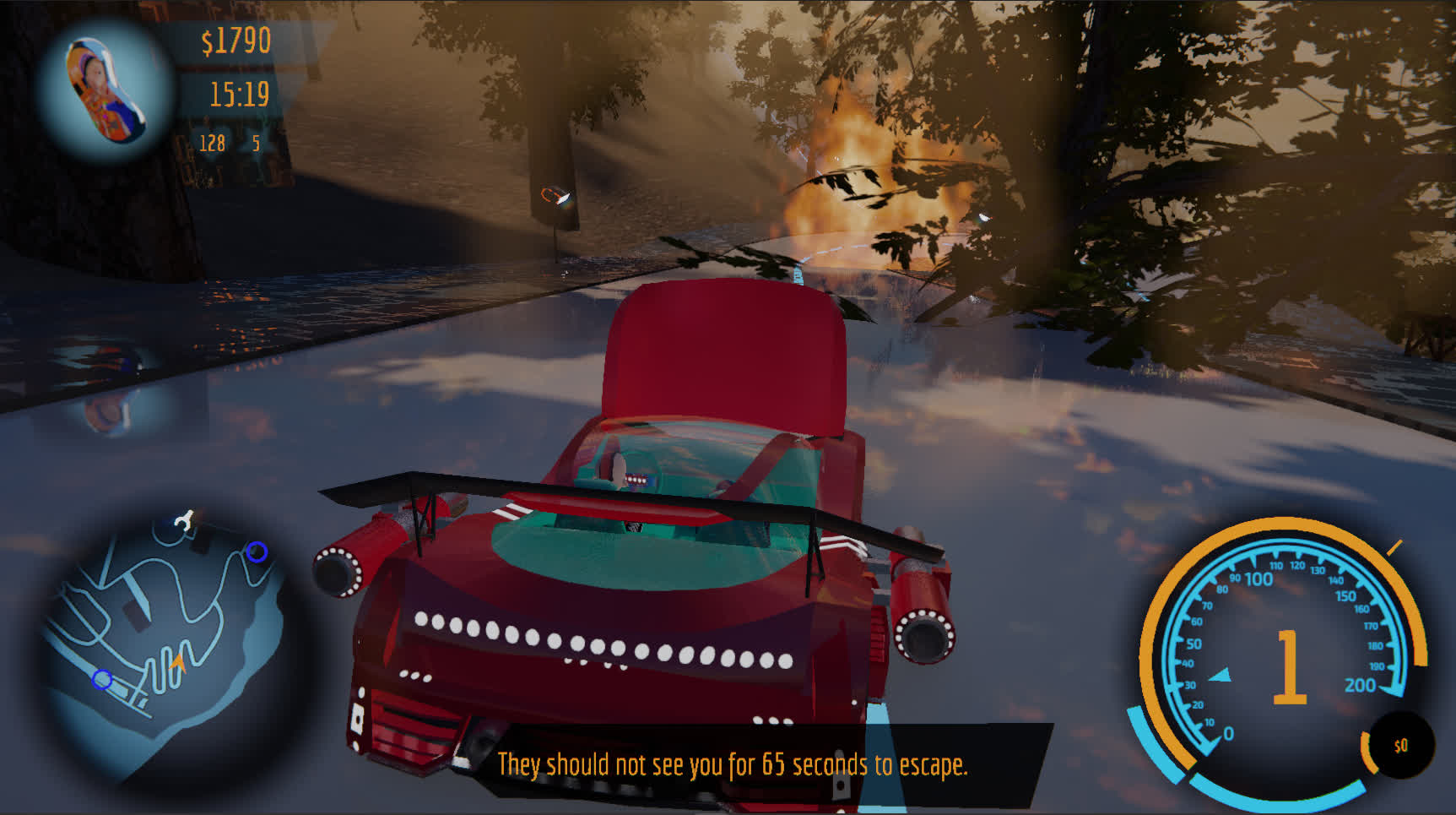
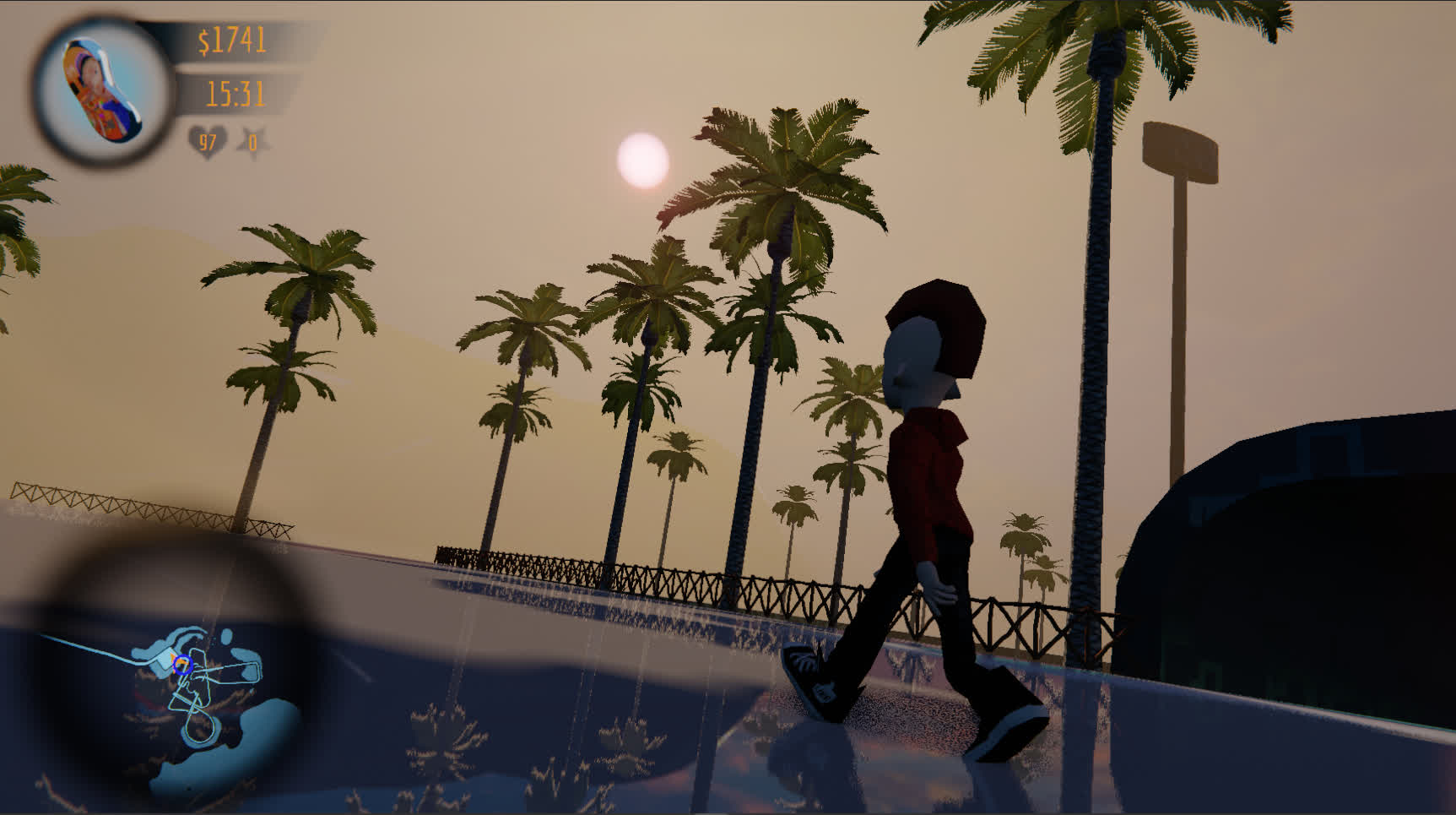
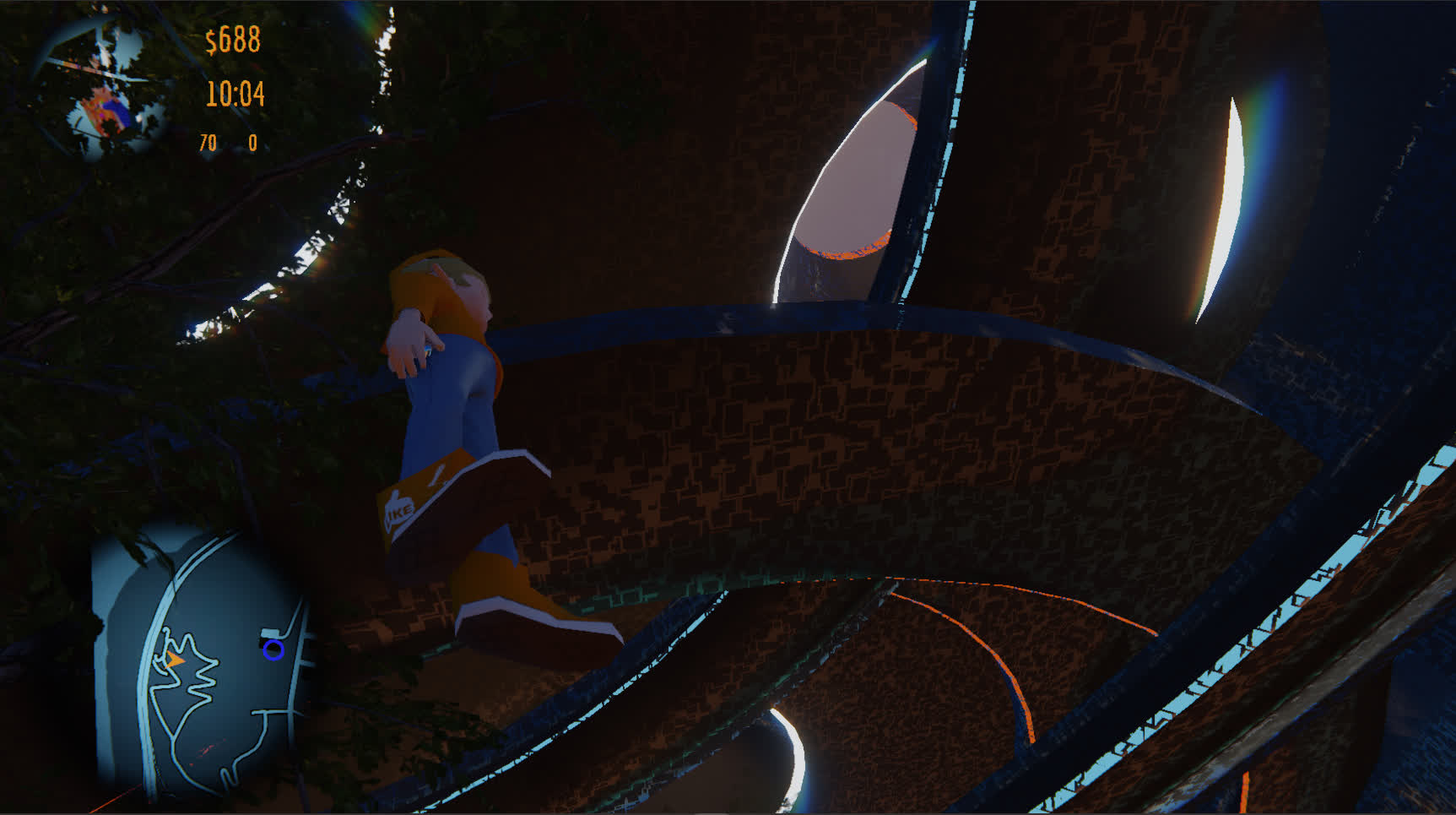
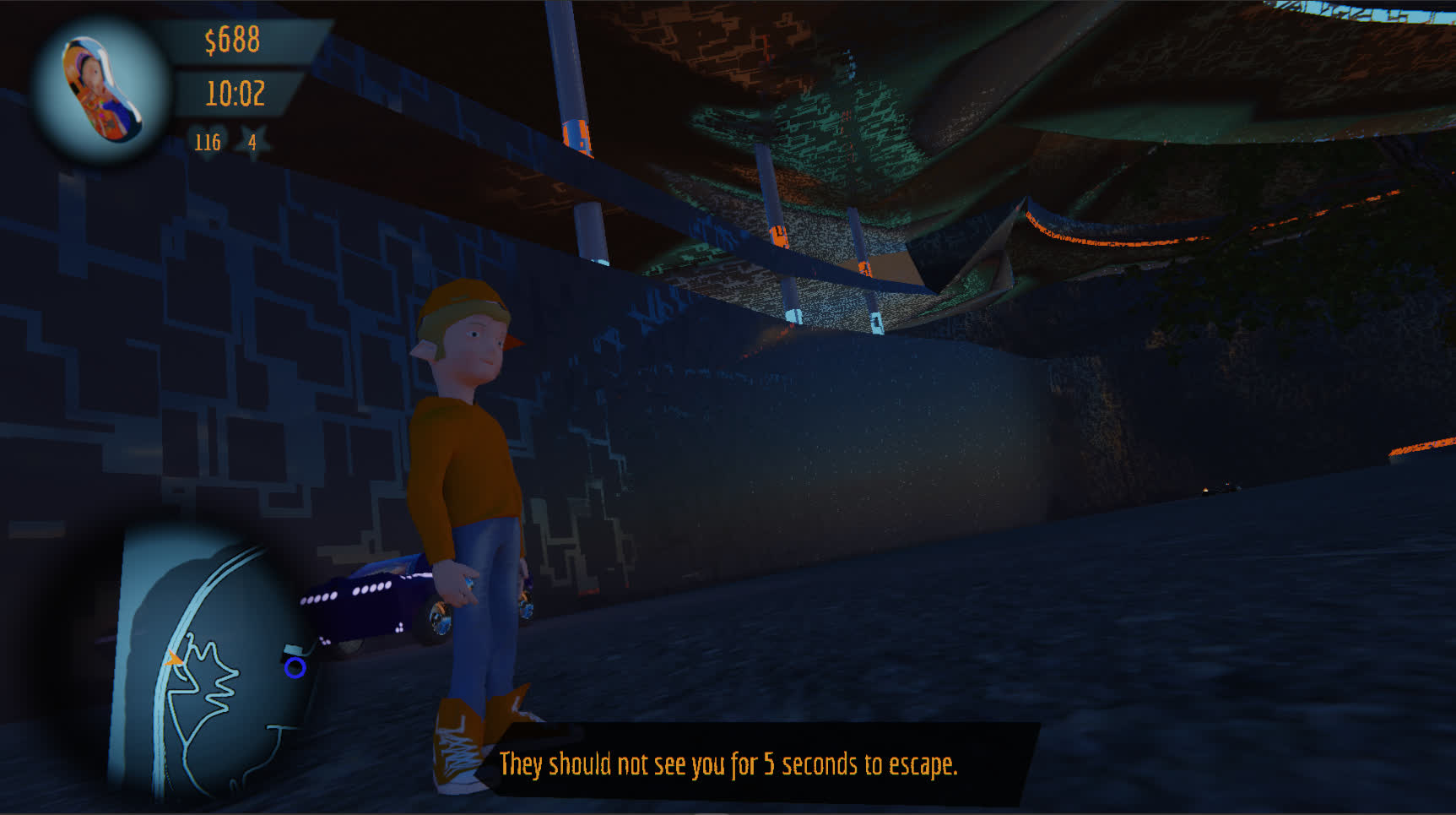
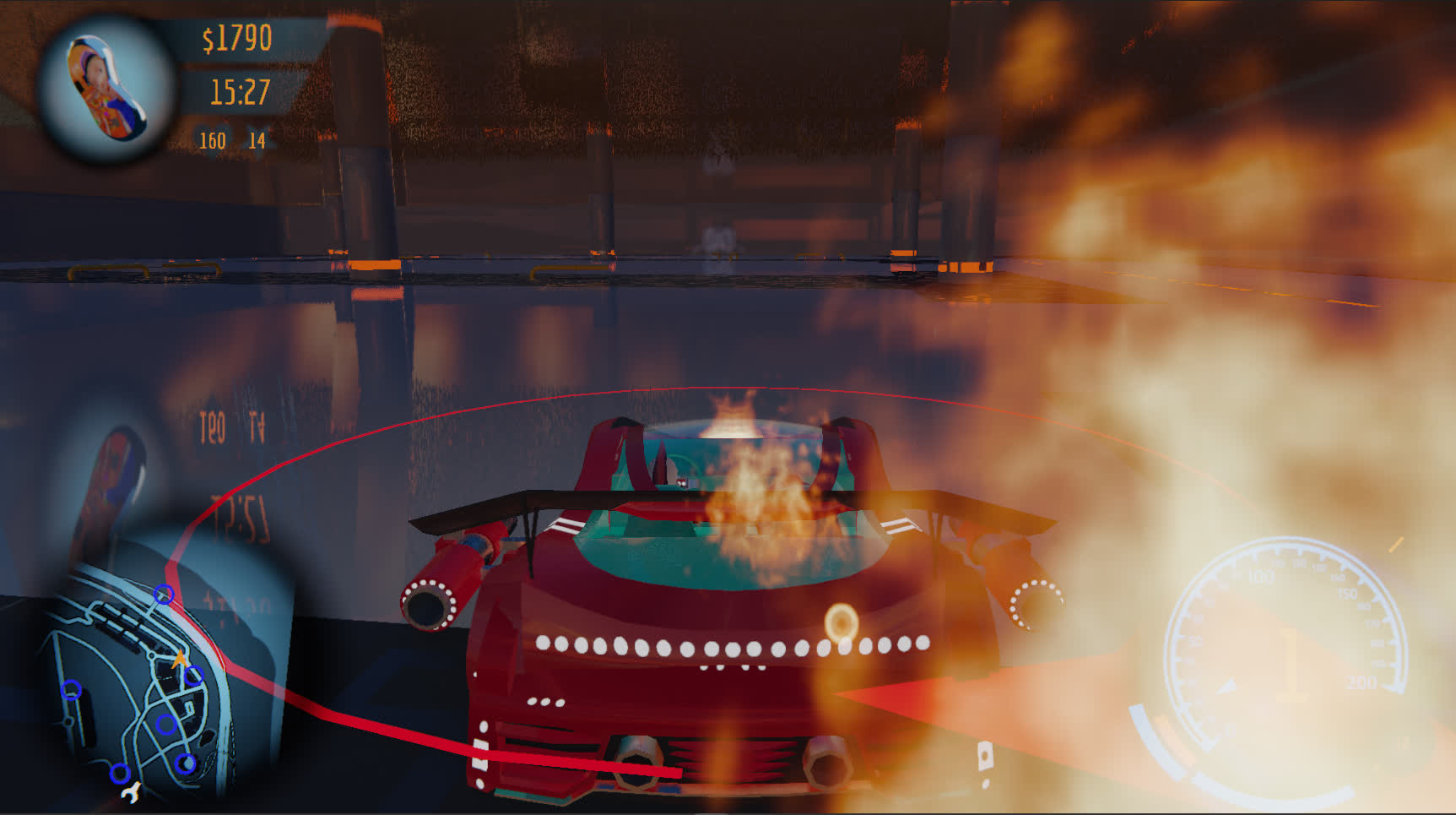
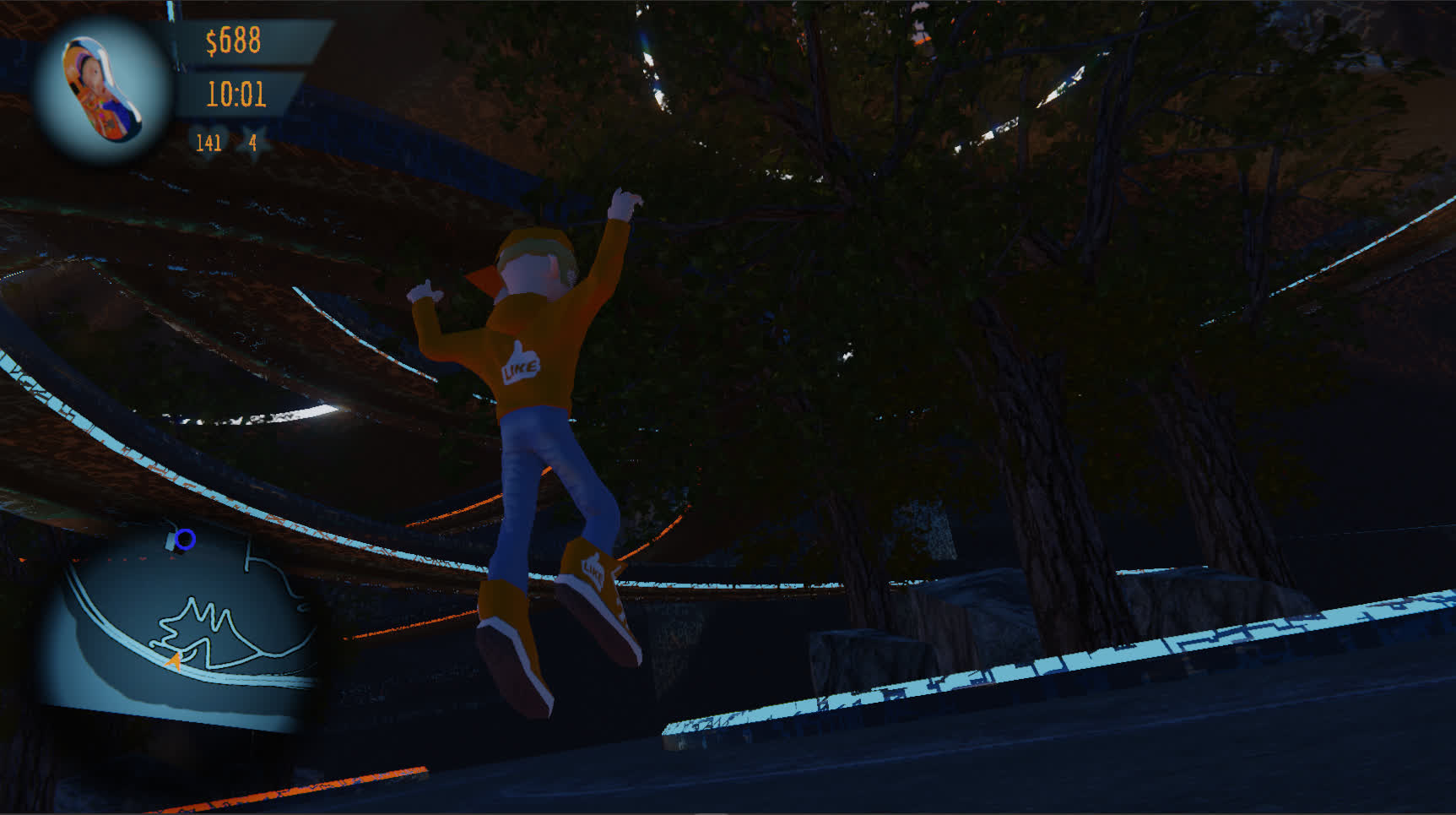
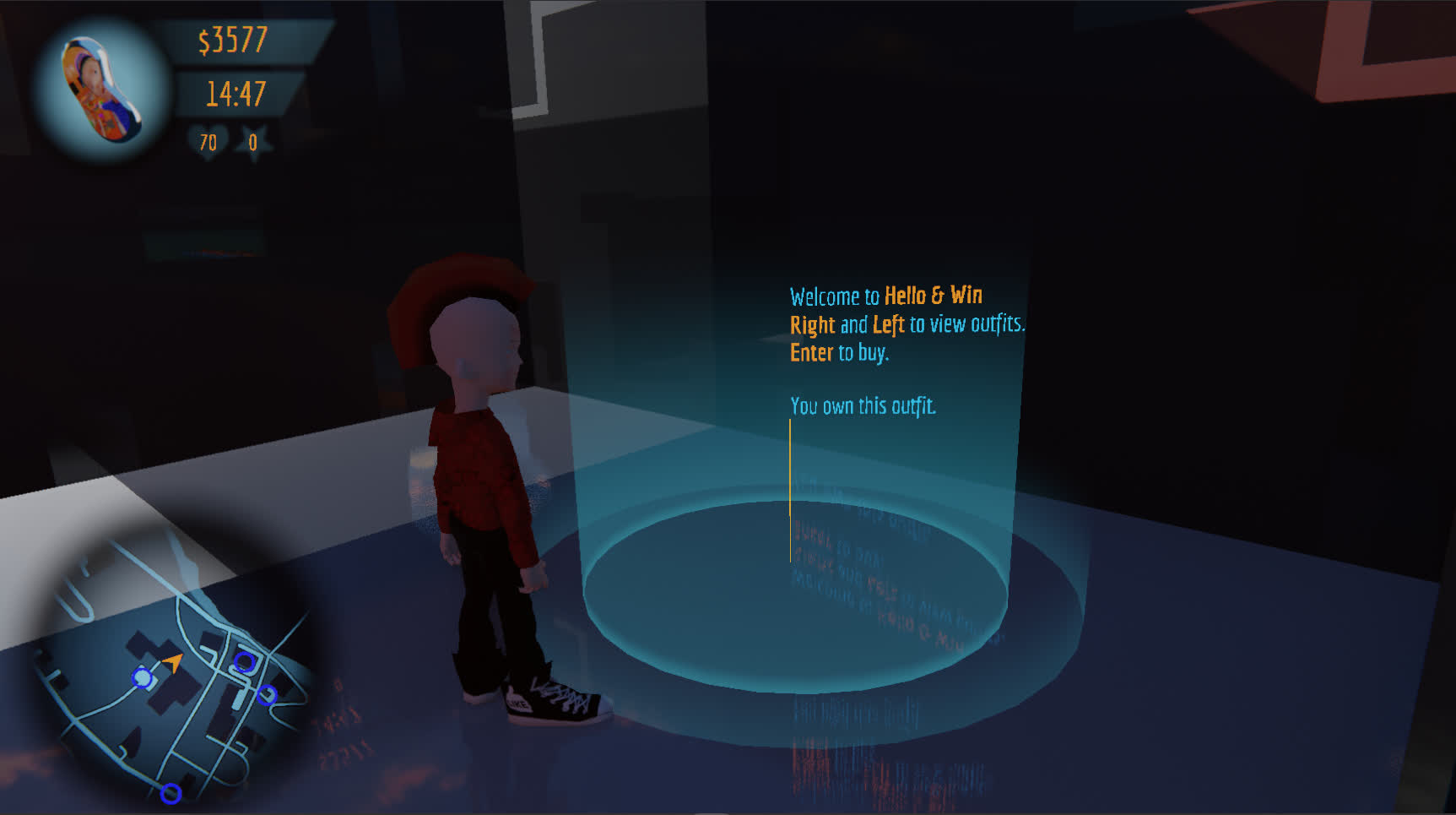
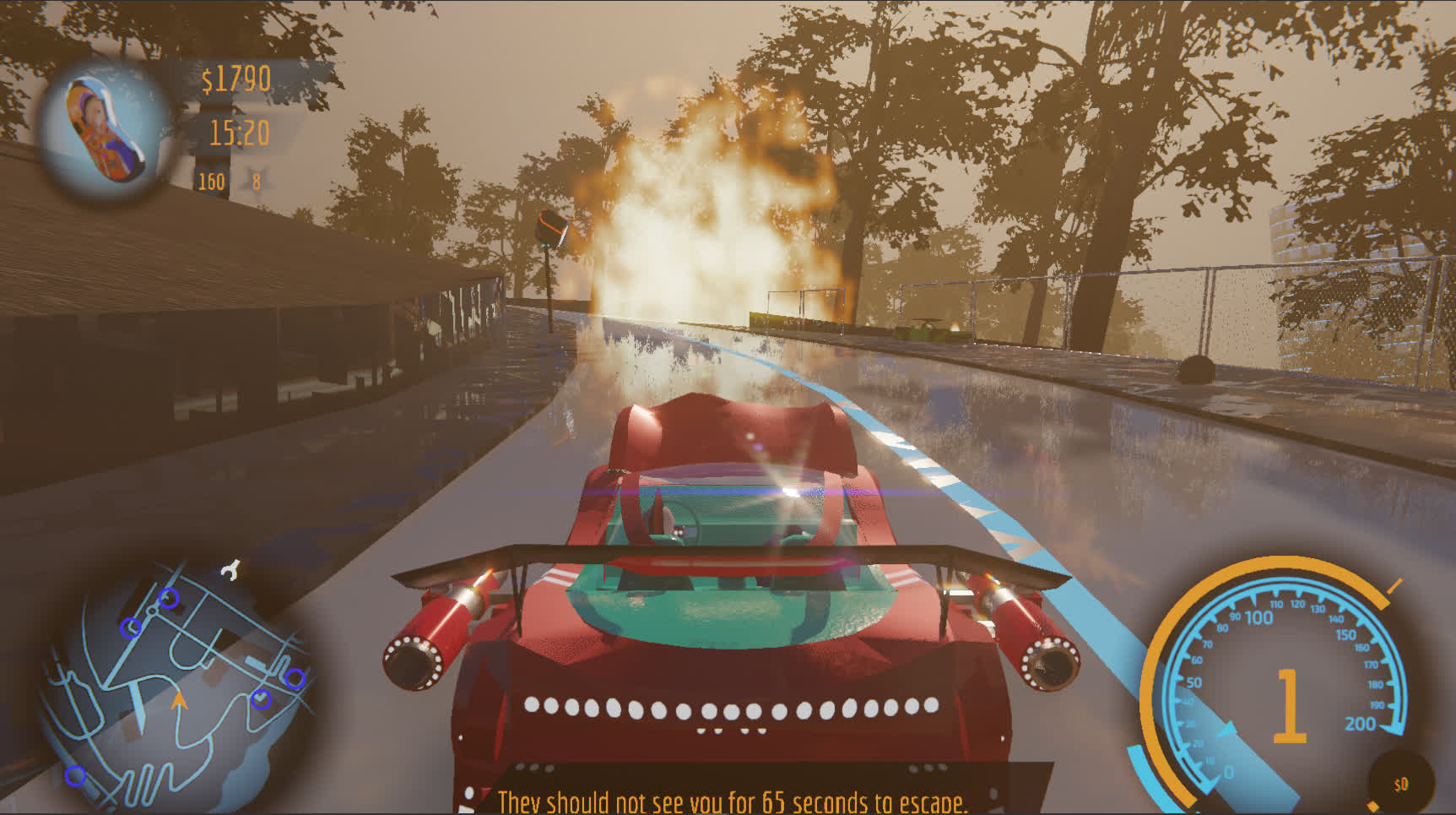
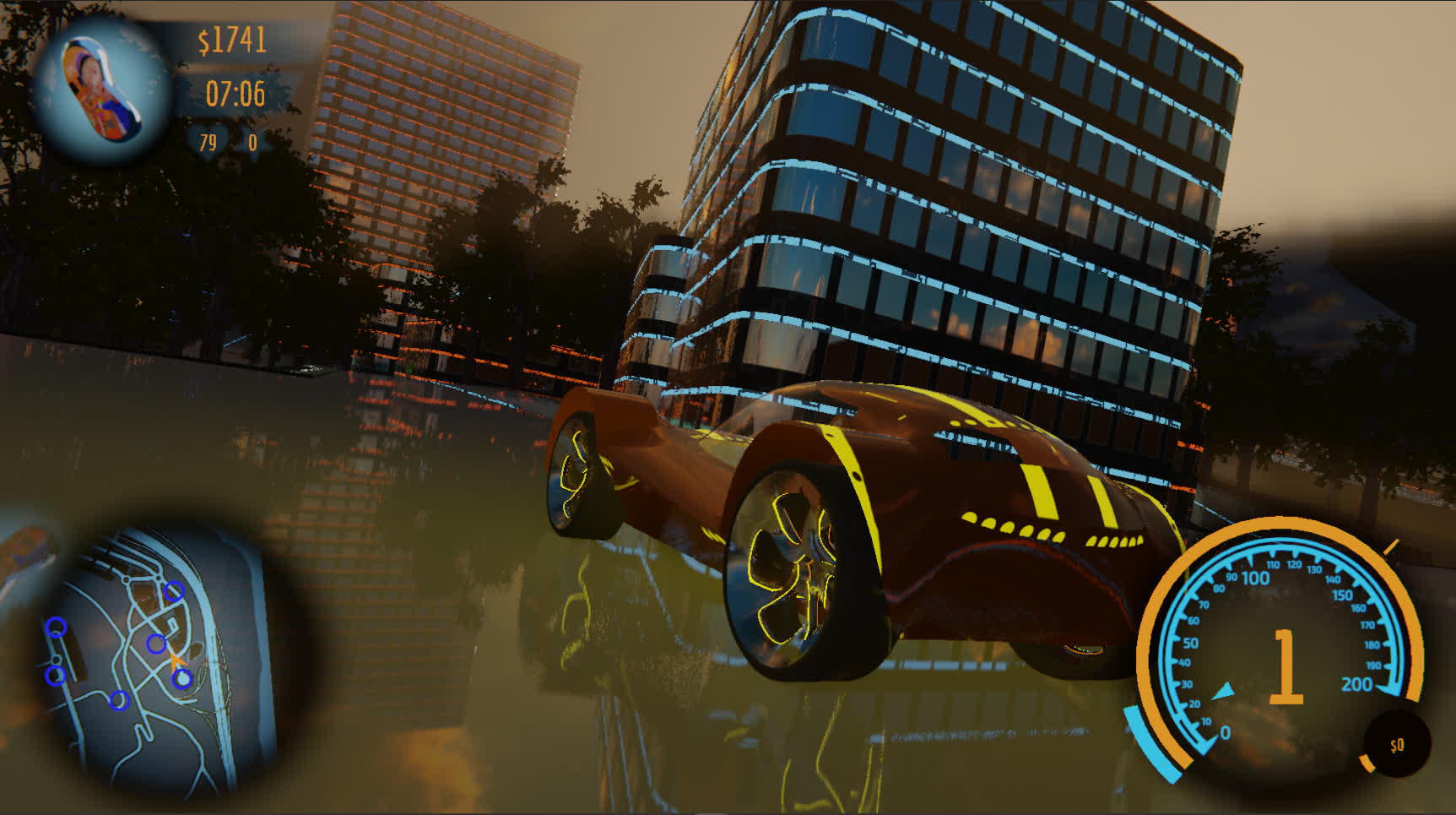
ADRENALIN
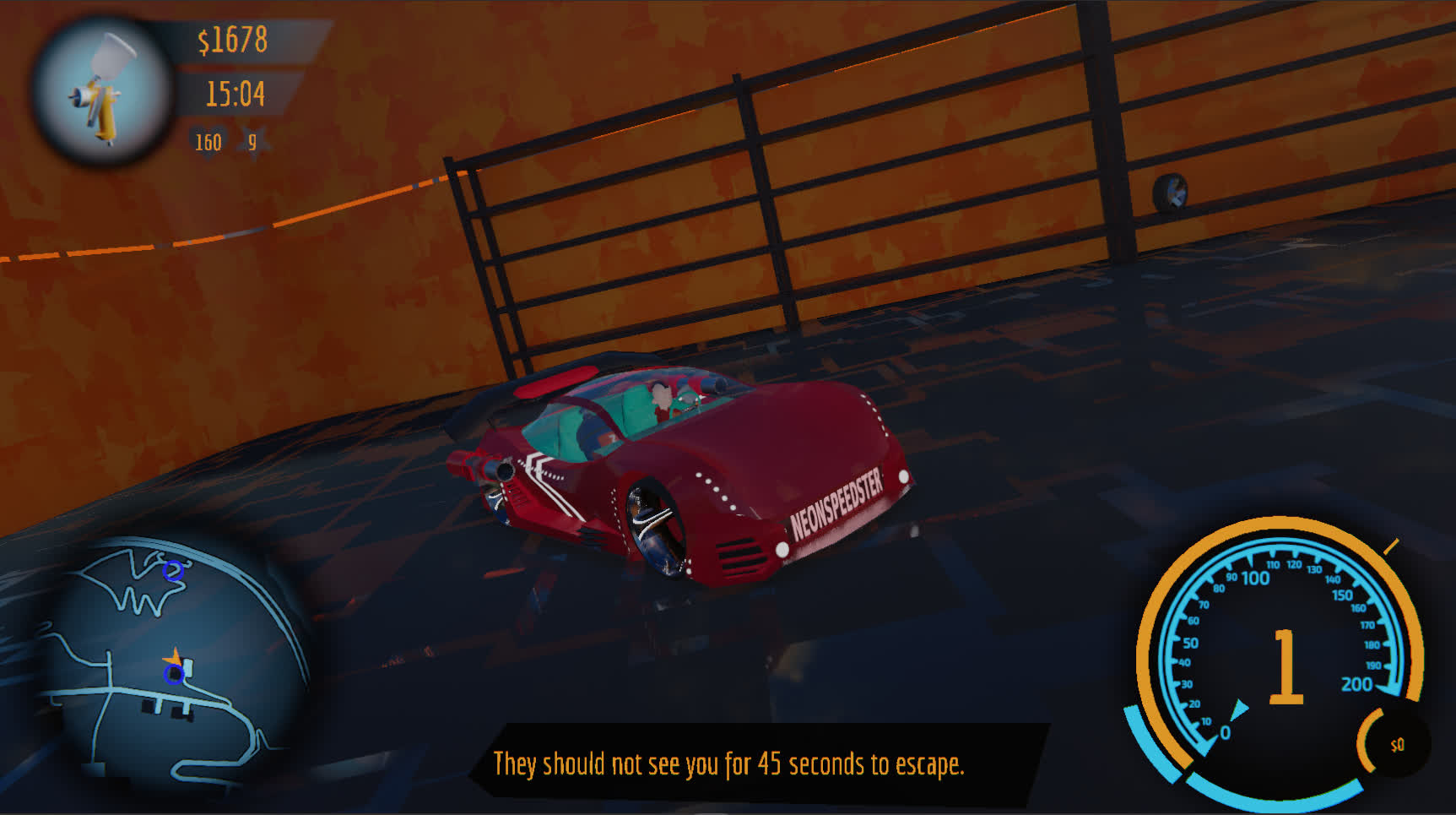
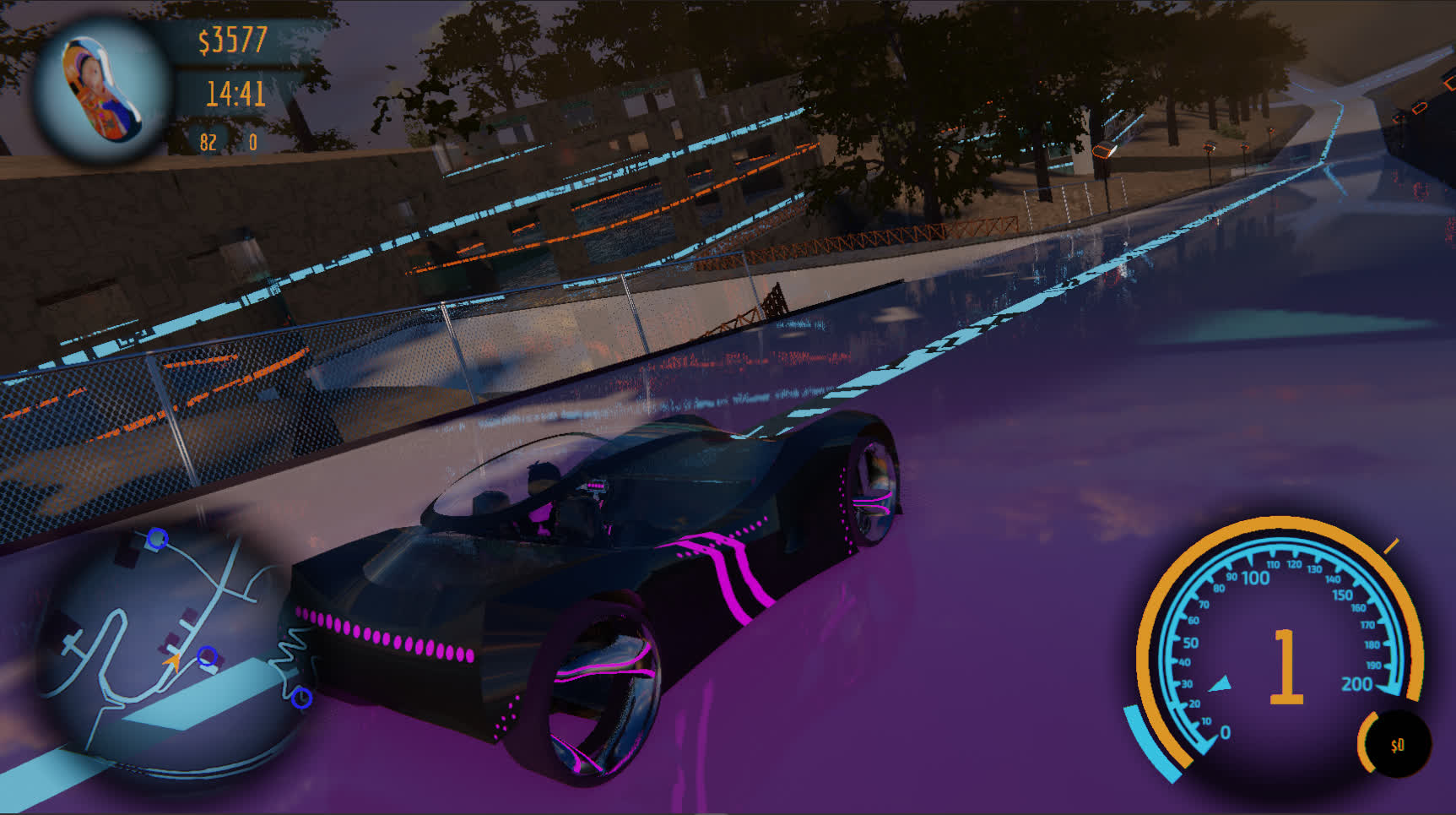
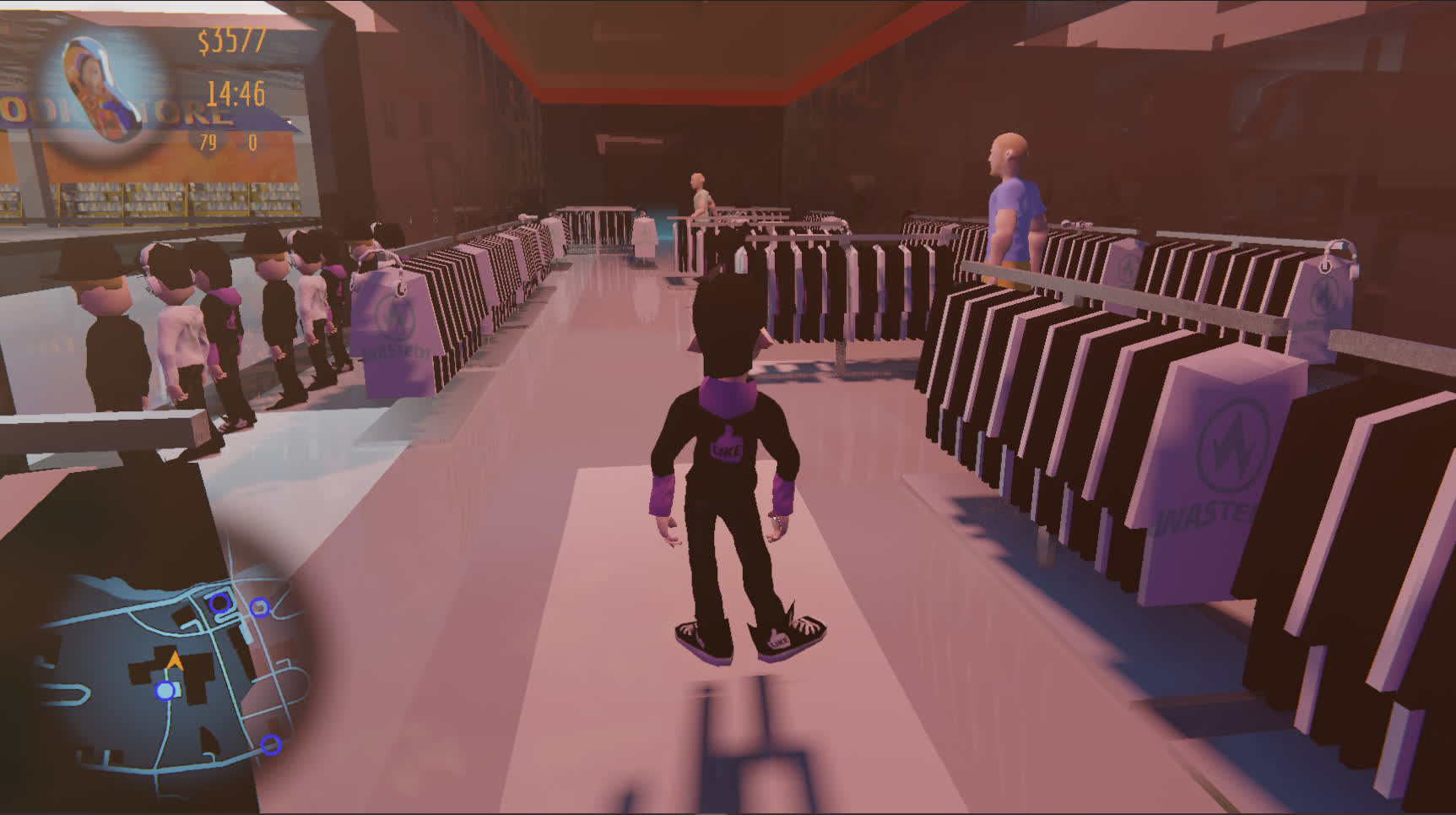
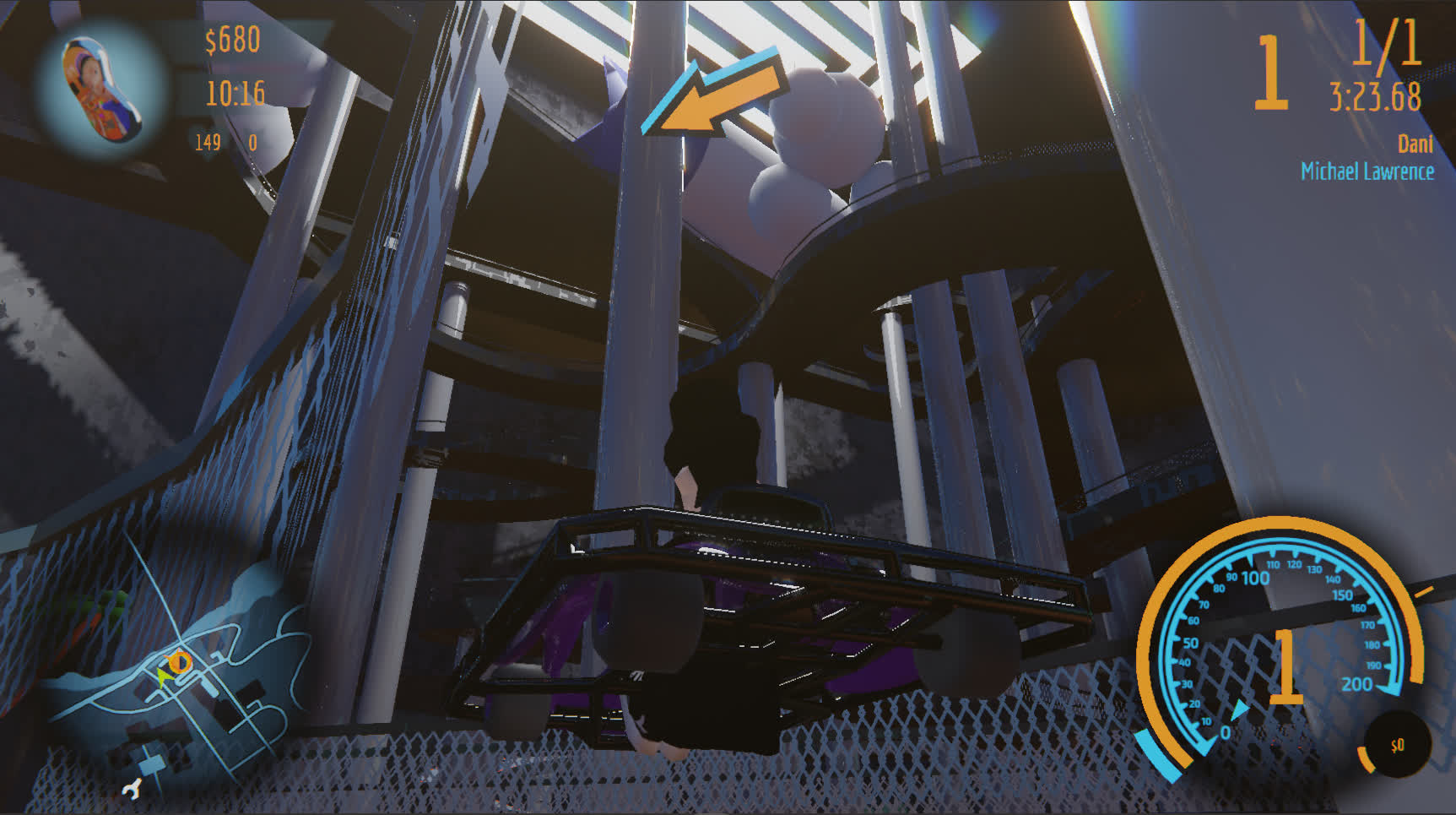
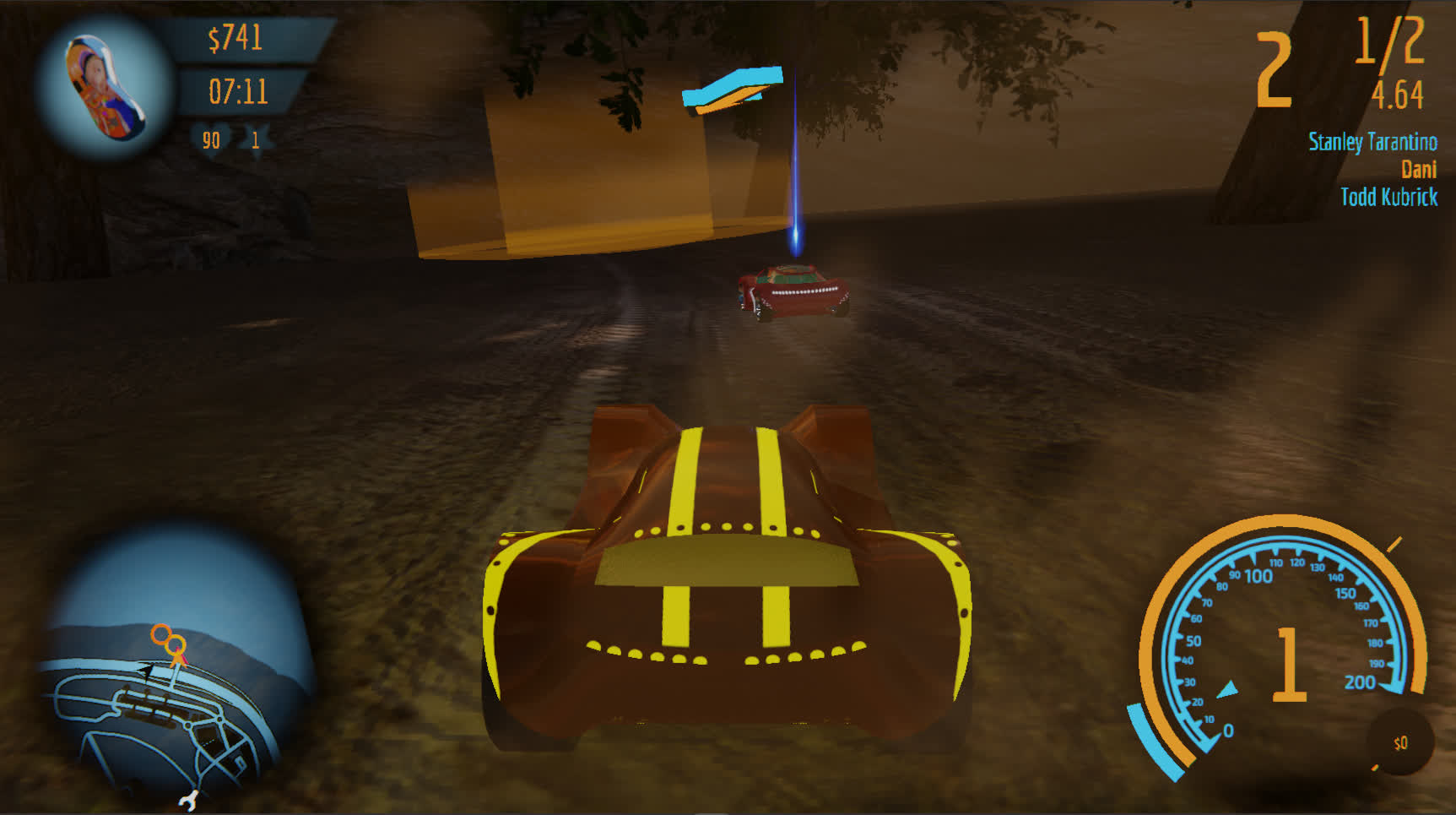
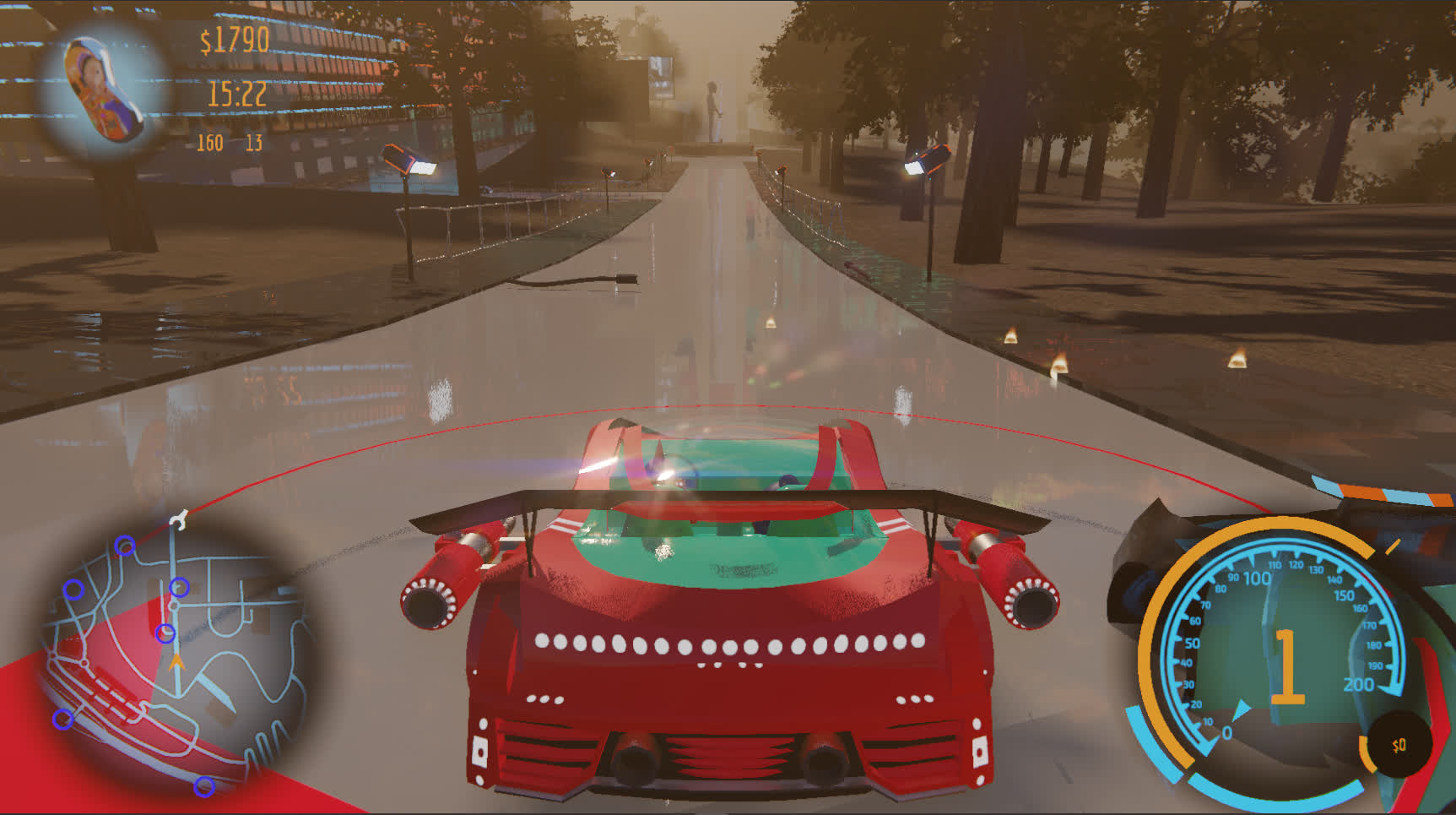
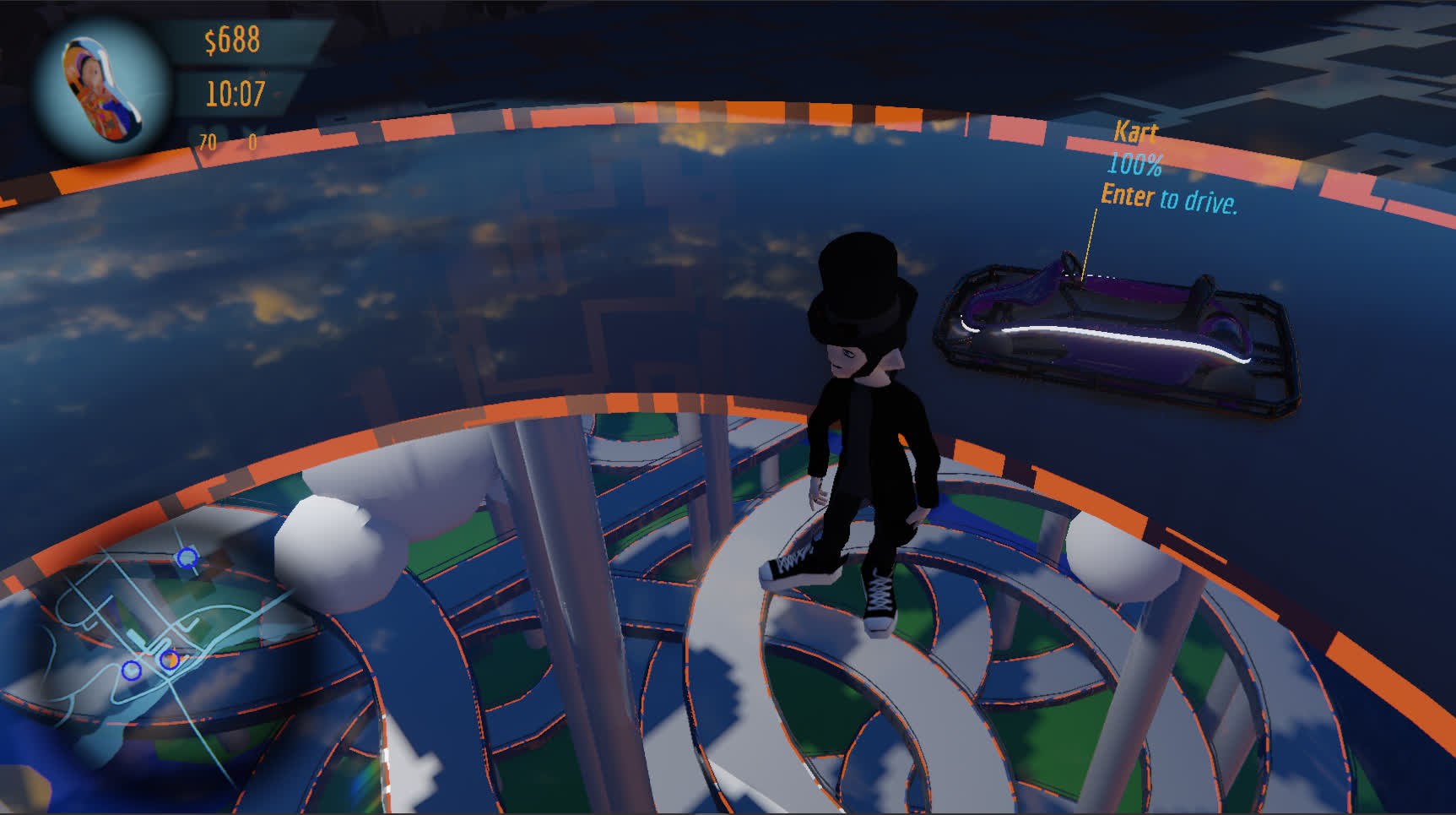
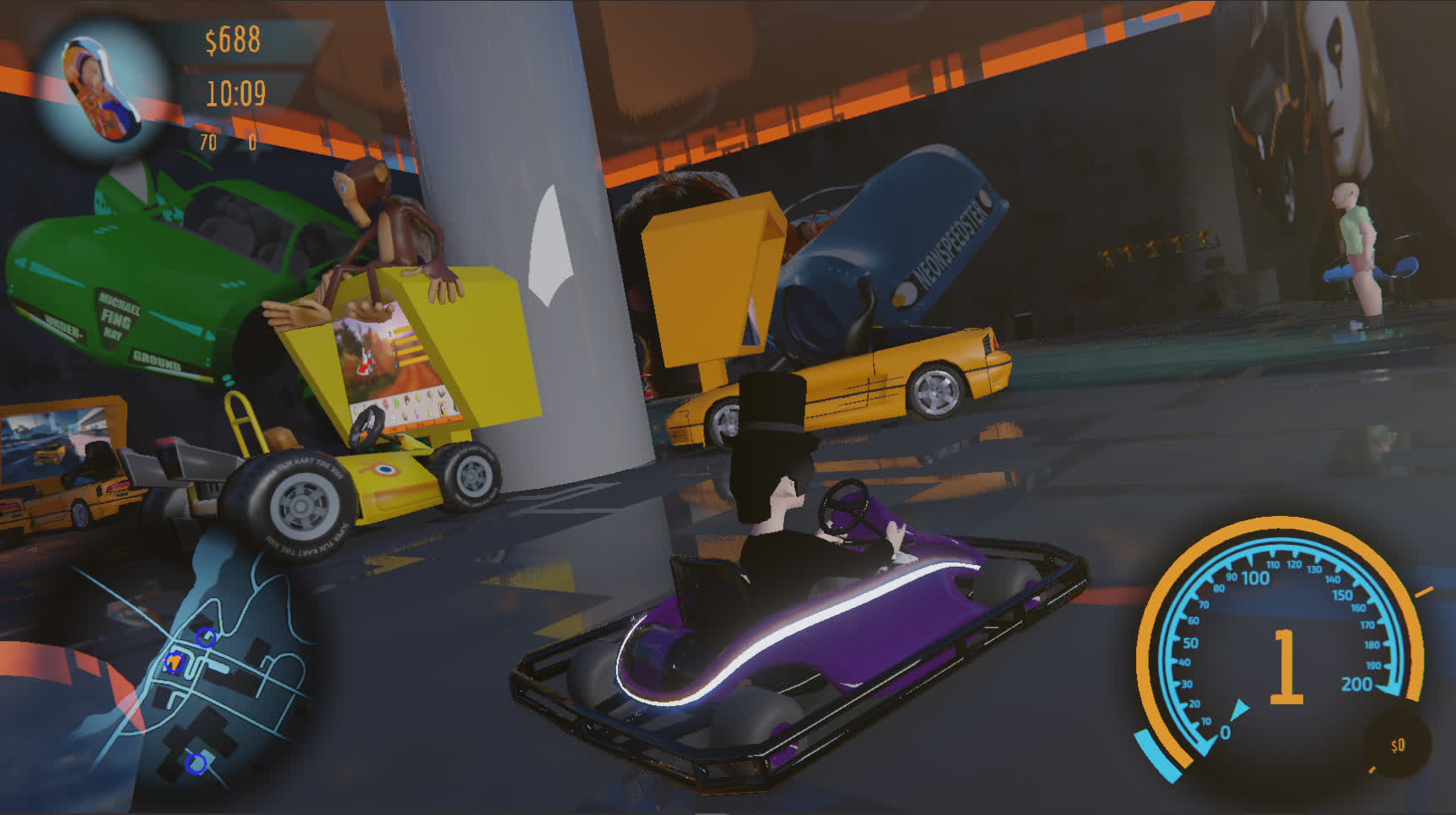
DANI's RACE is designed to make you feel
the most epic of feelings.
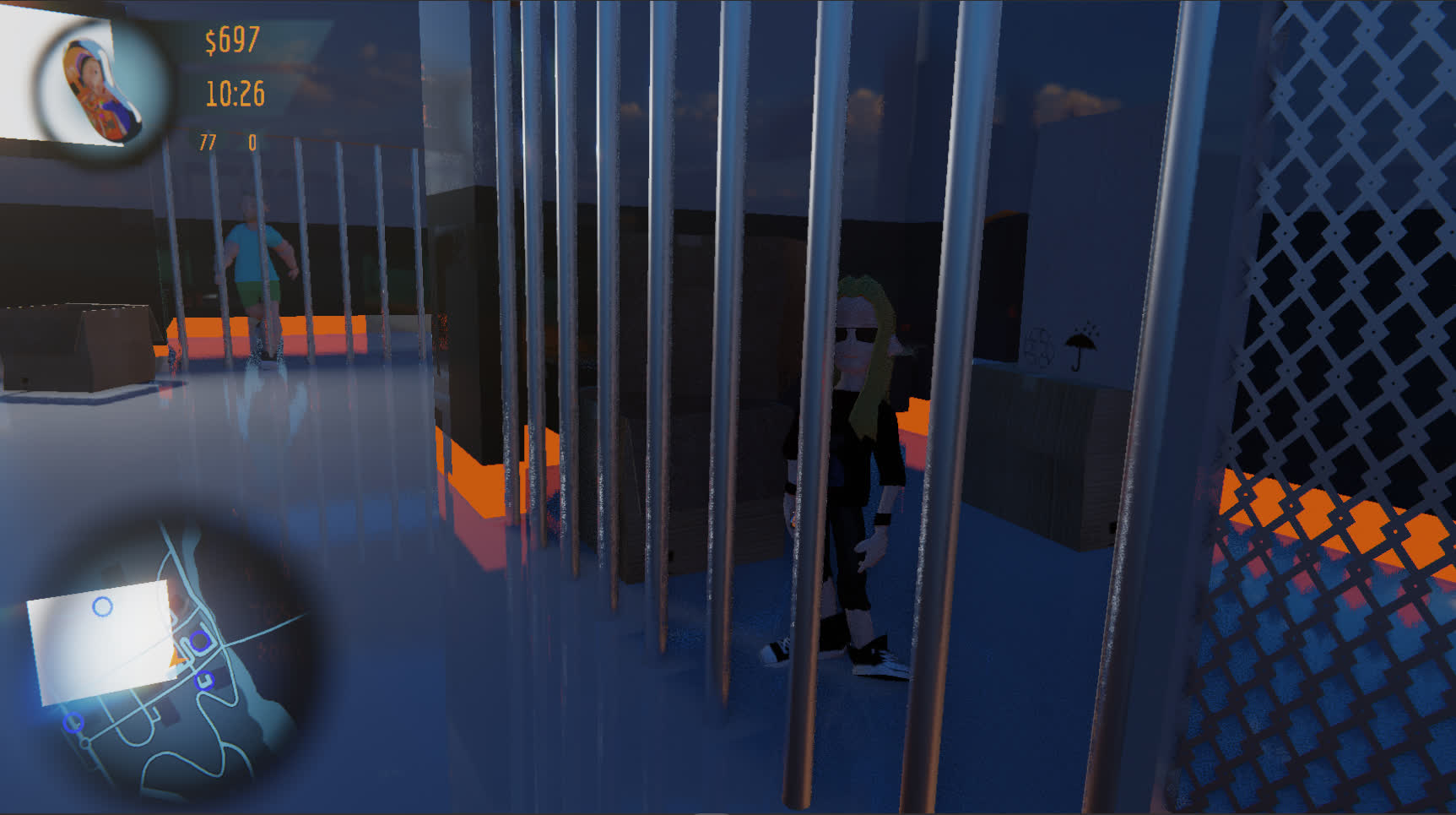


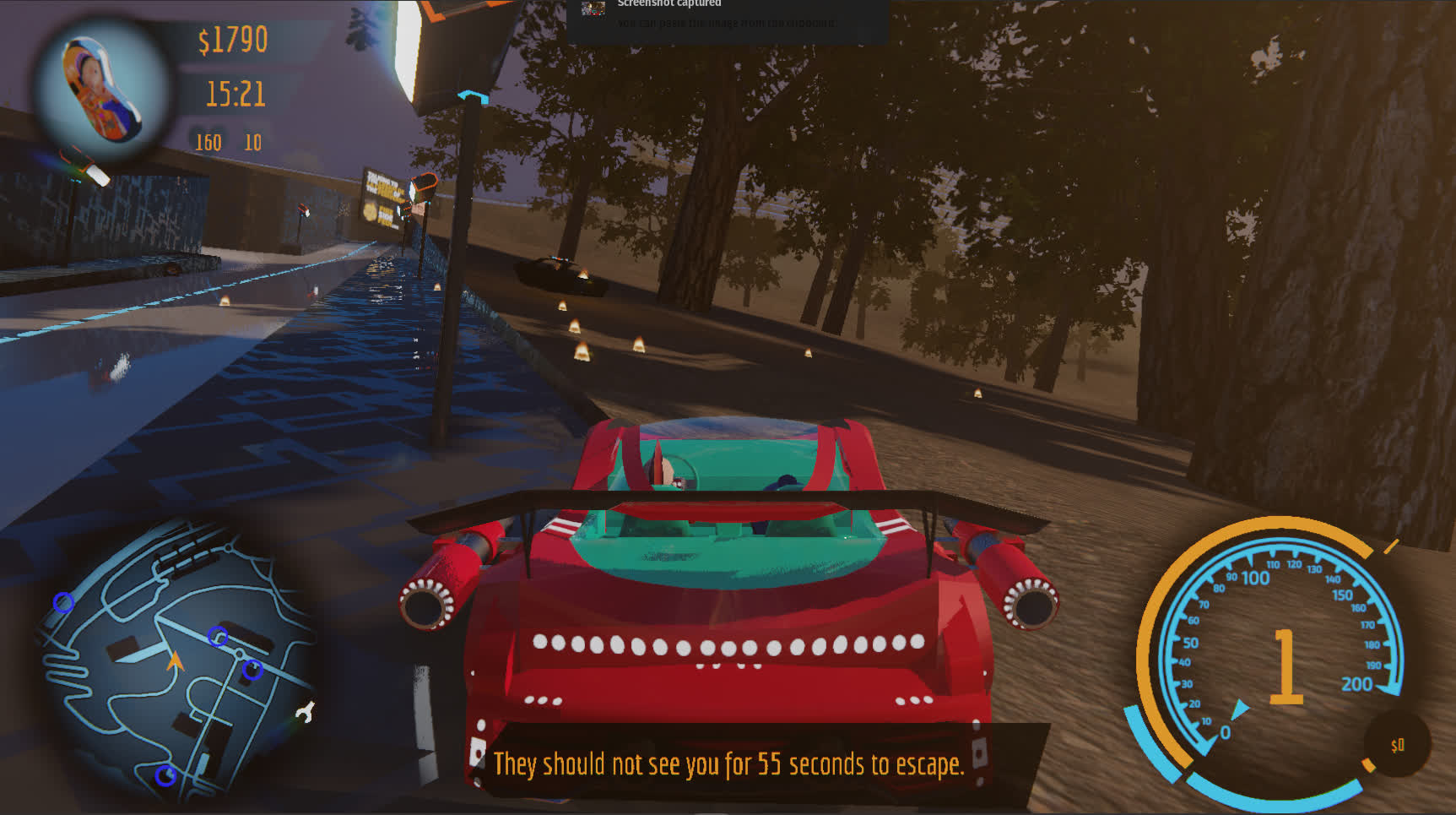
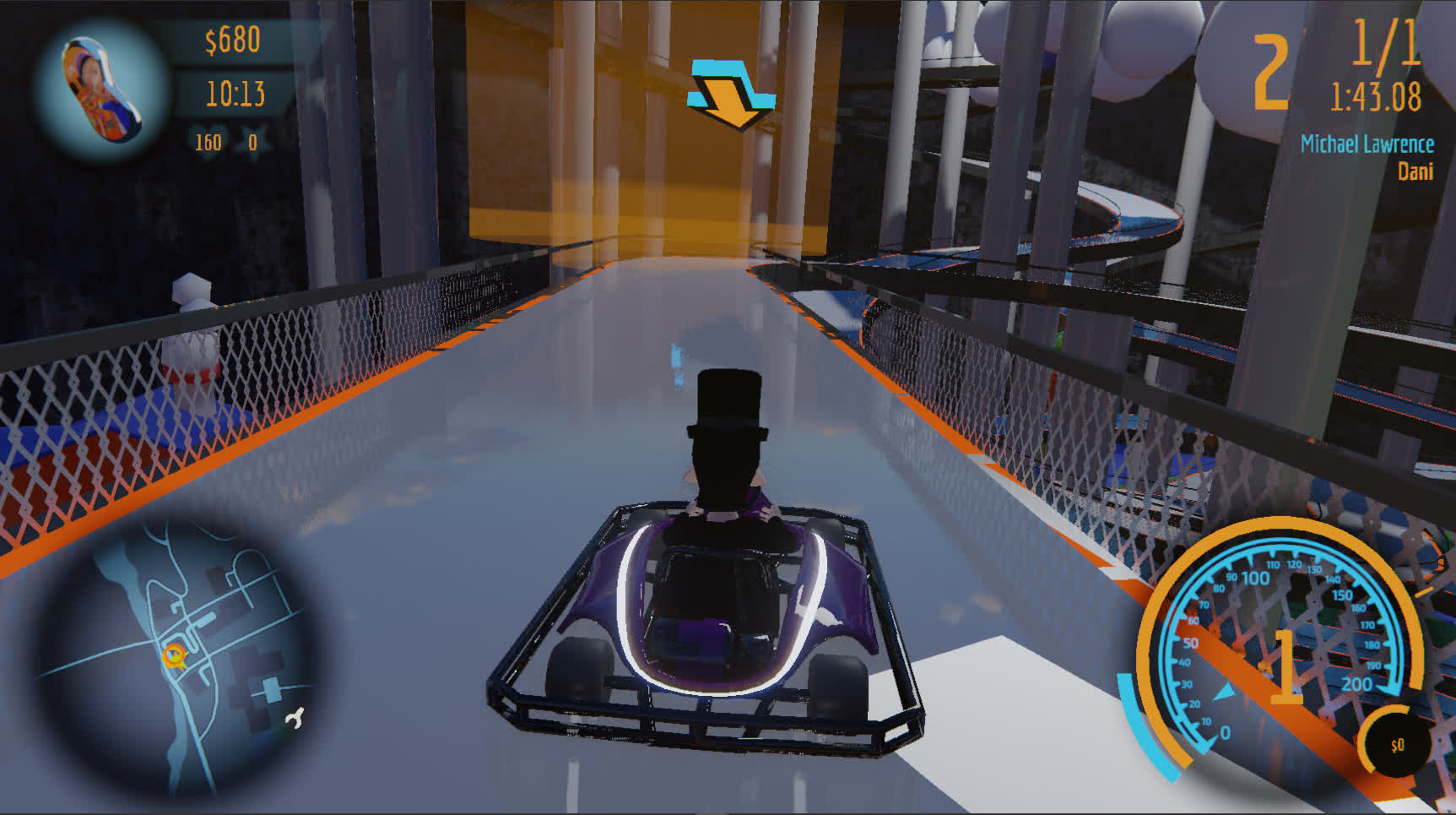
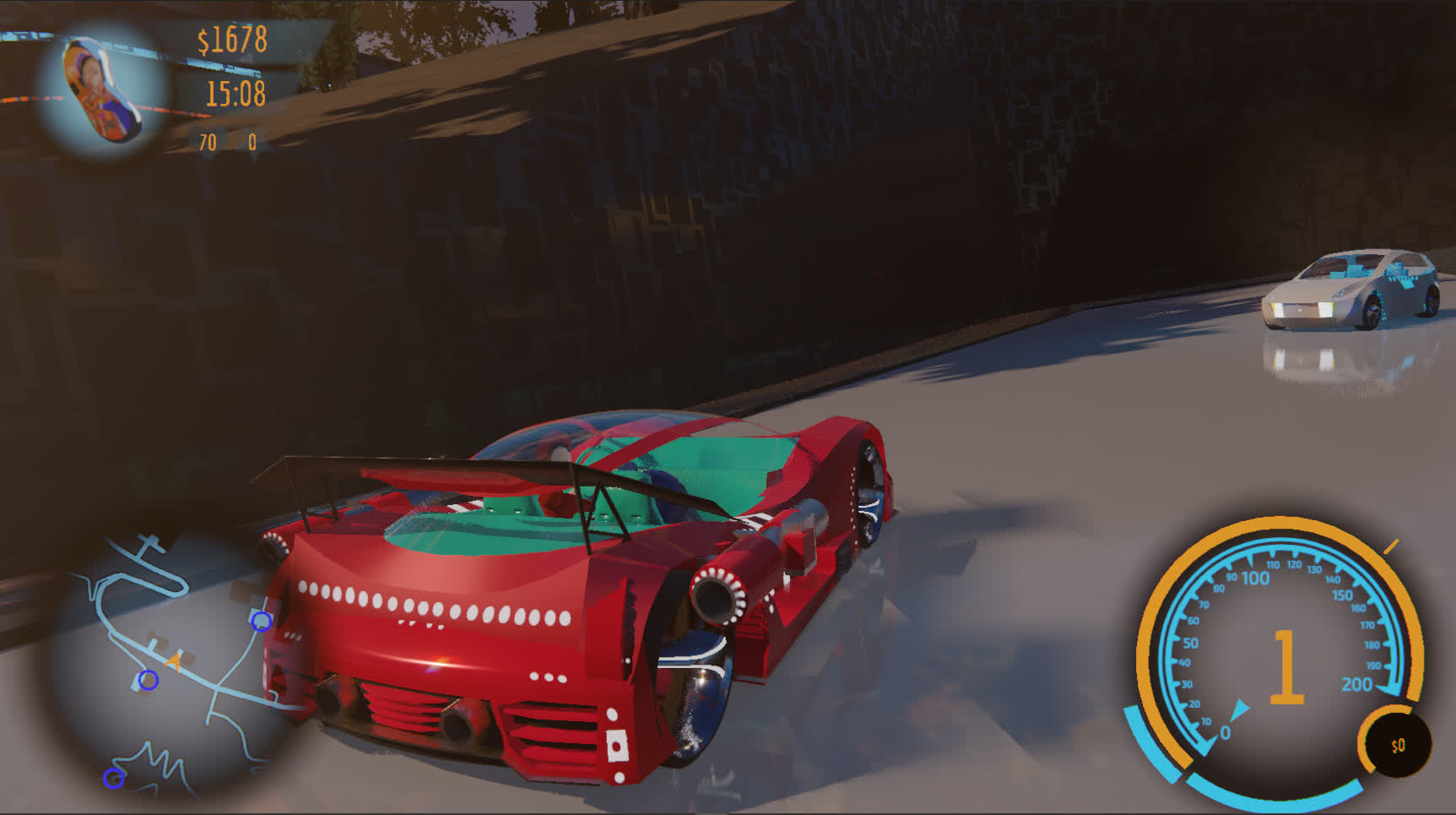
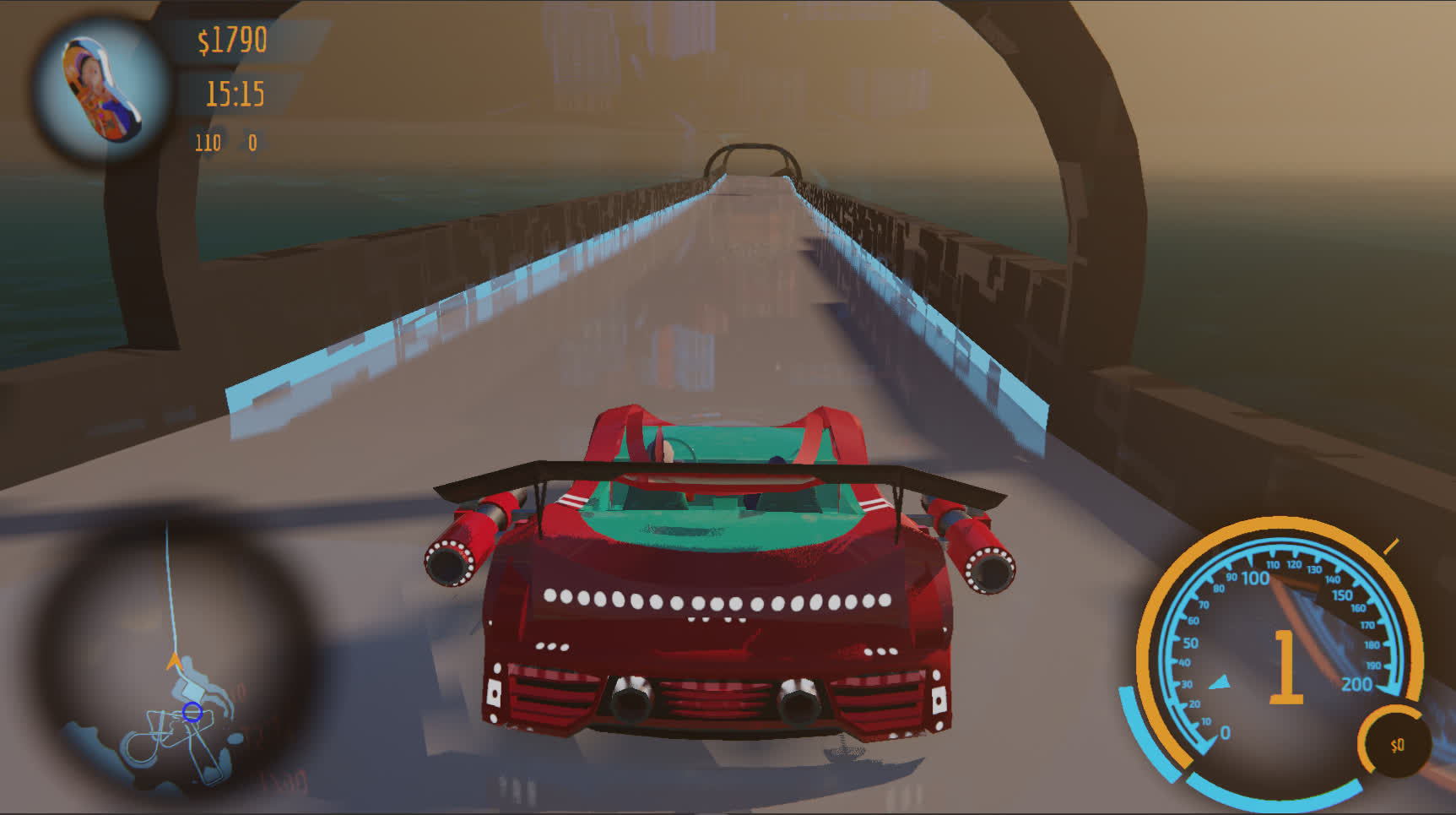
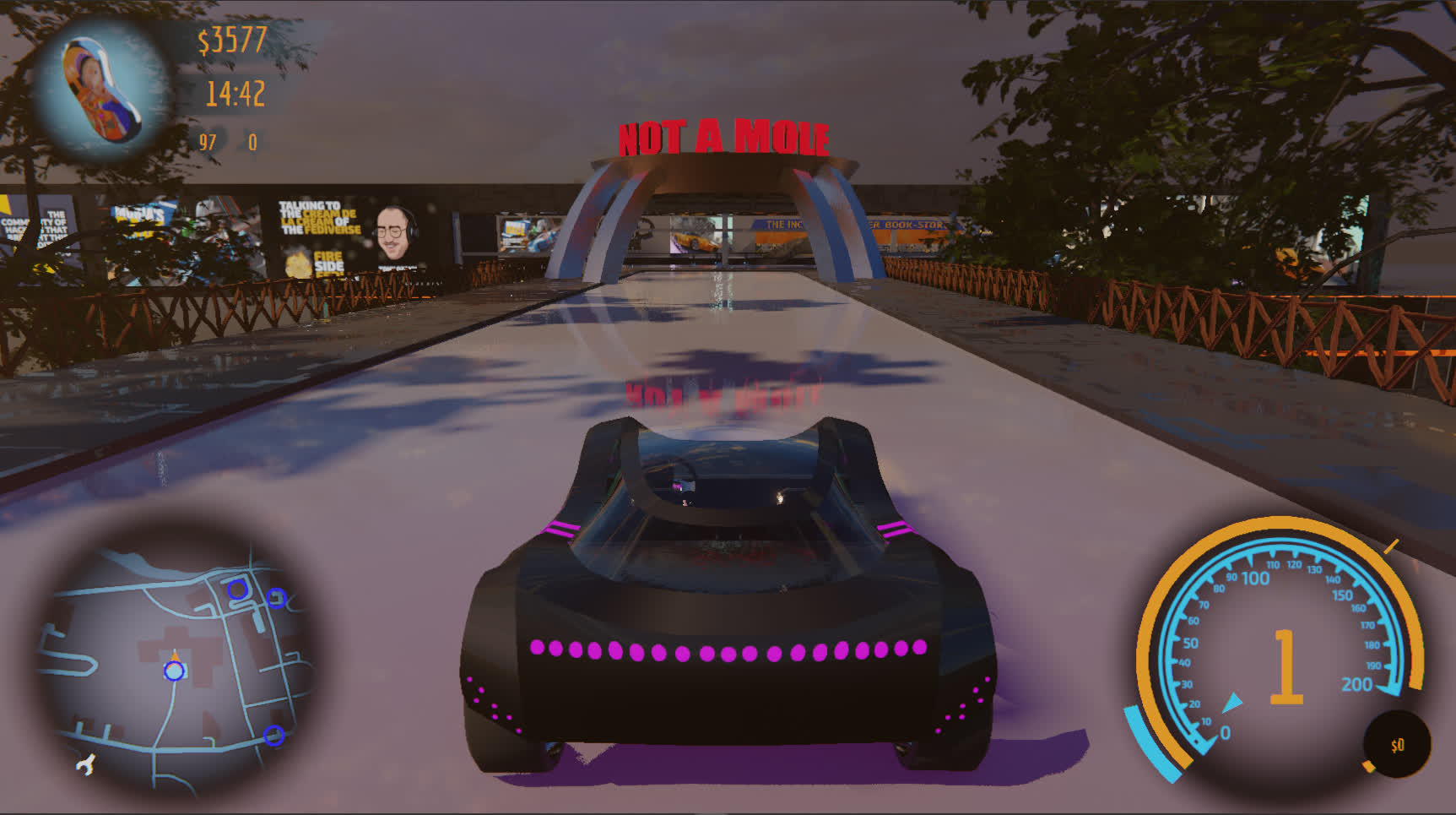
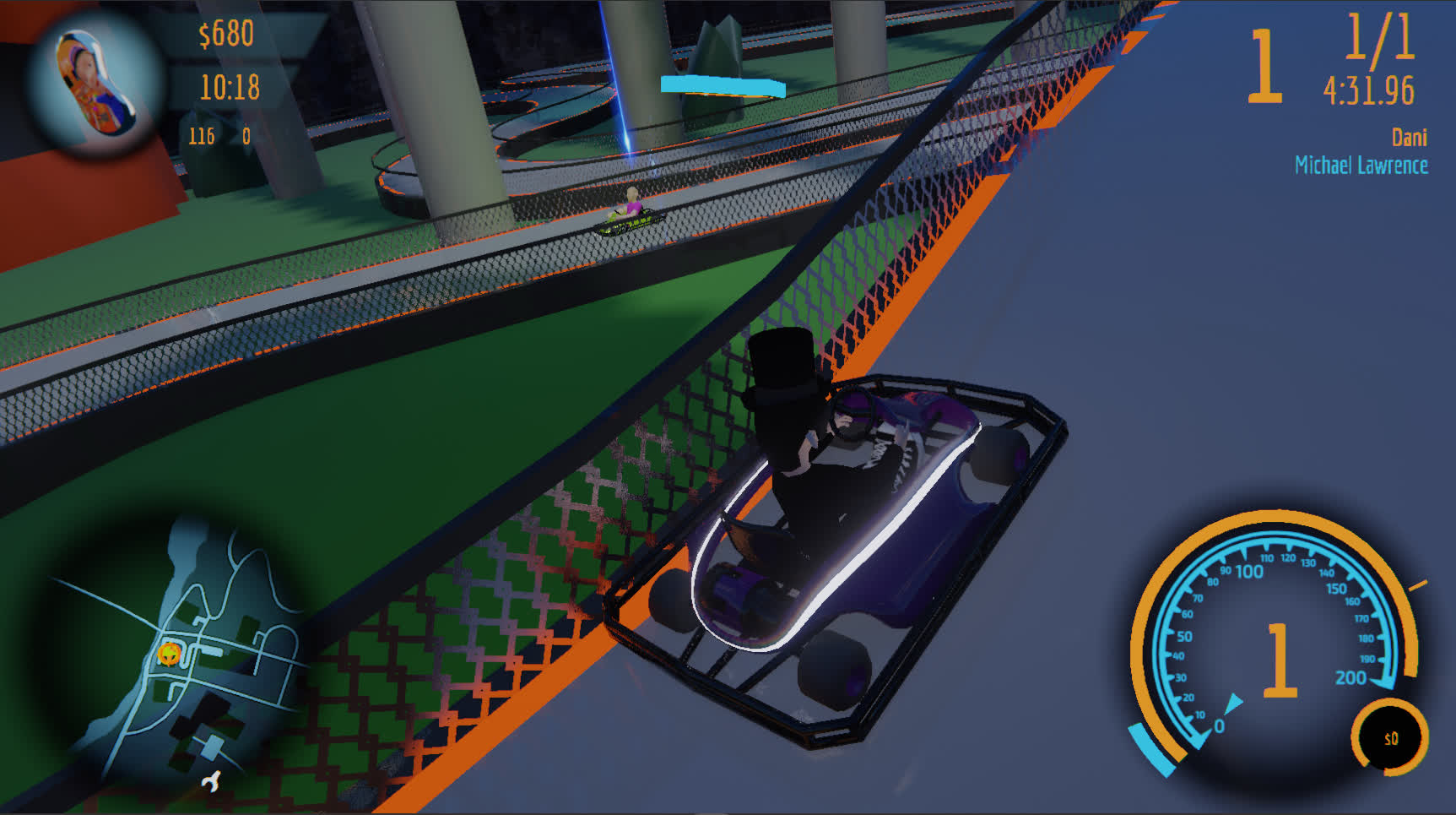
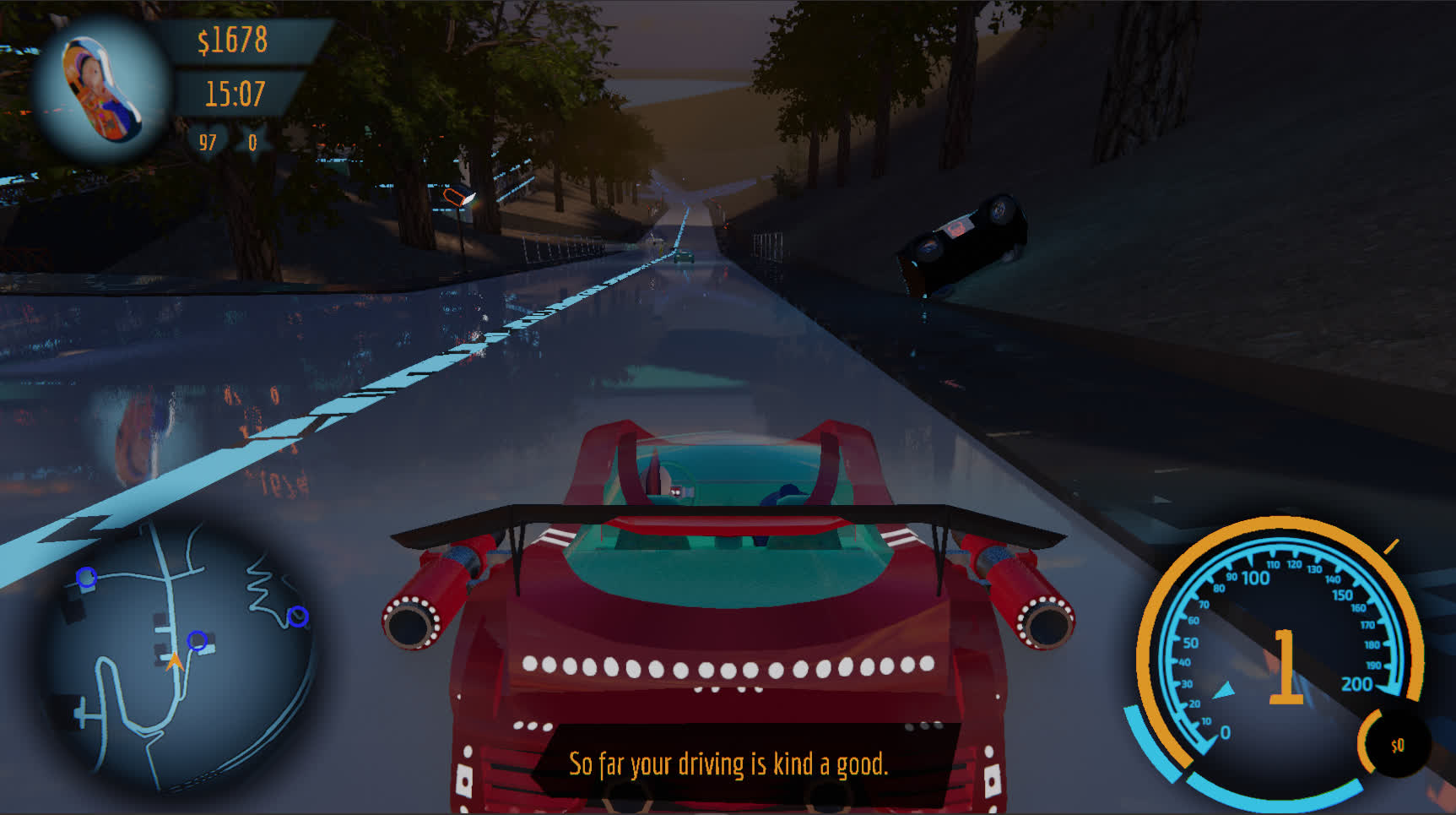
RACING
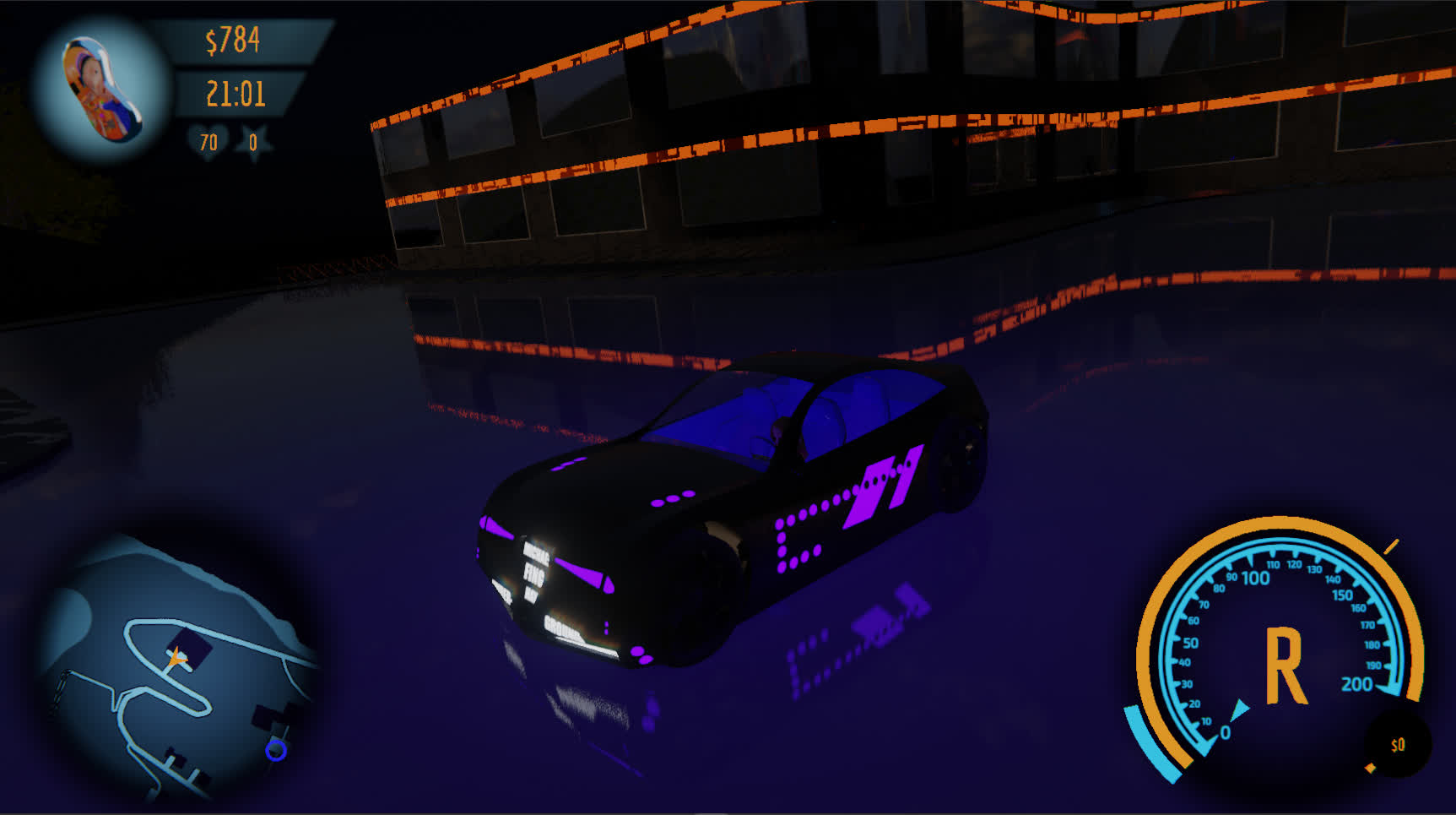
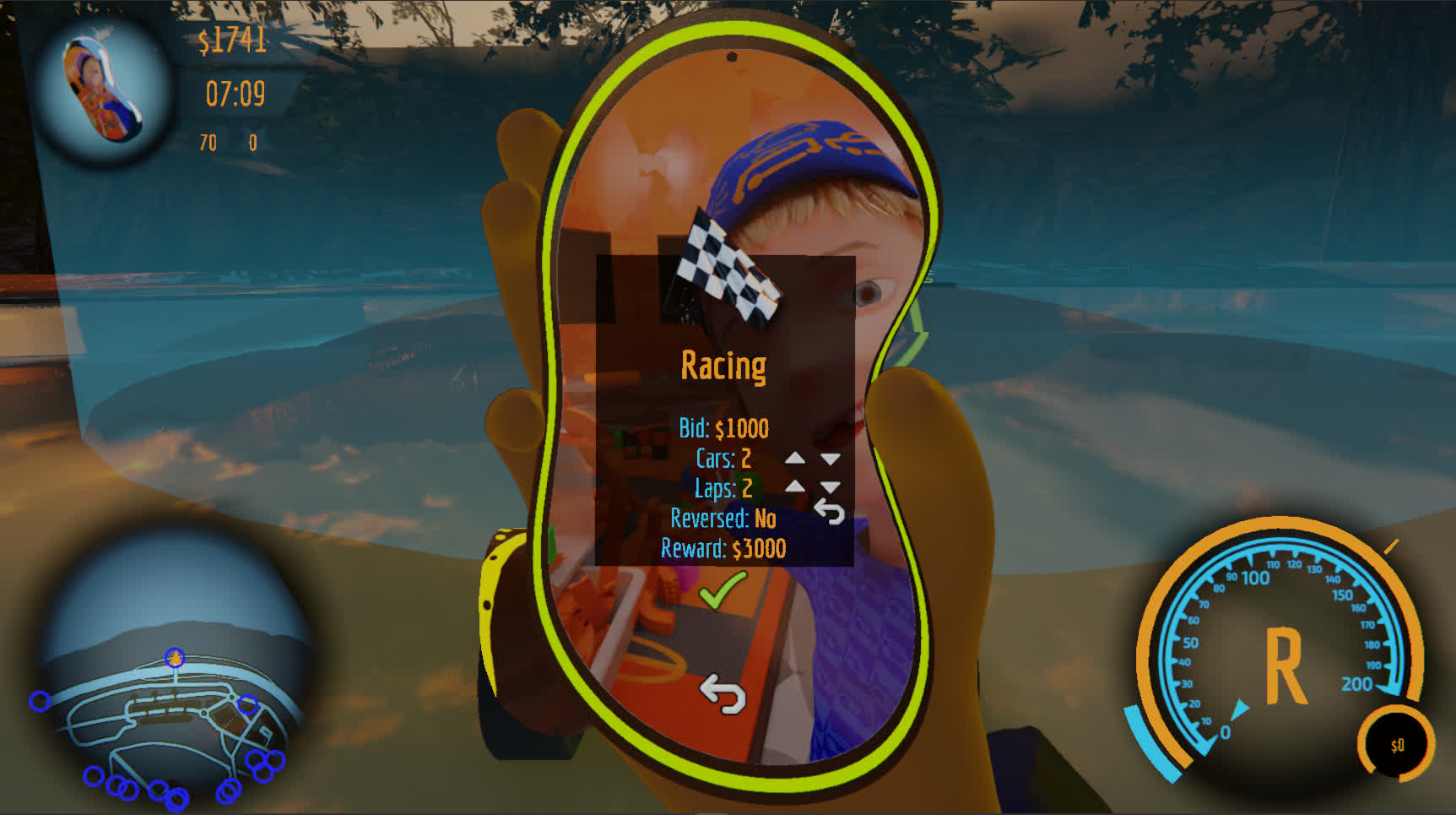
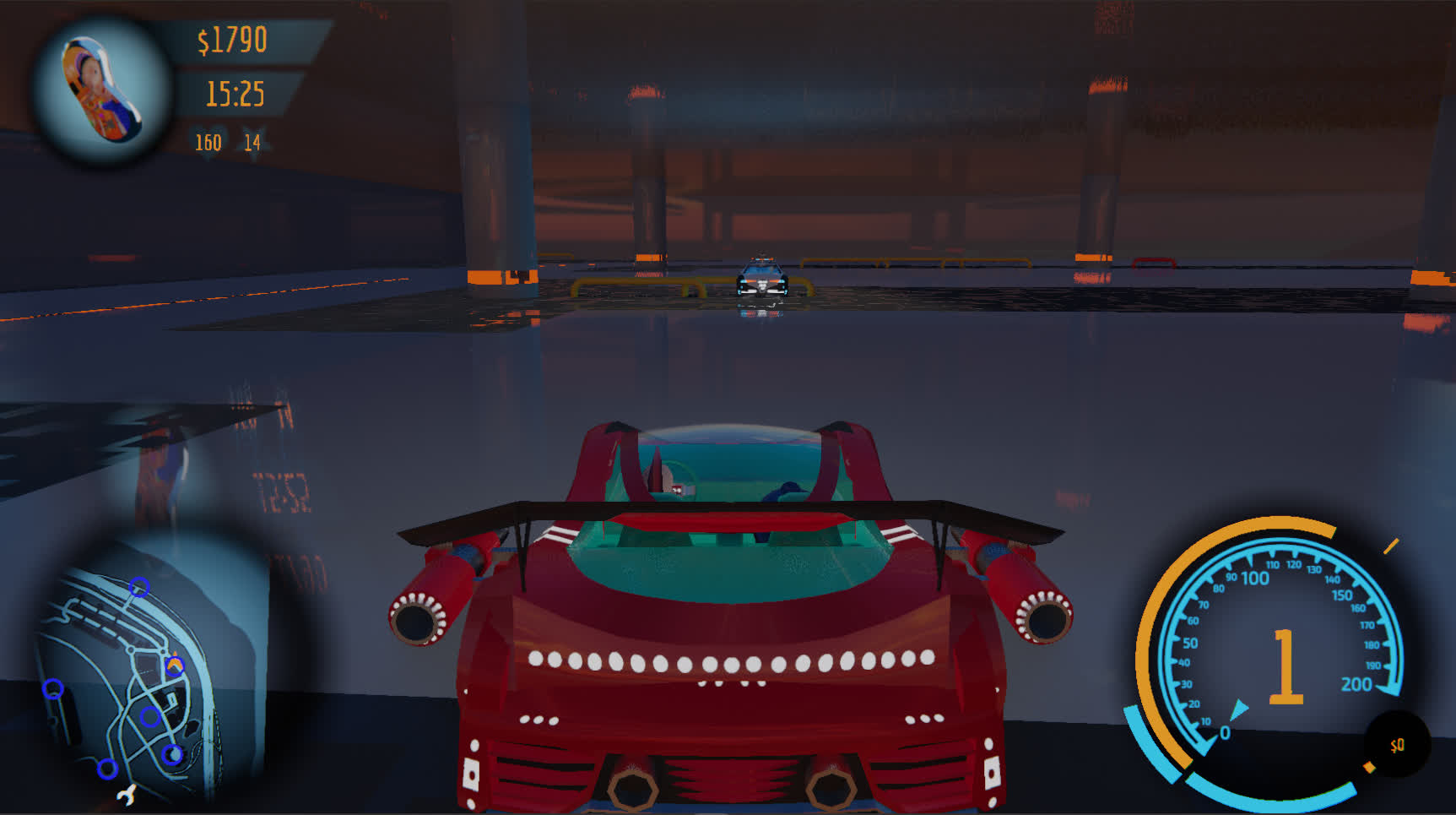
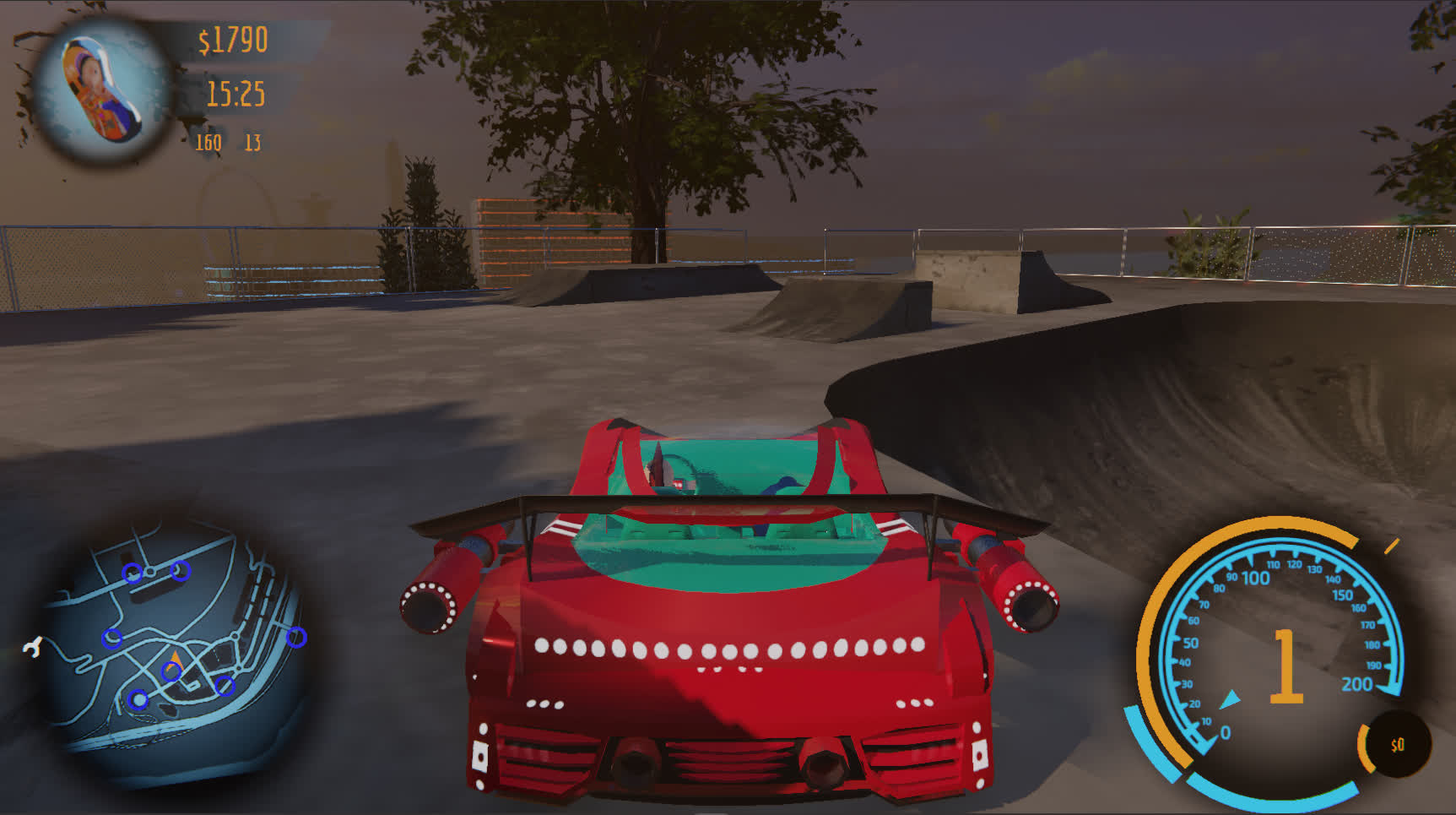
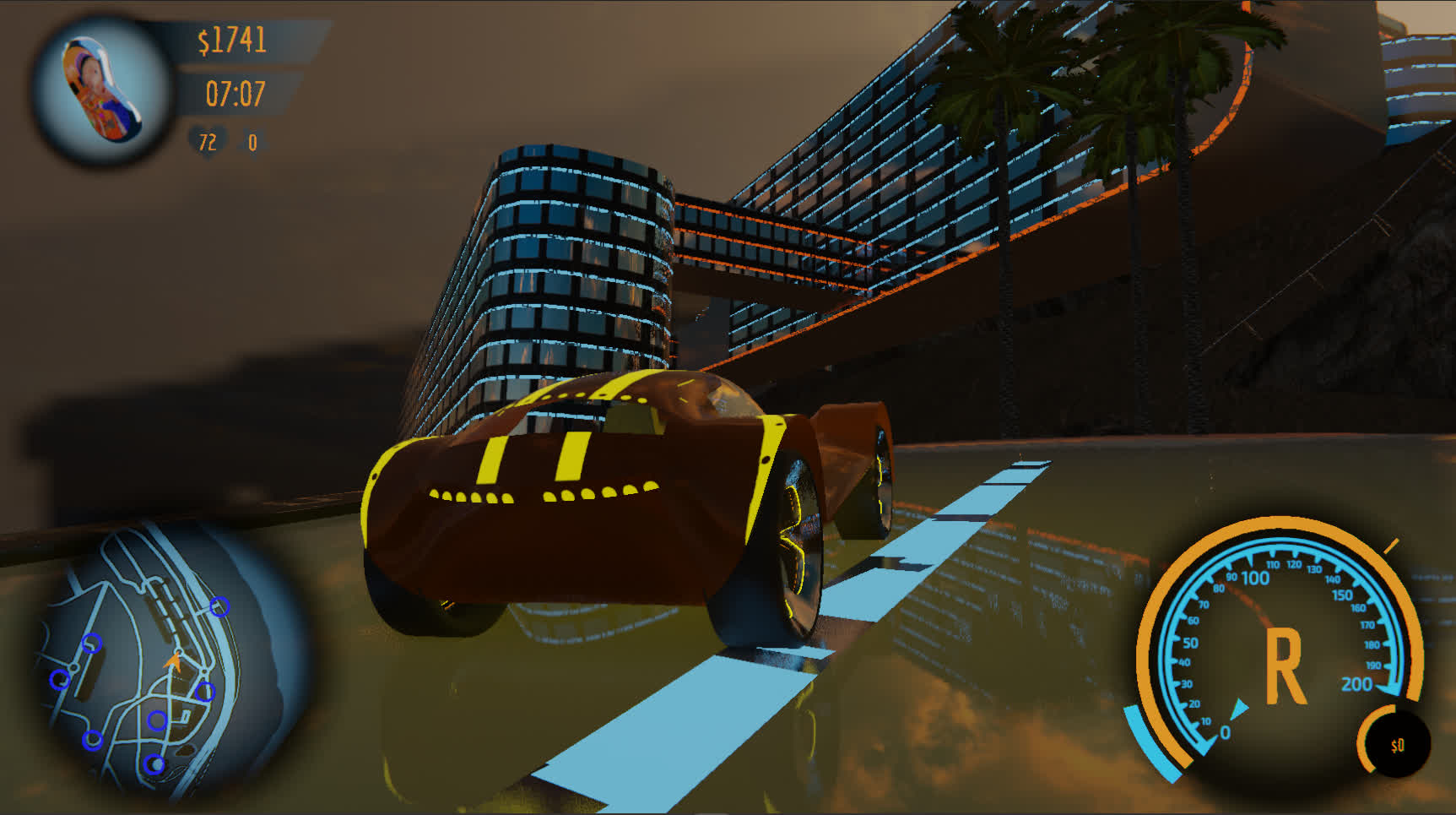
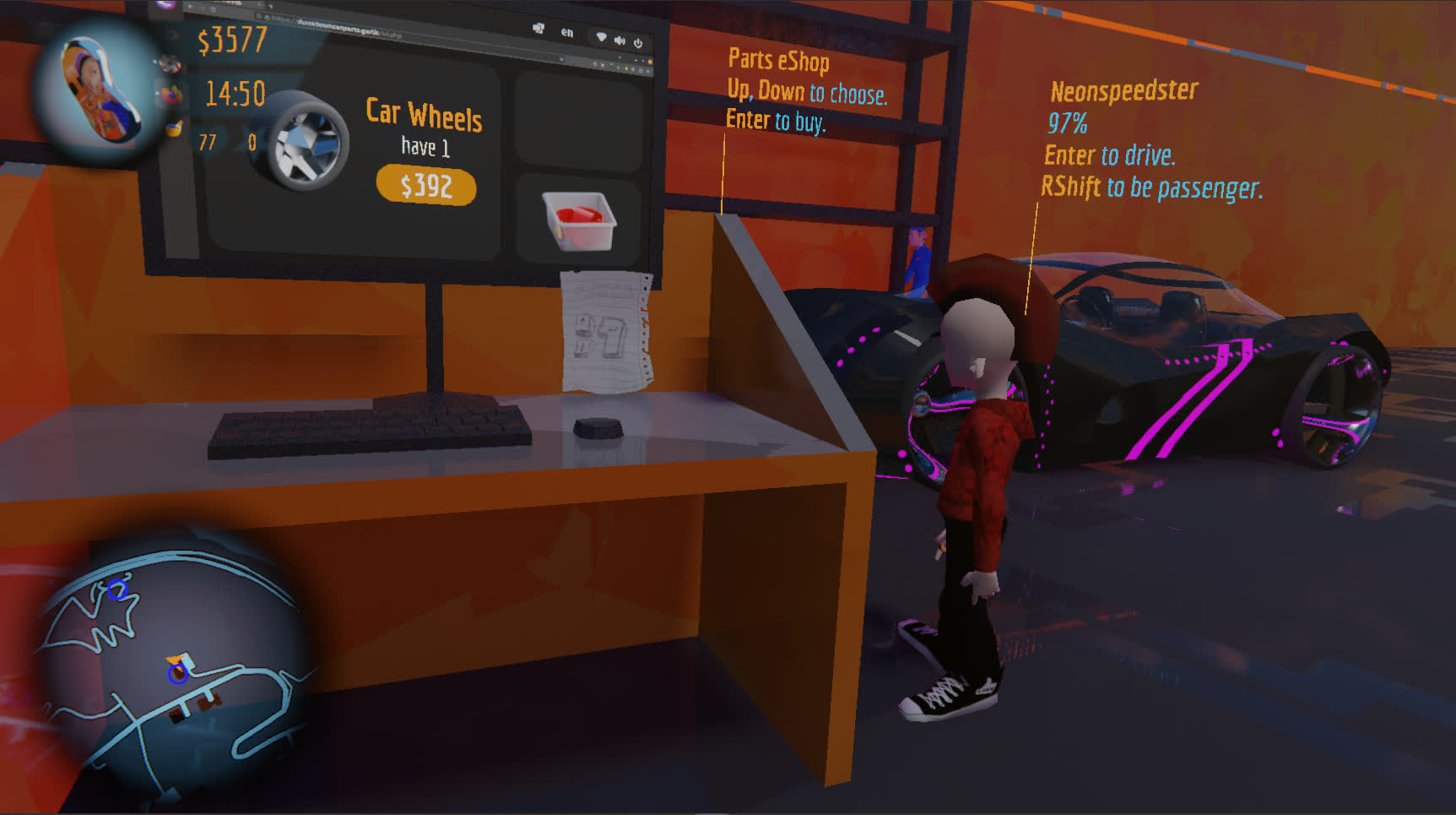
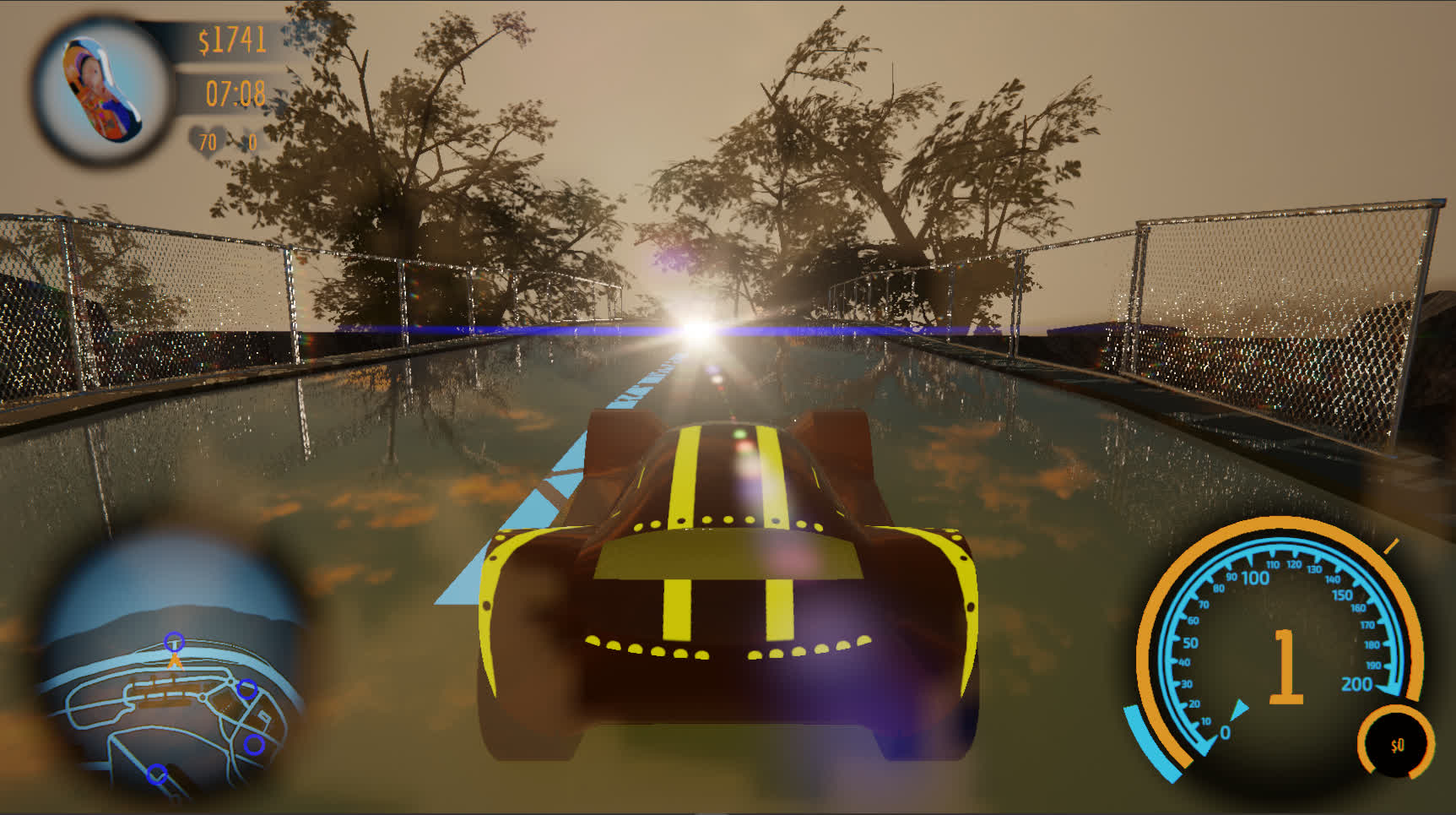
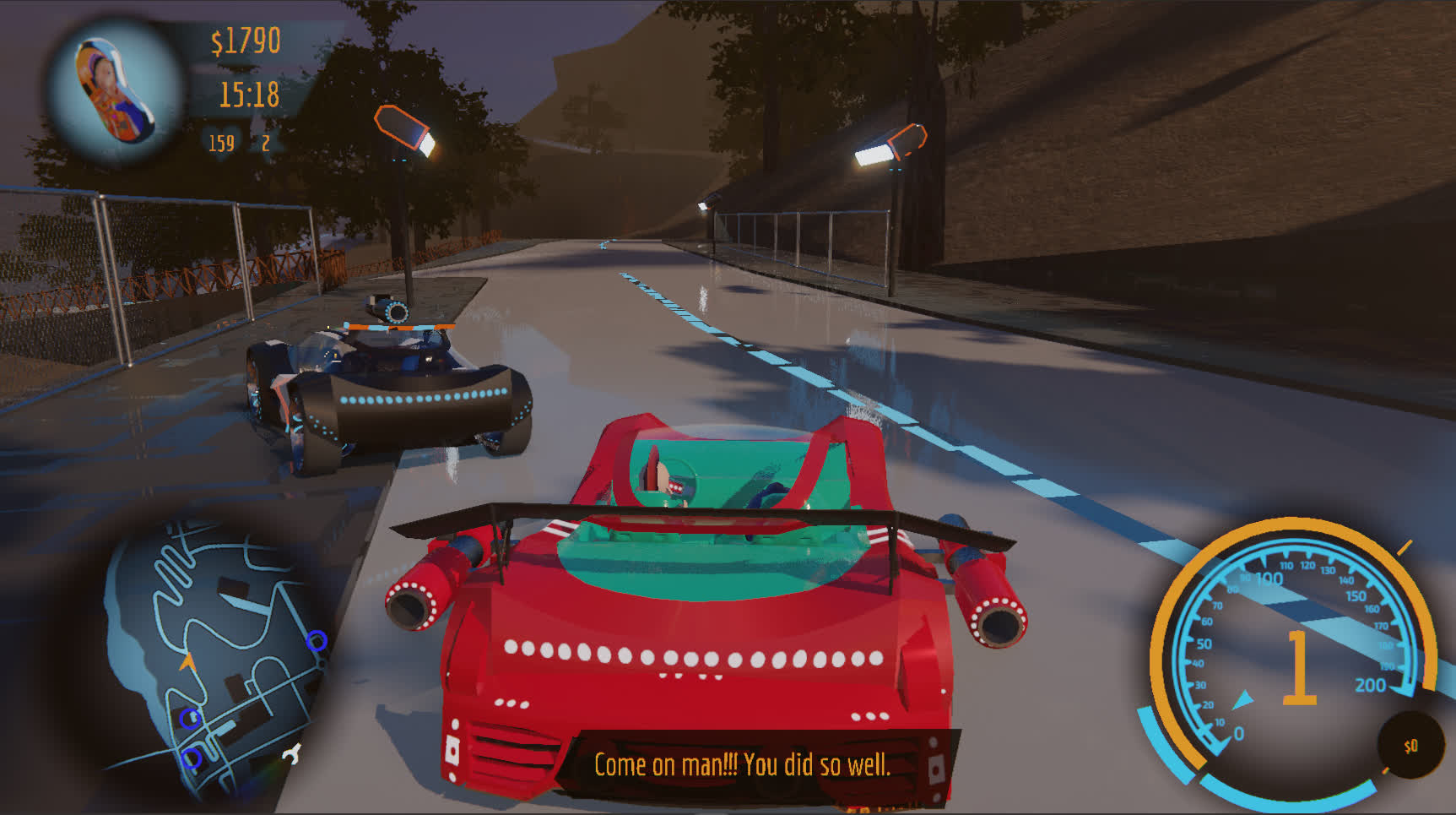
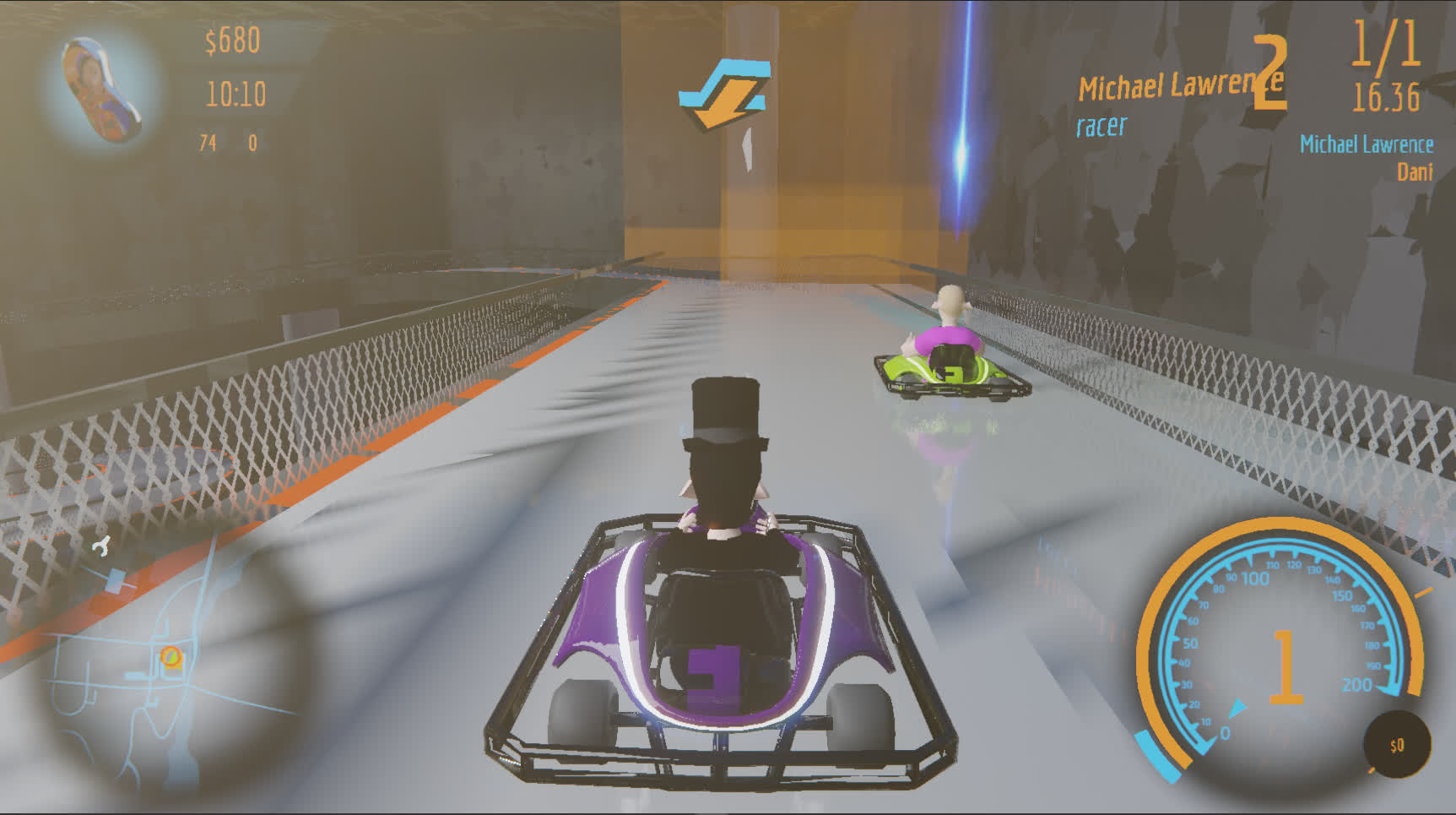
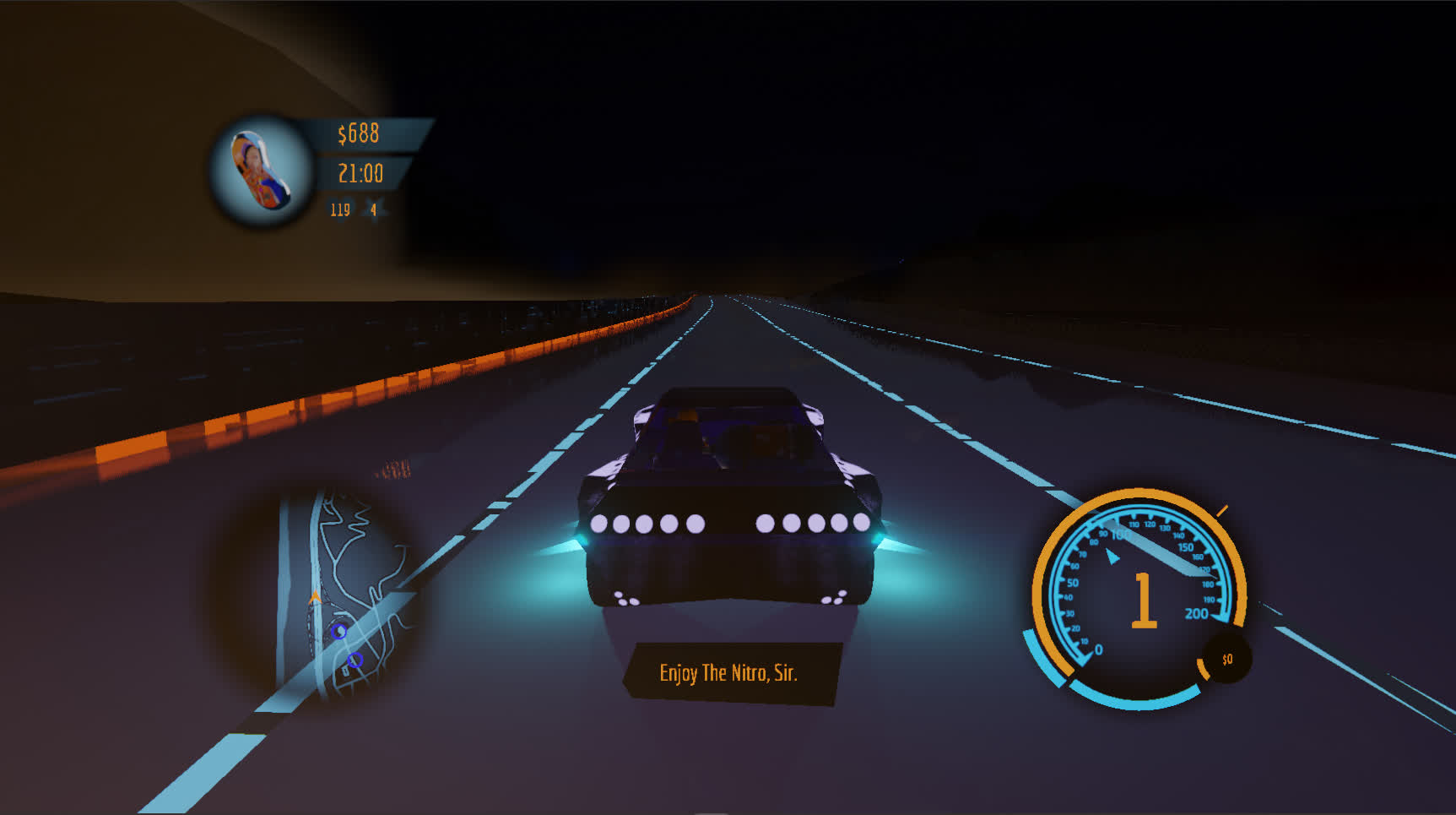
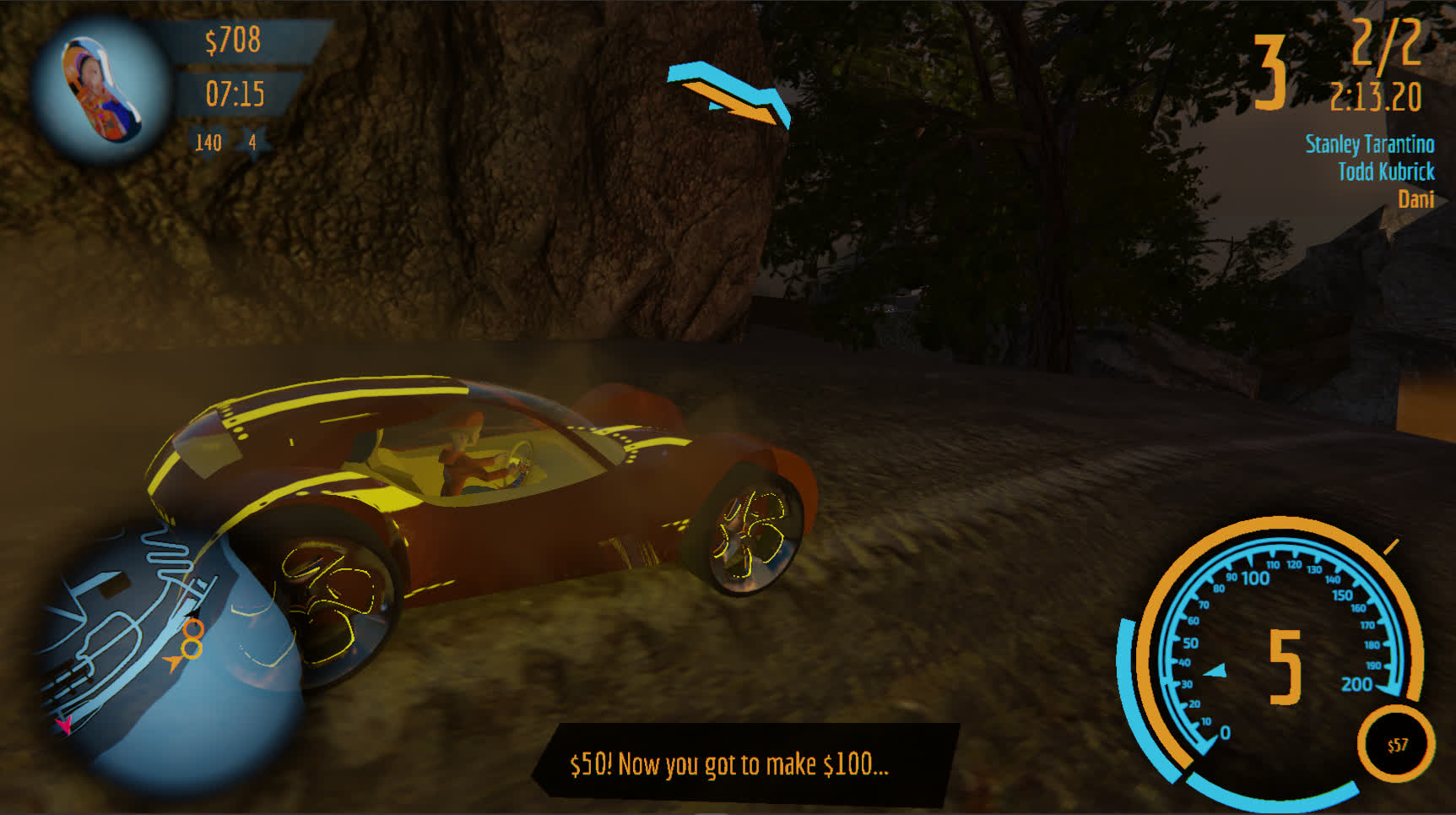
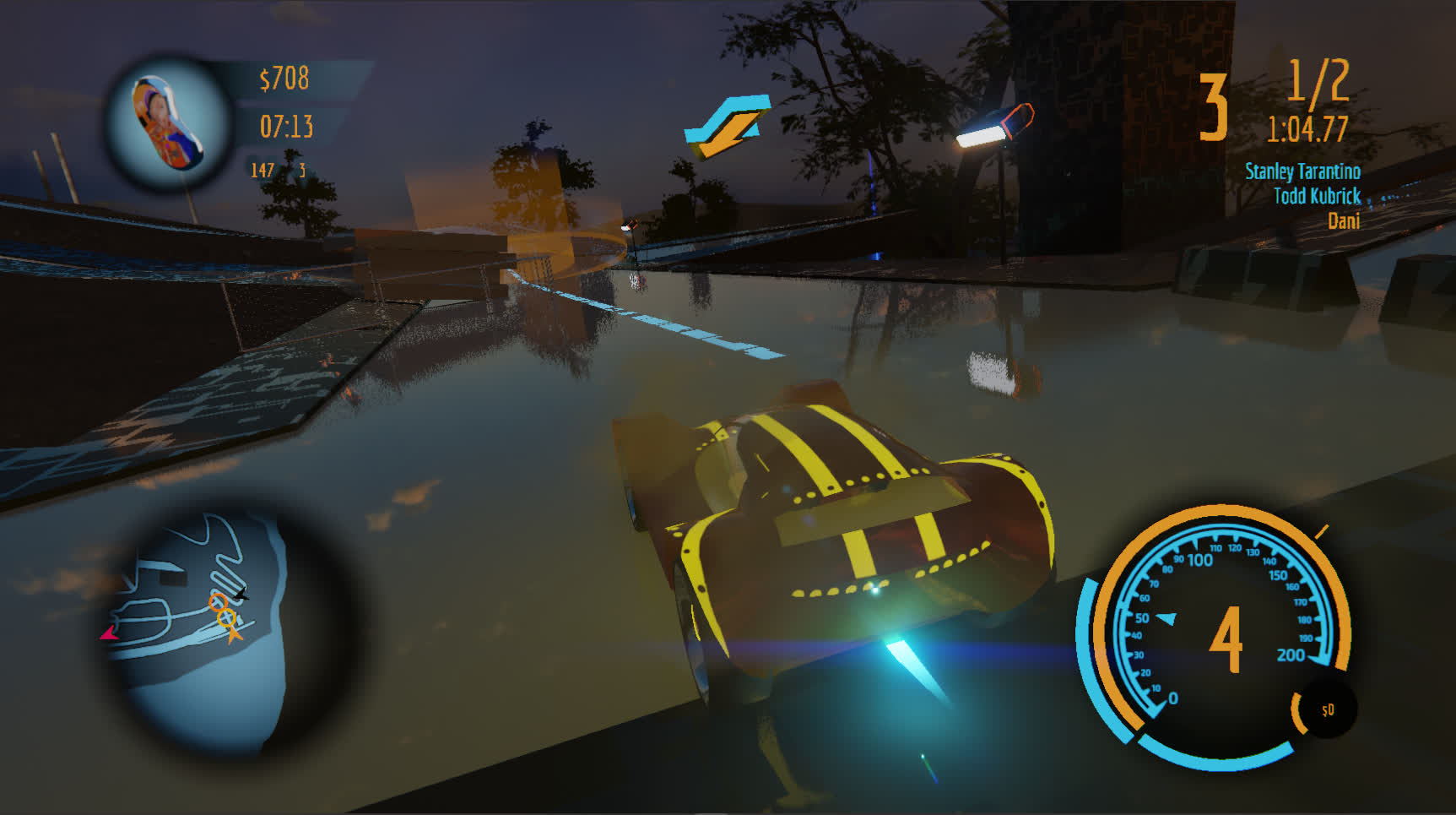
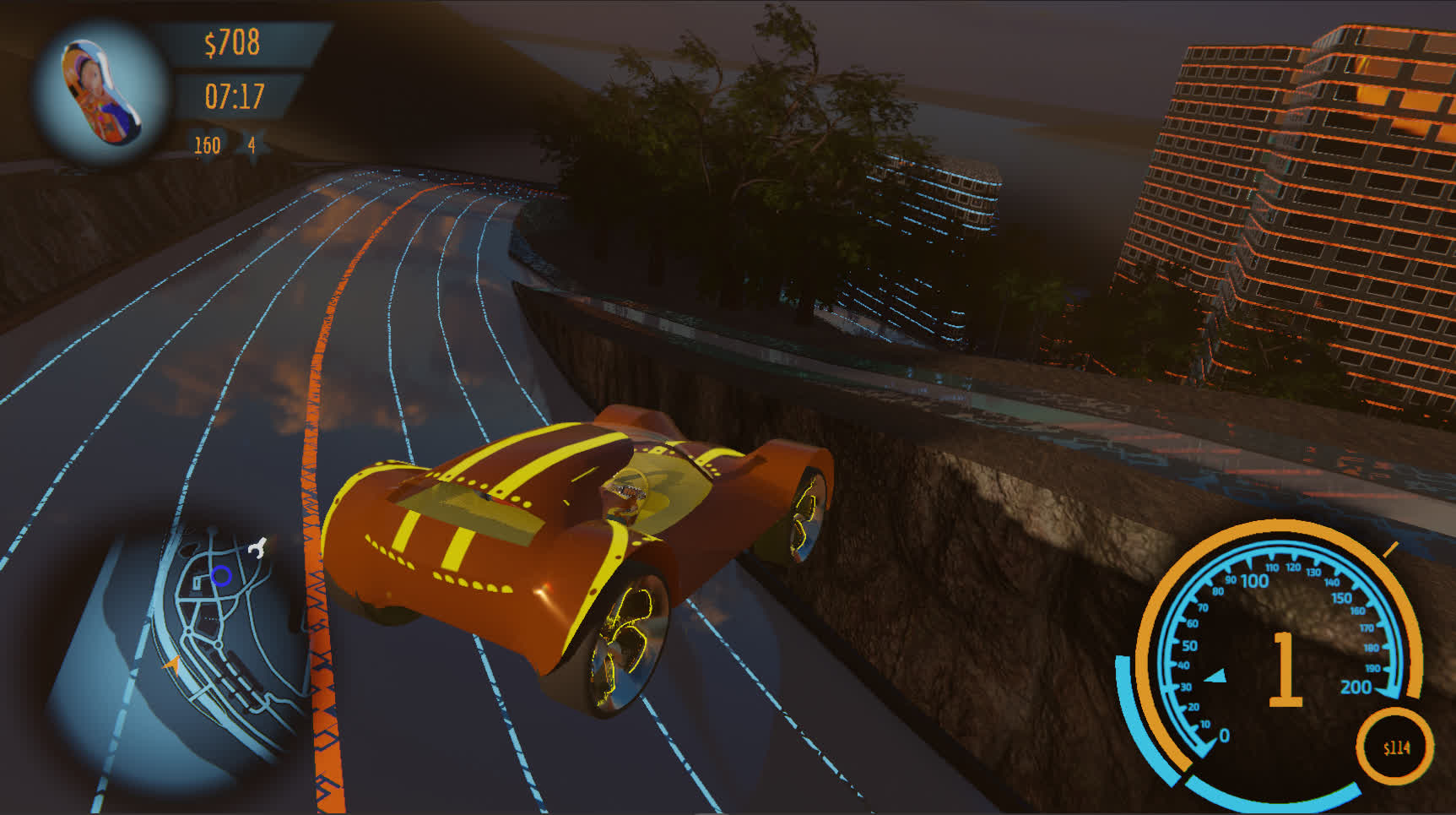
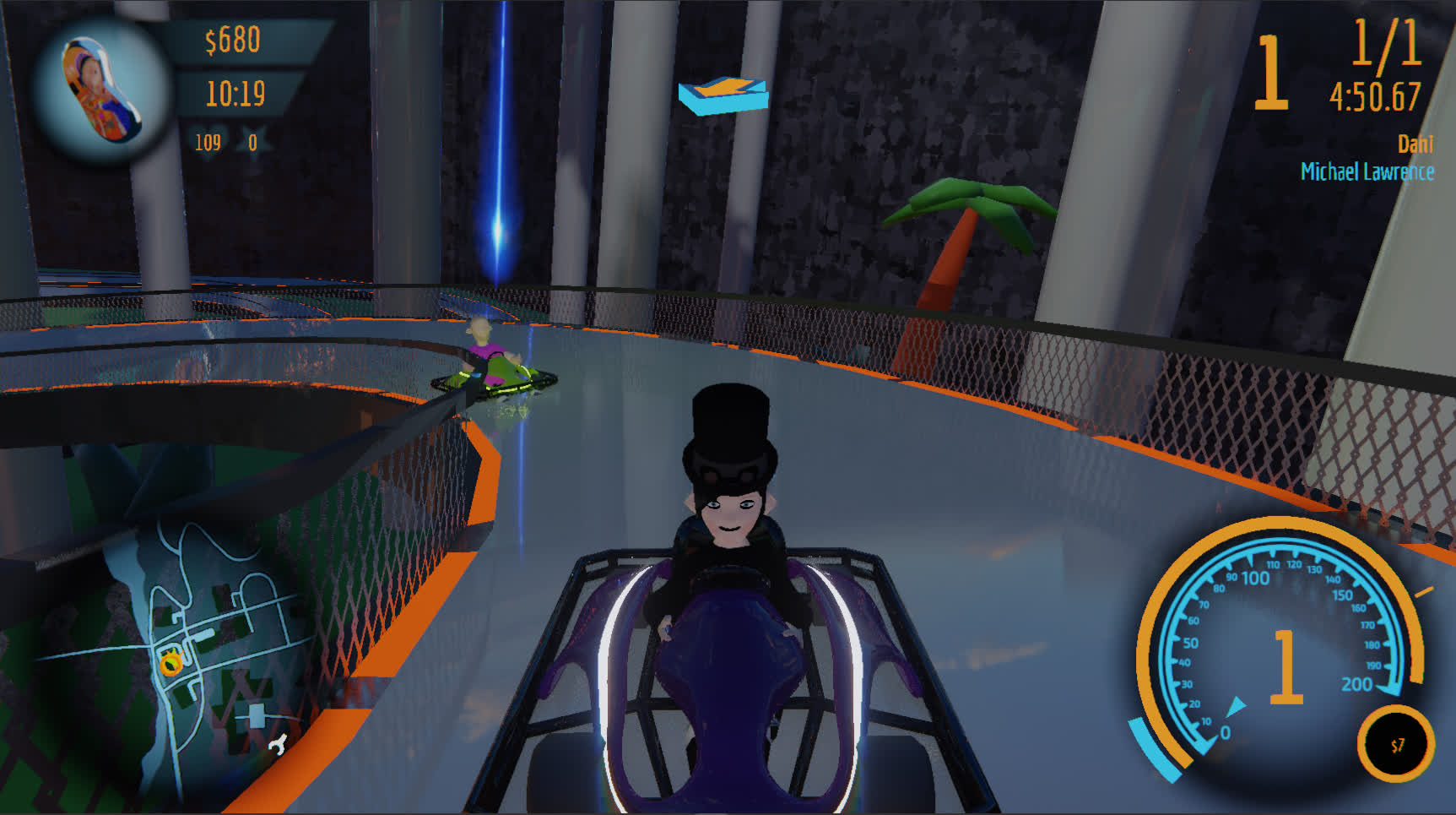
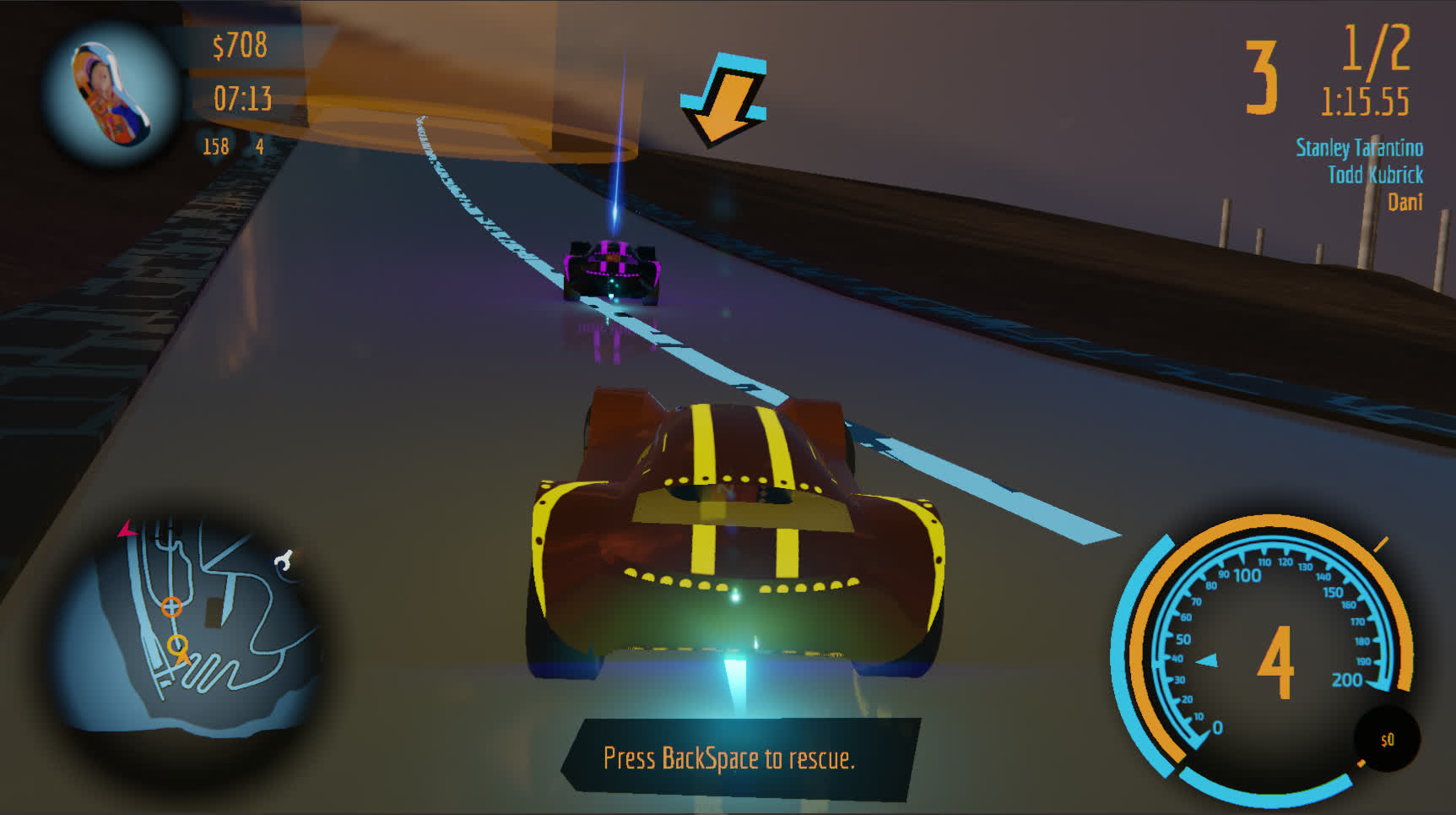
DANI's RACE first and foremost
is a racing game.


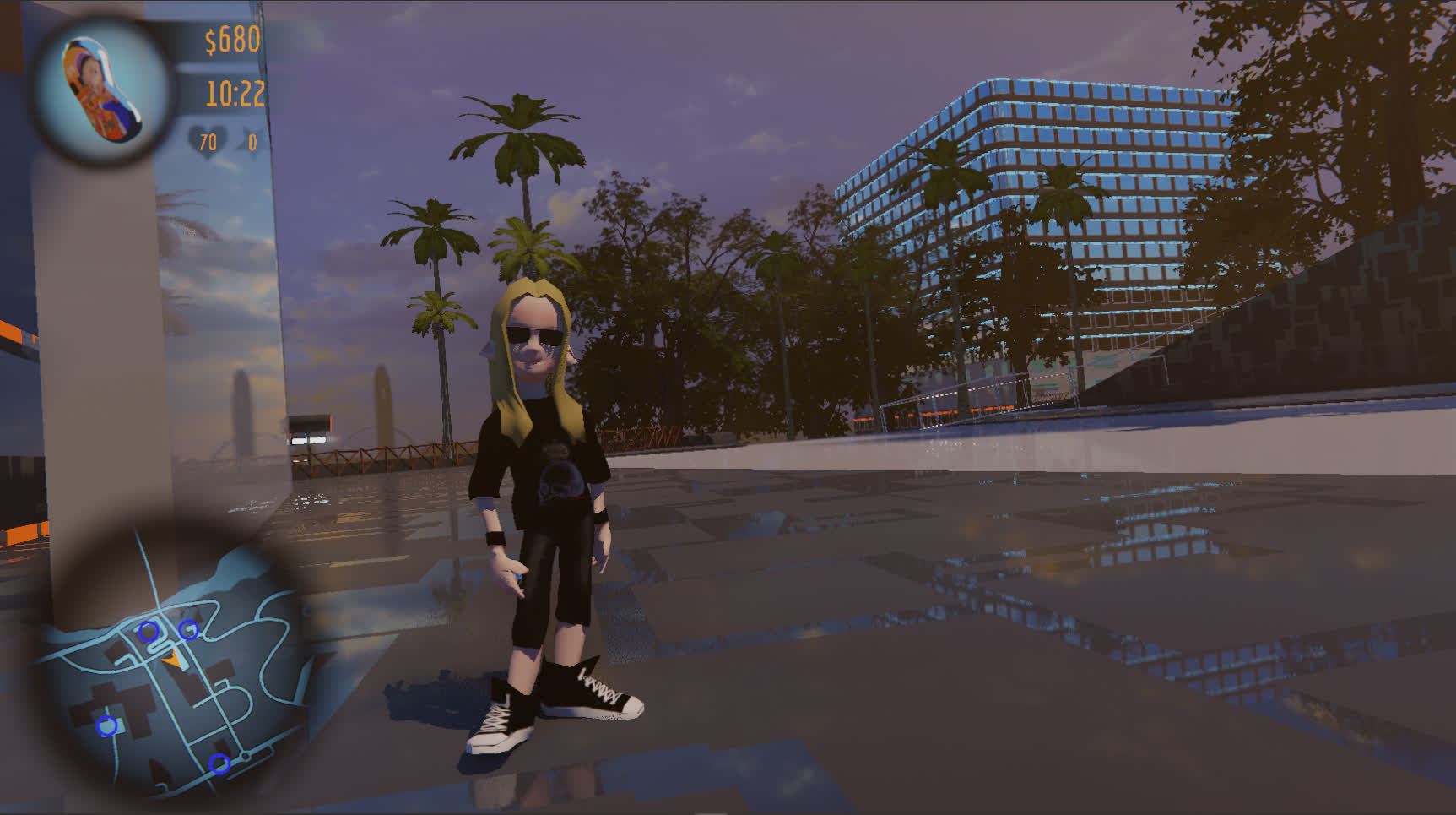
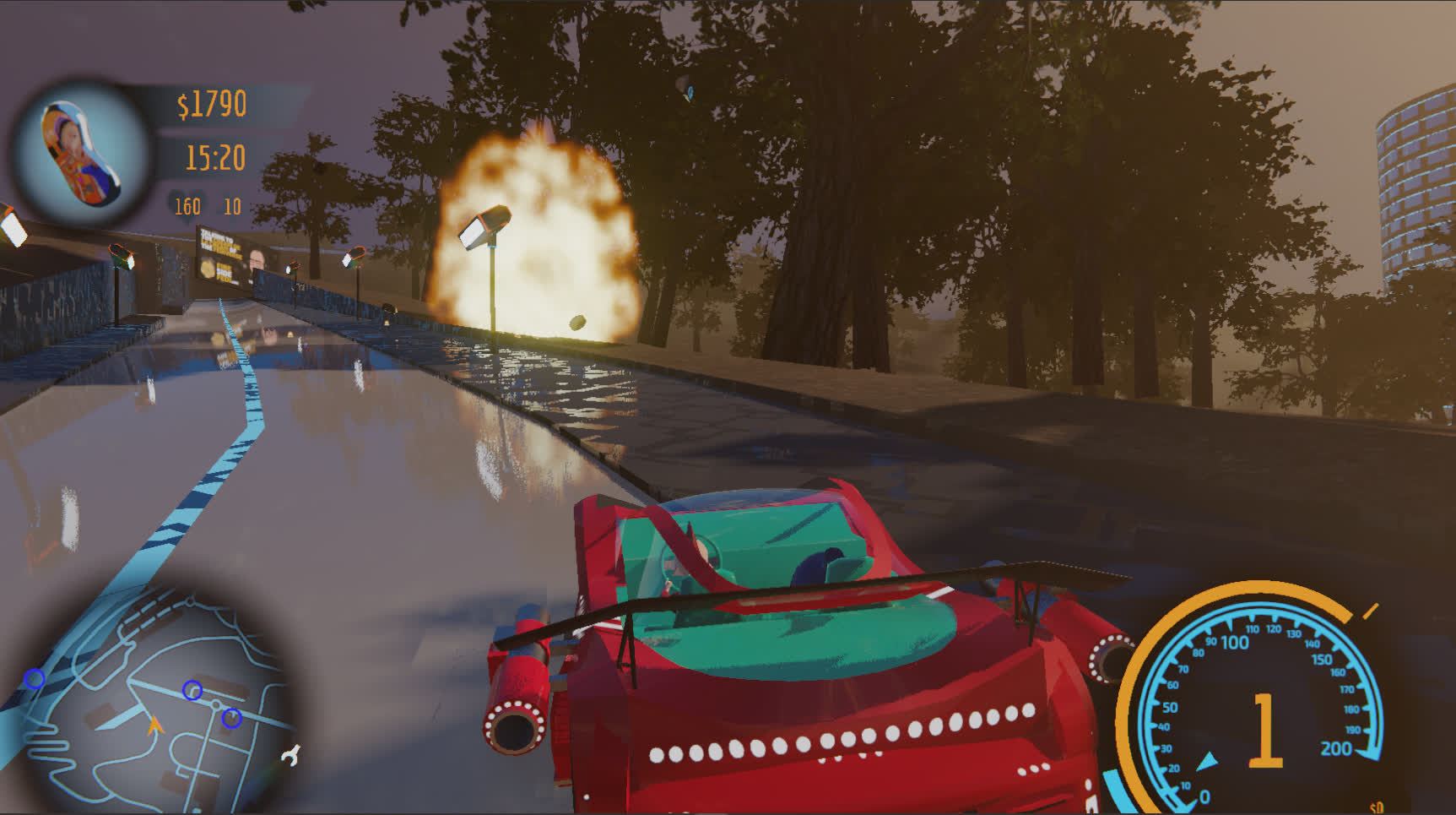
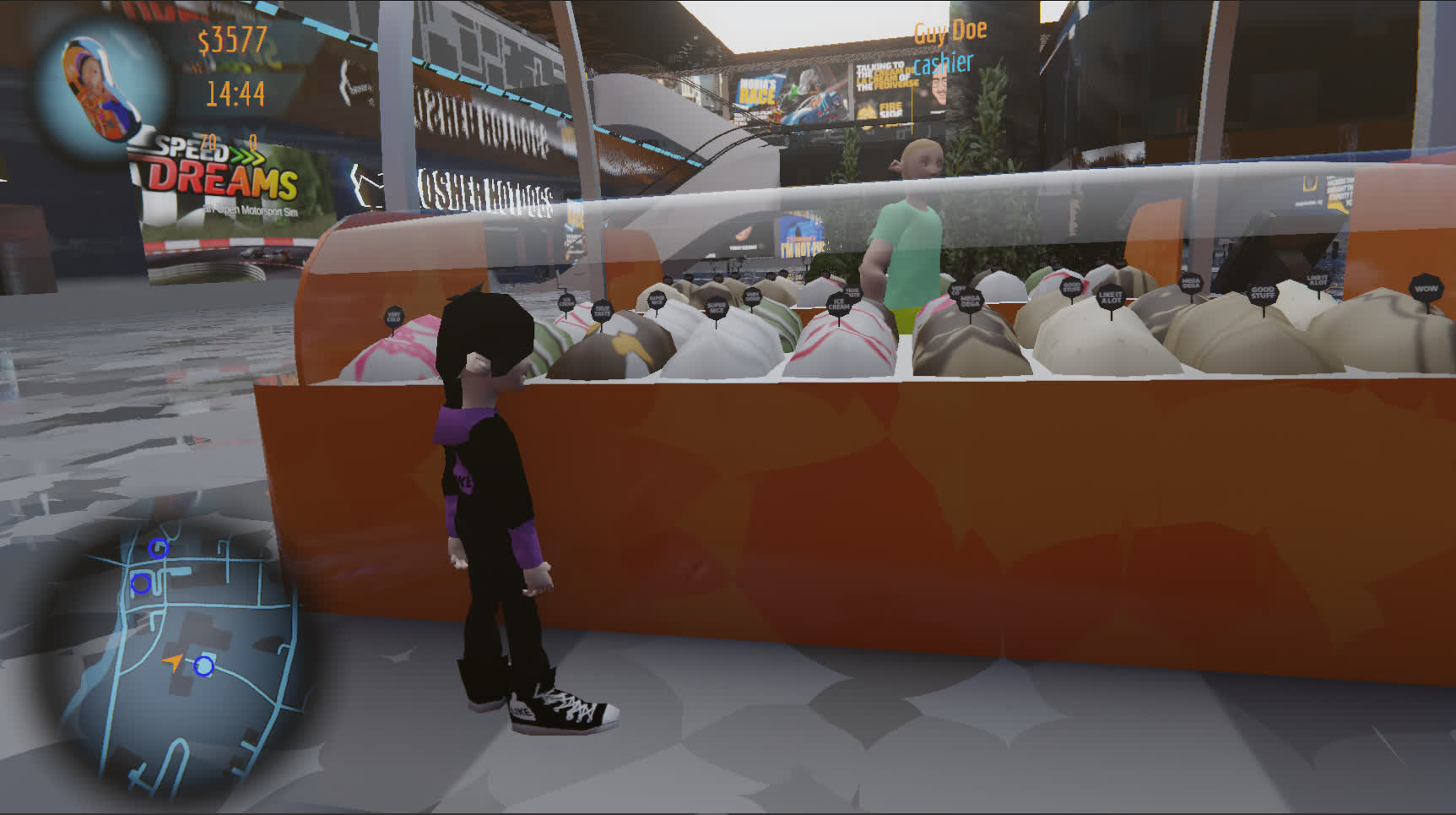
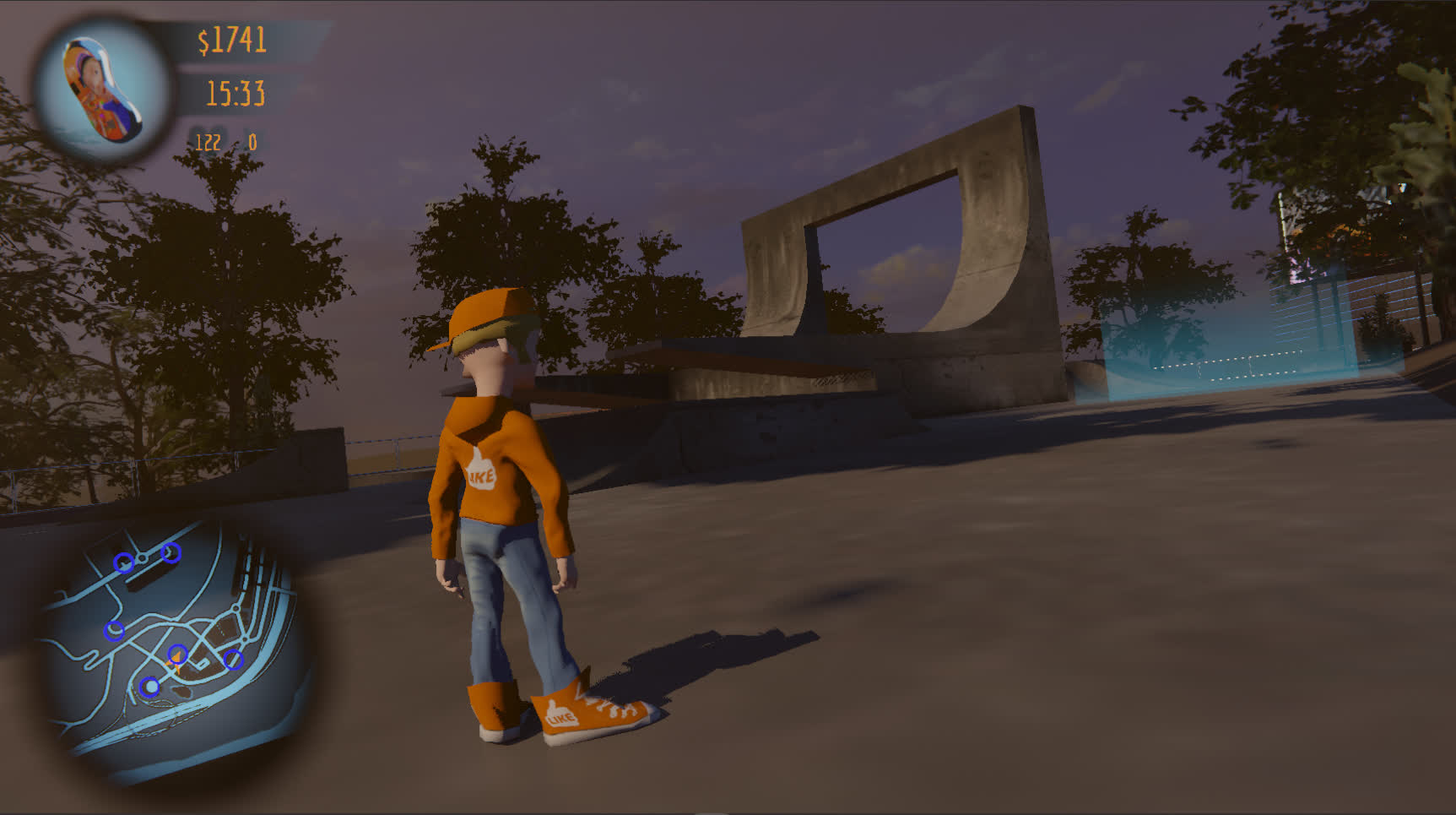
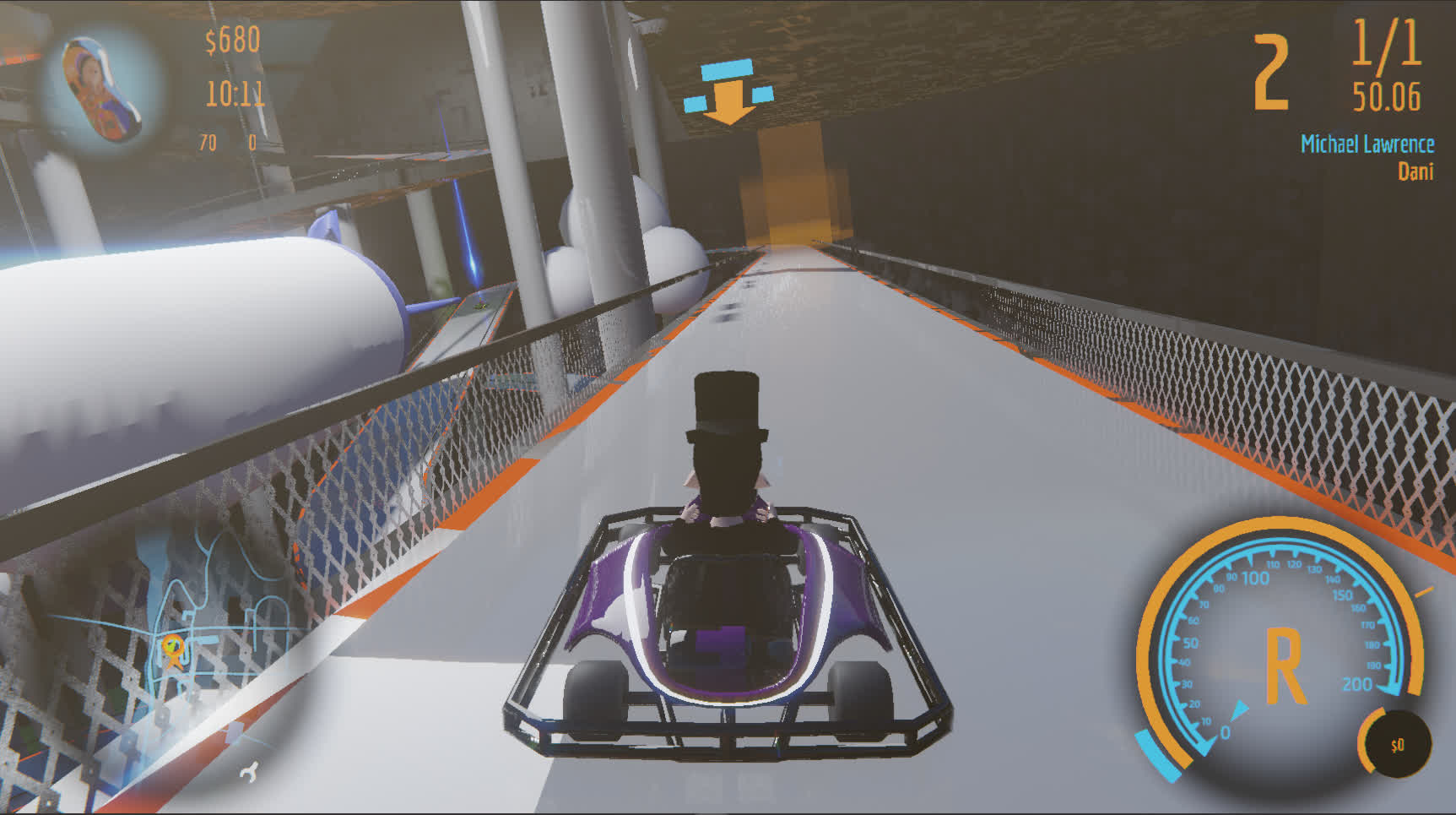
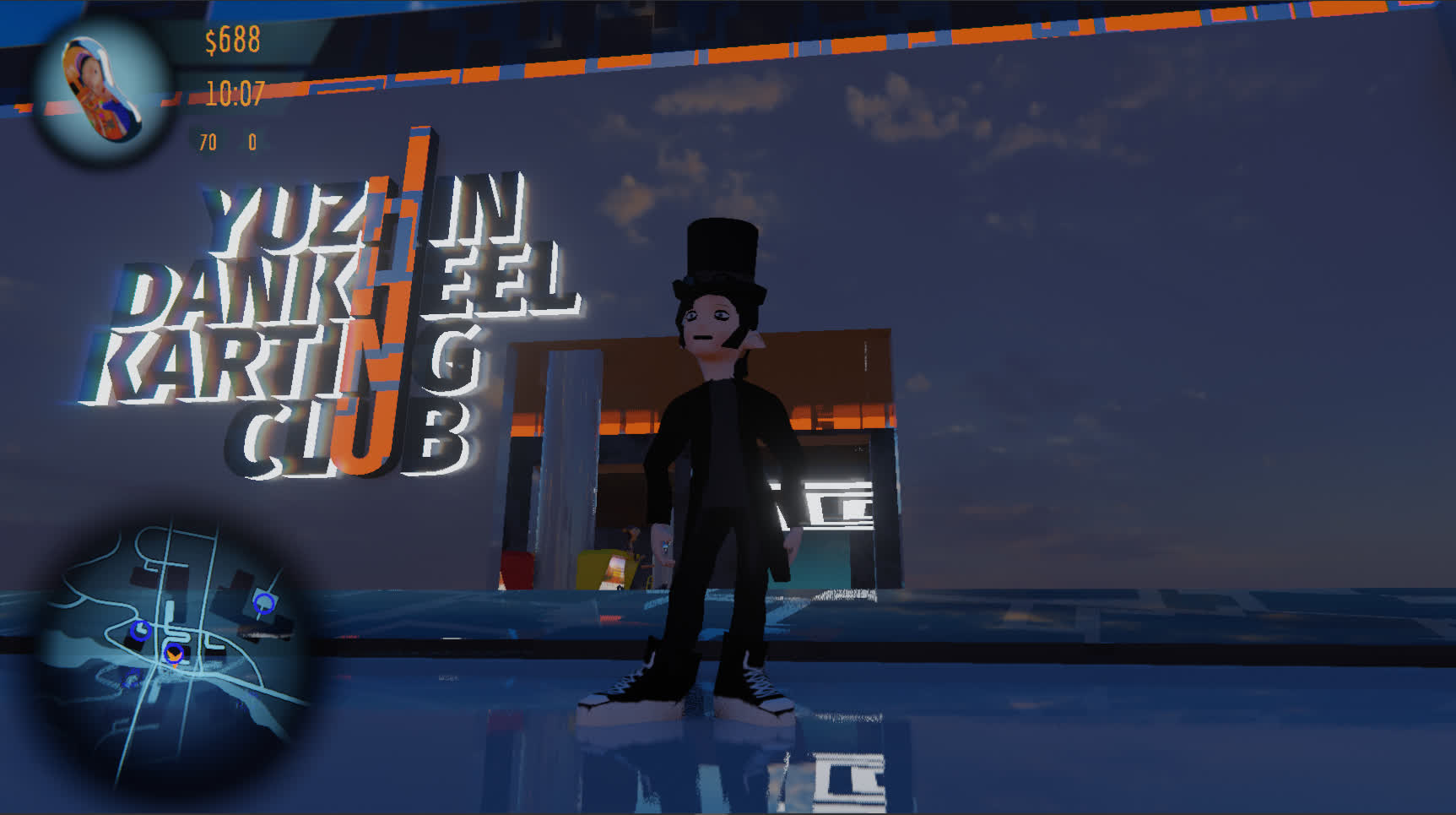
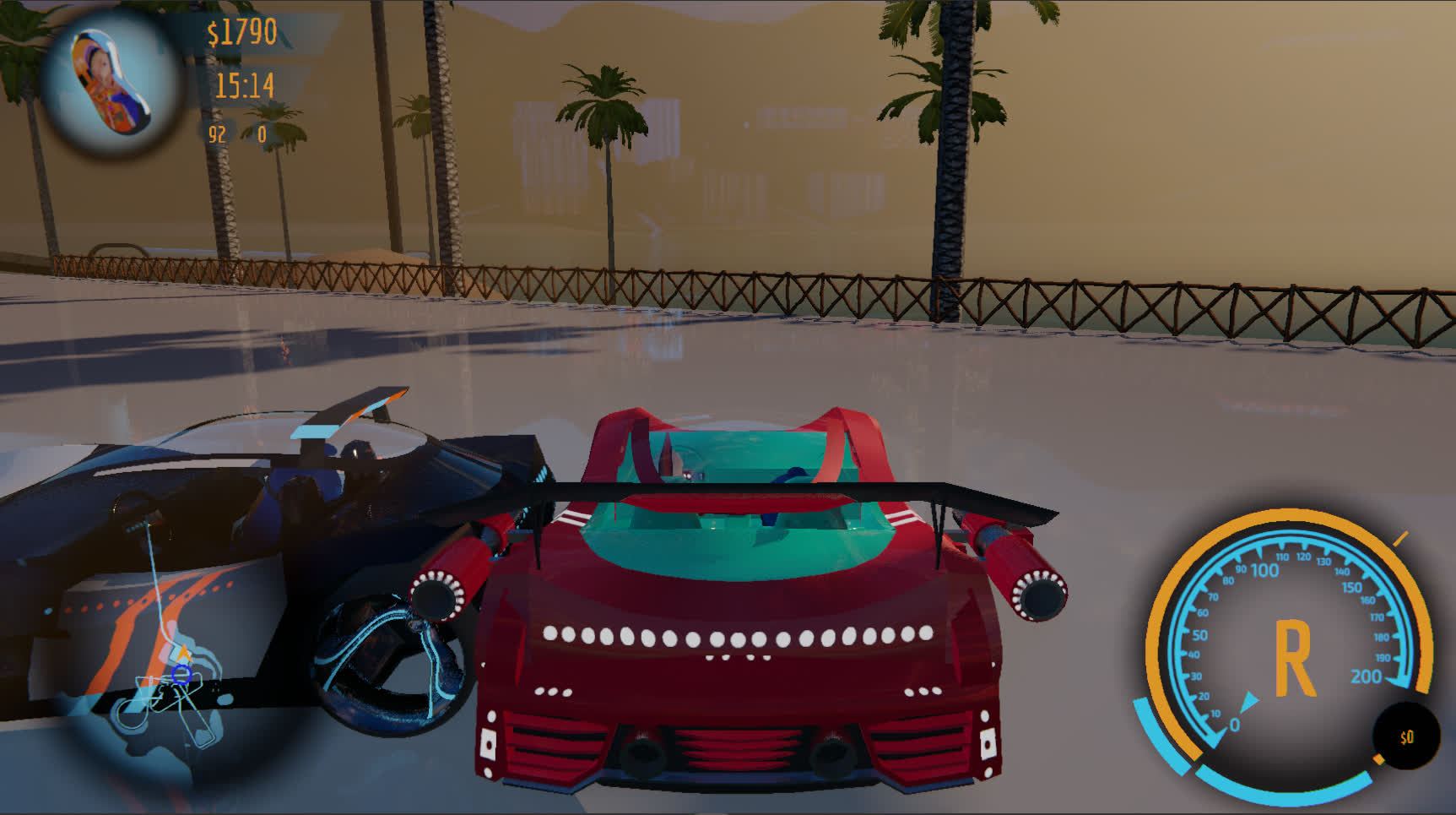
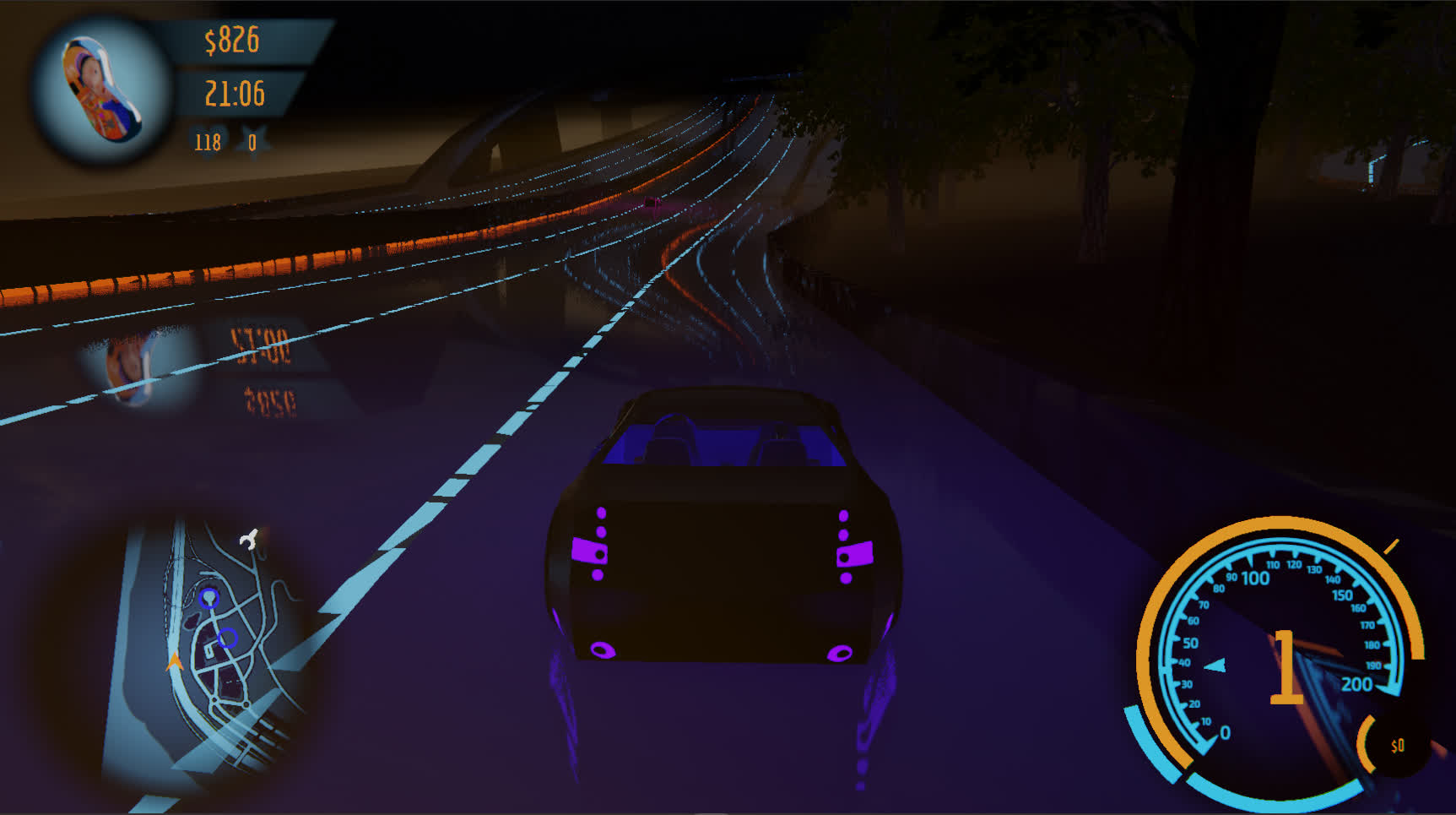
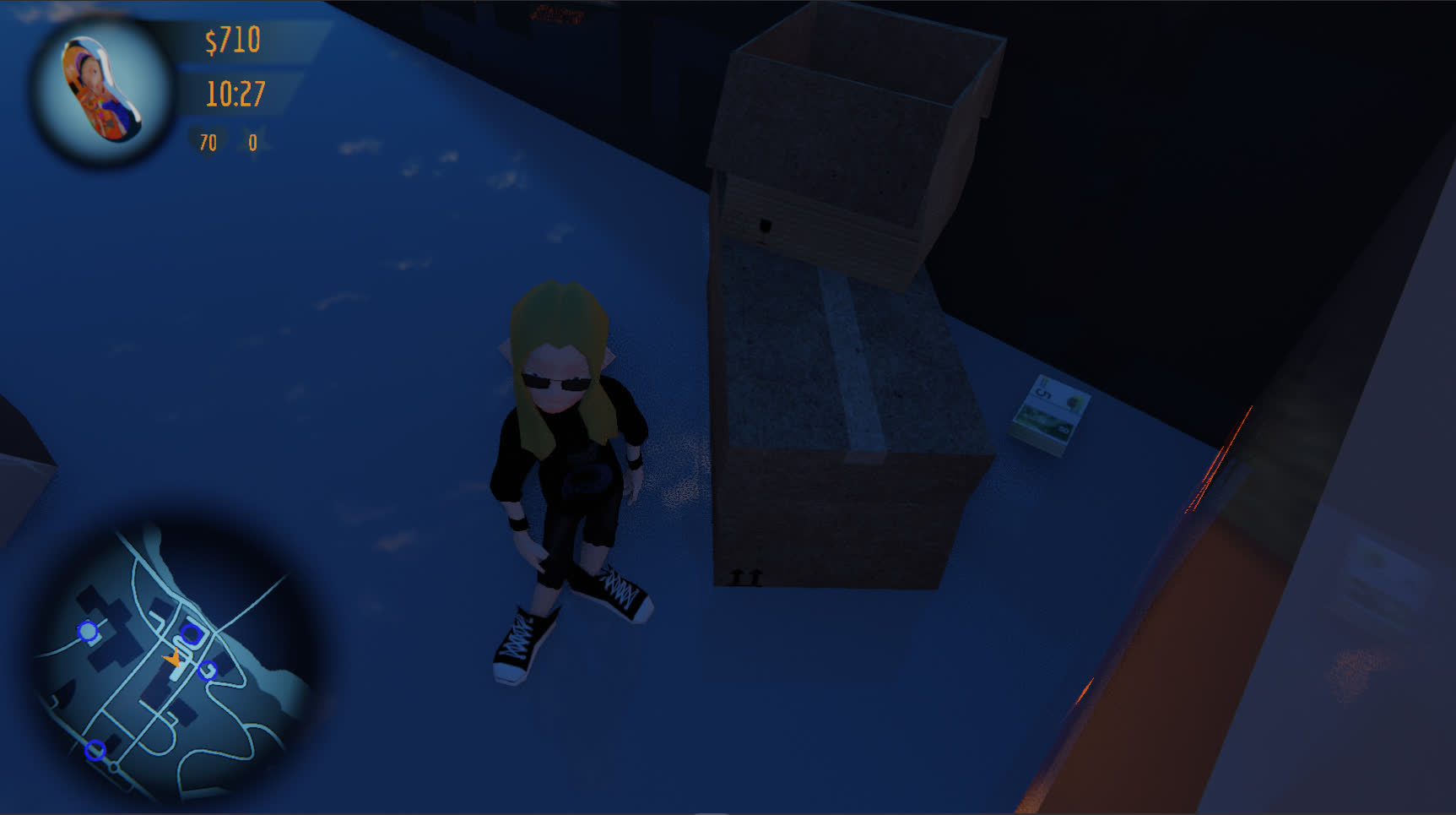
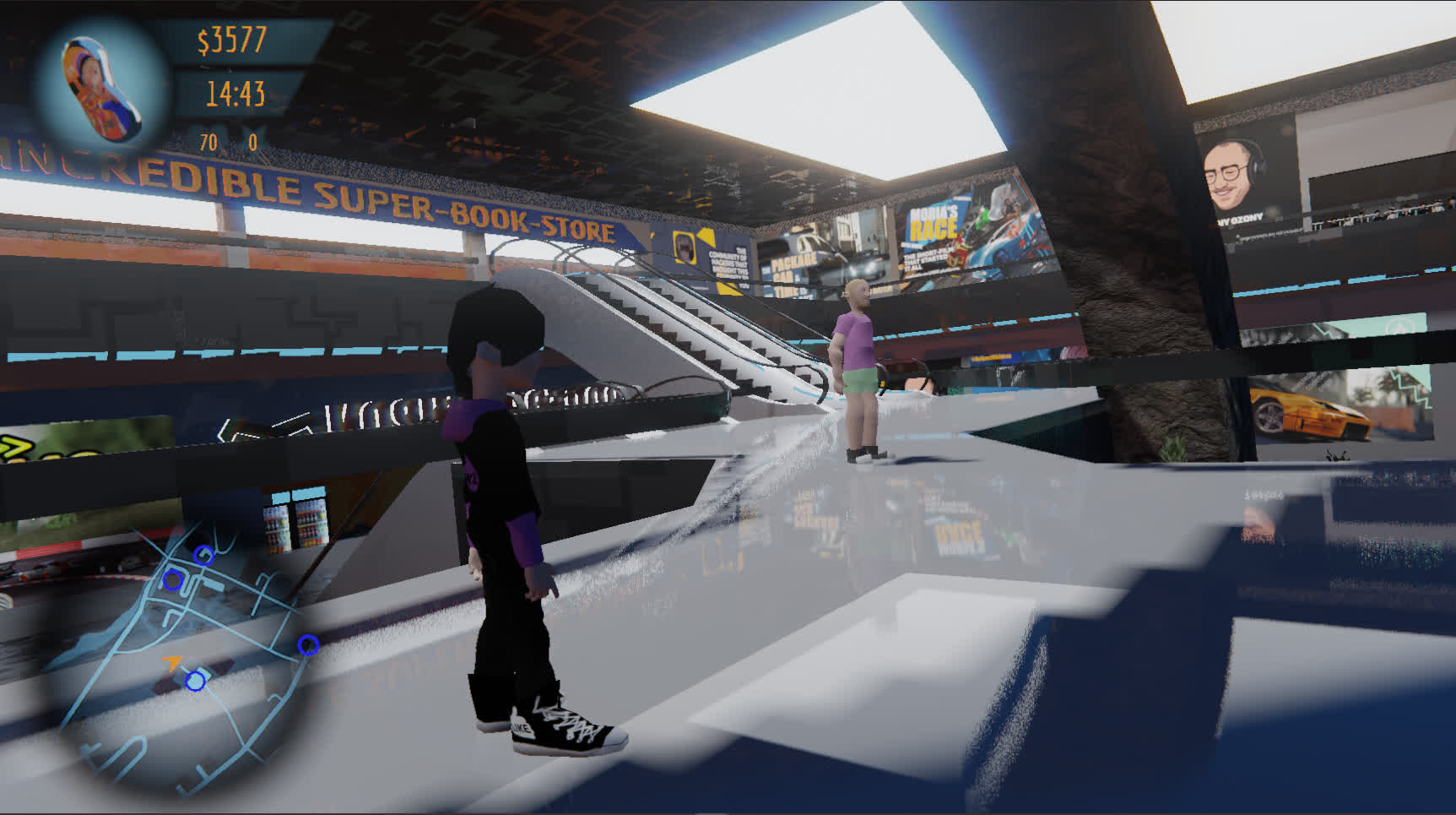
OPEN WORLD
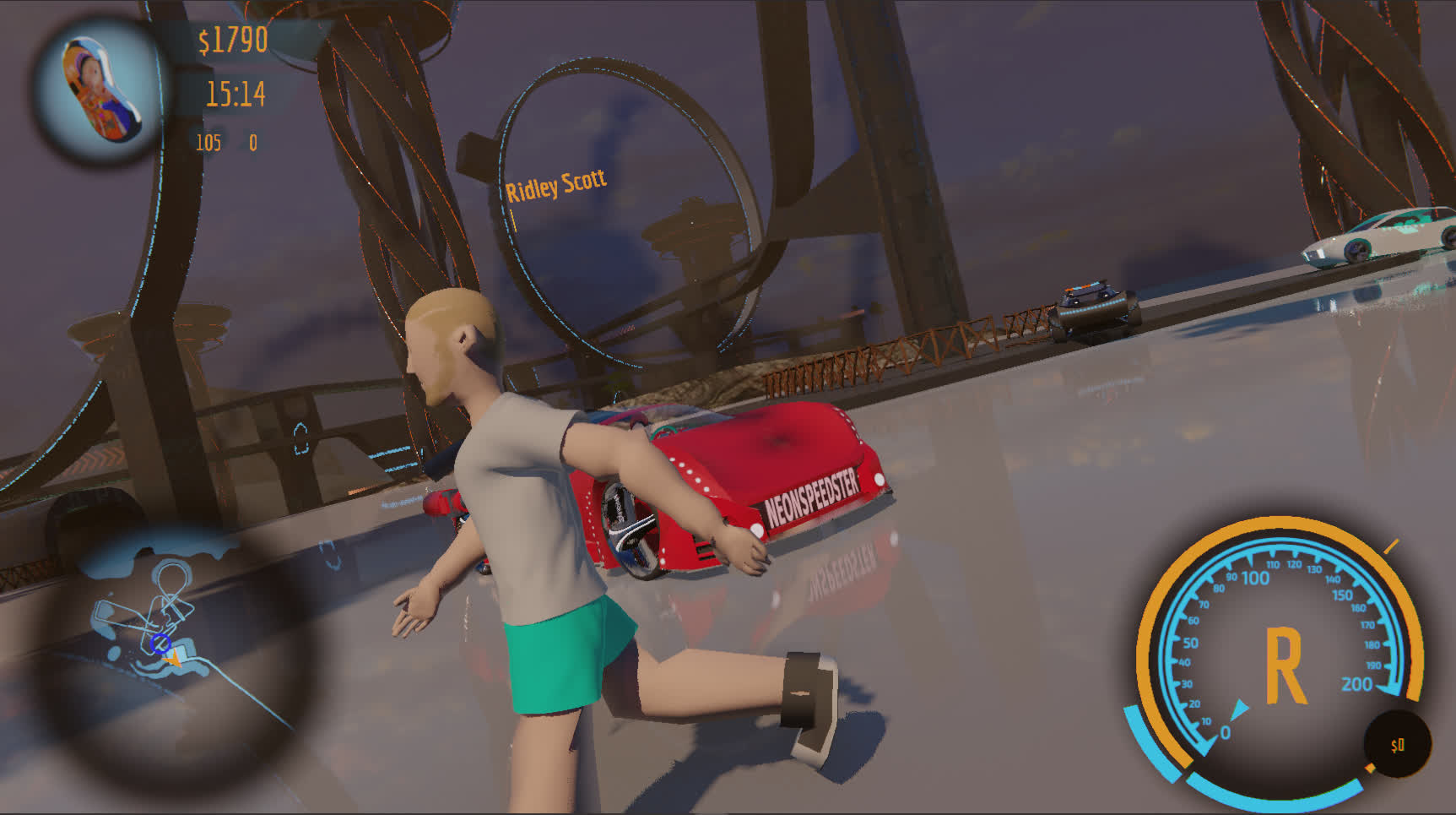
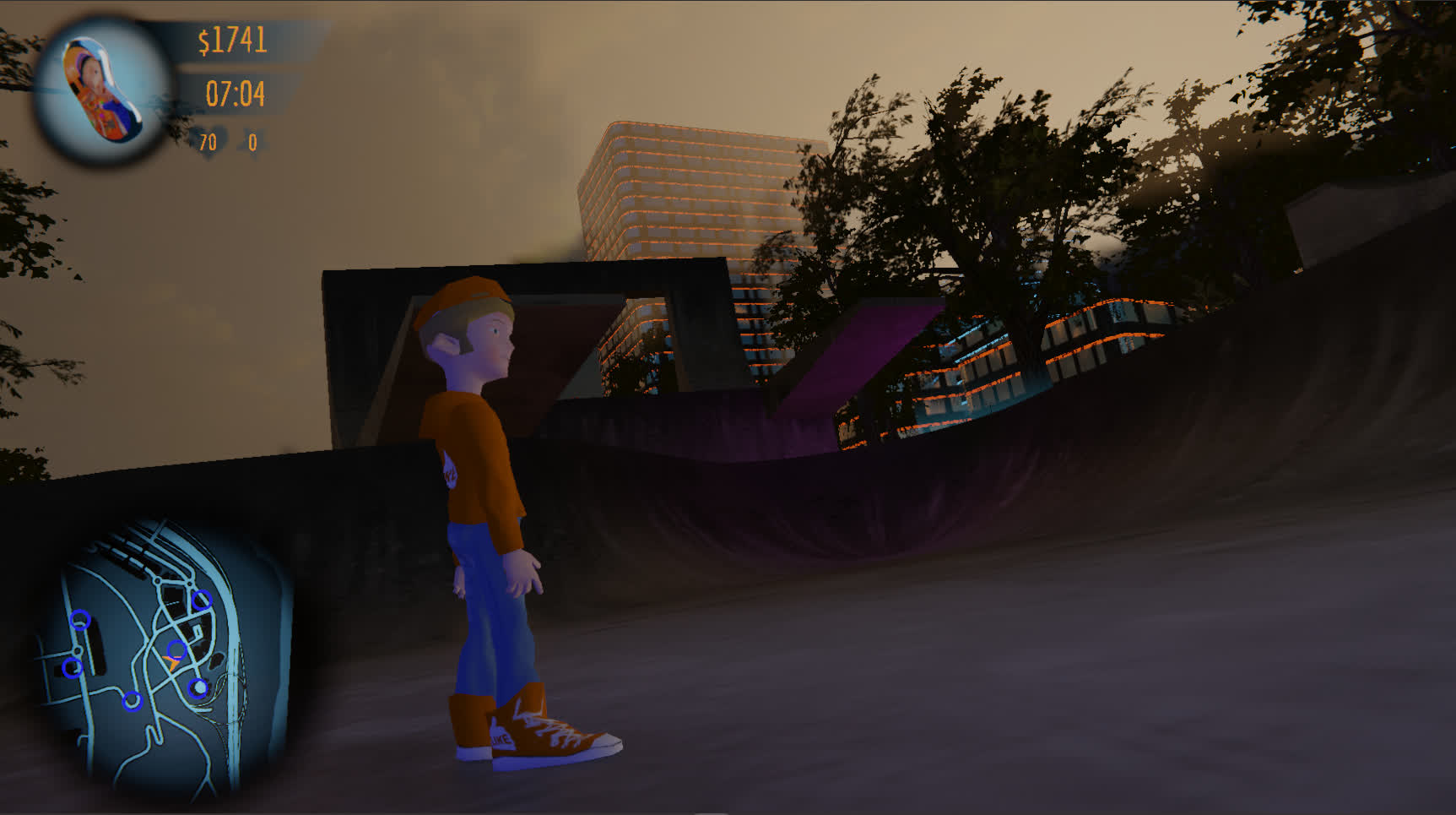
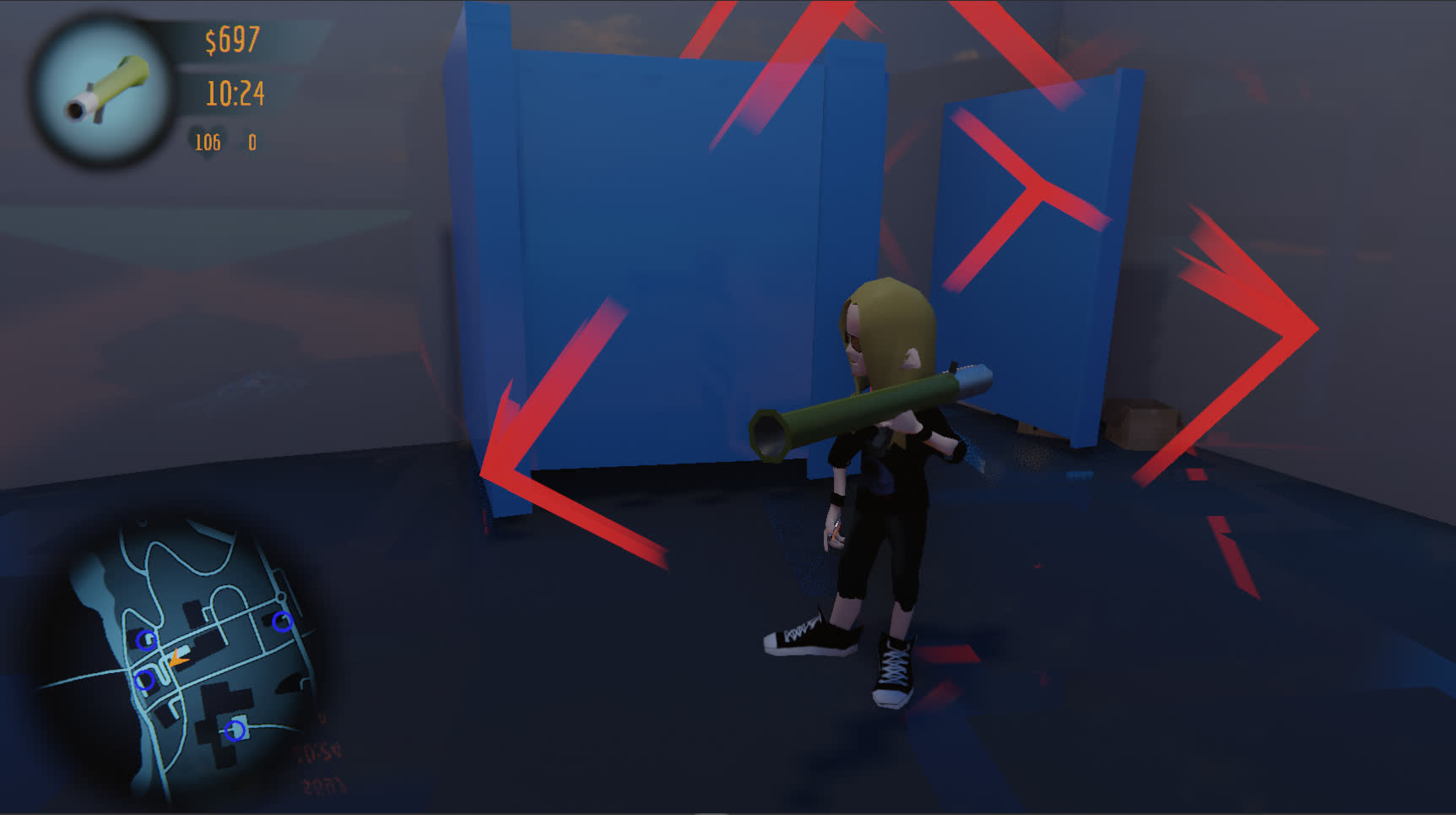
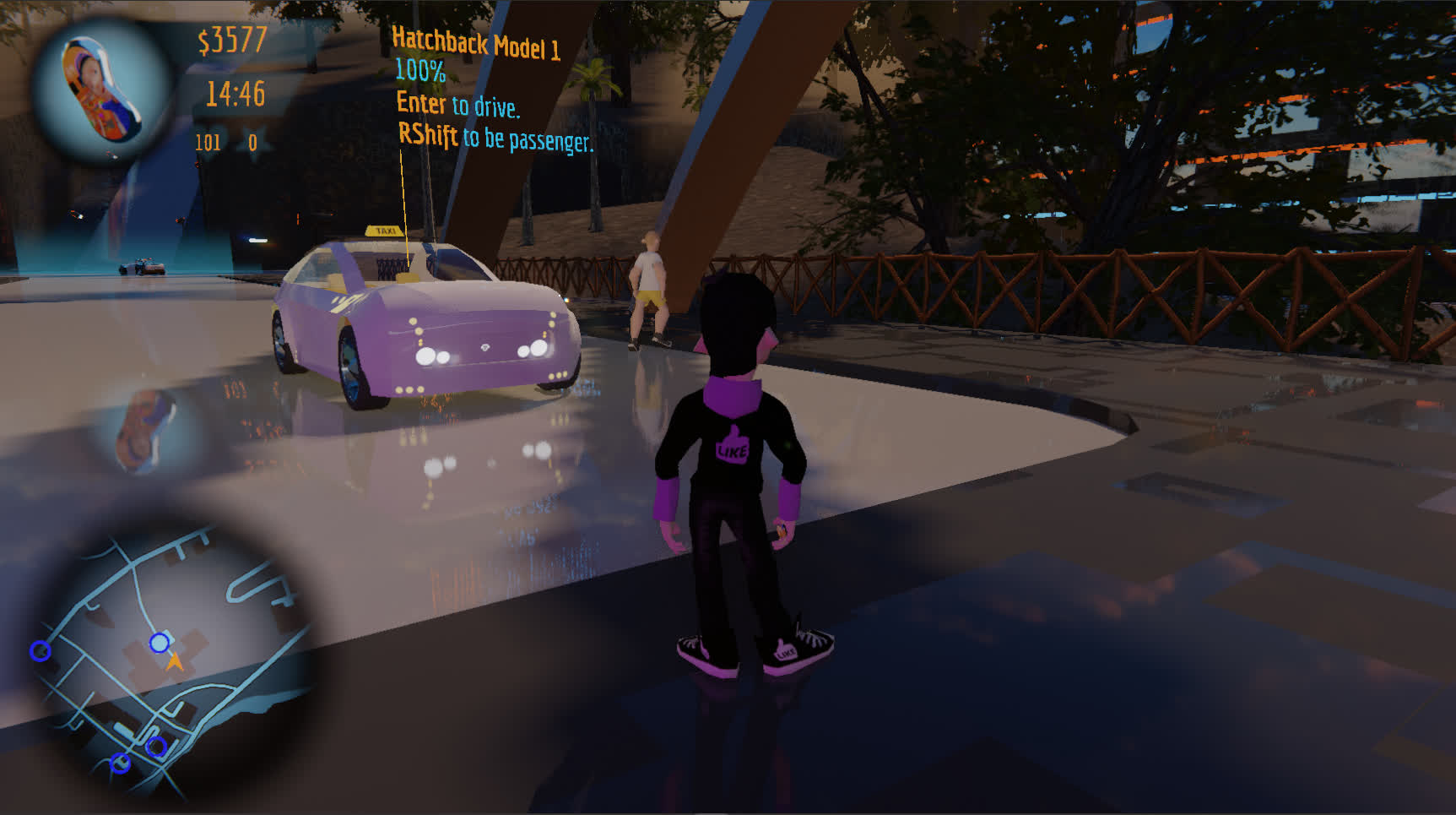
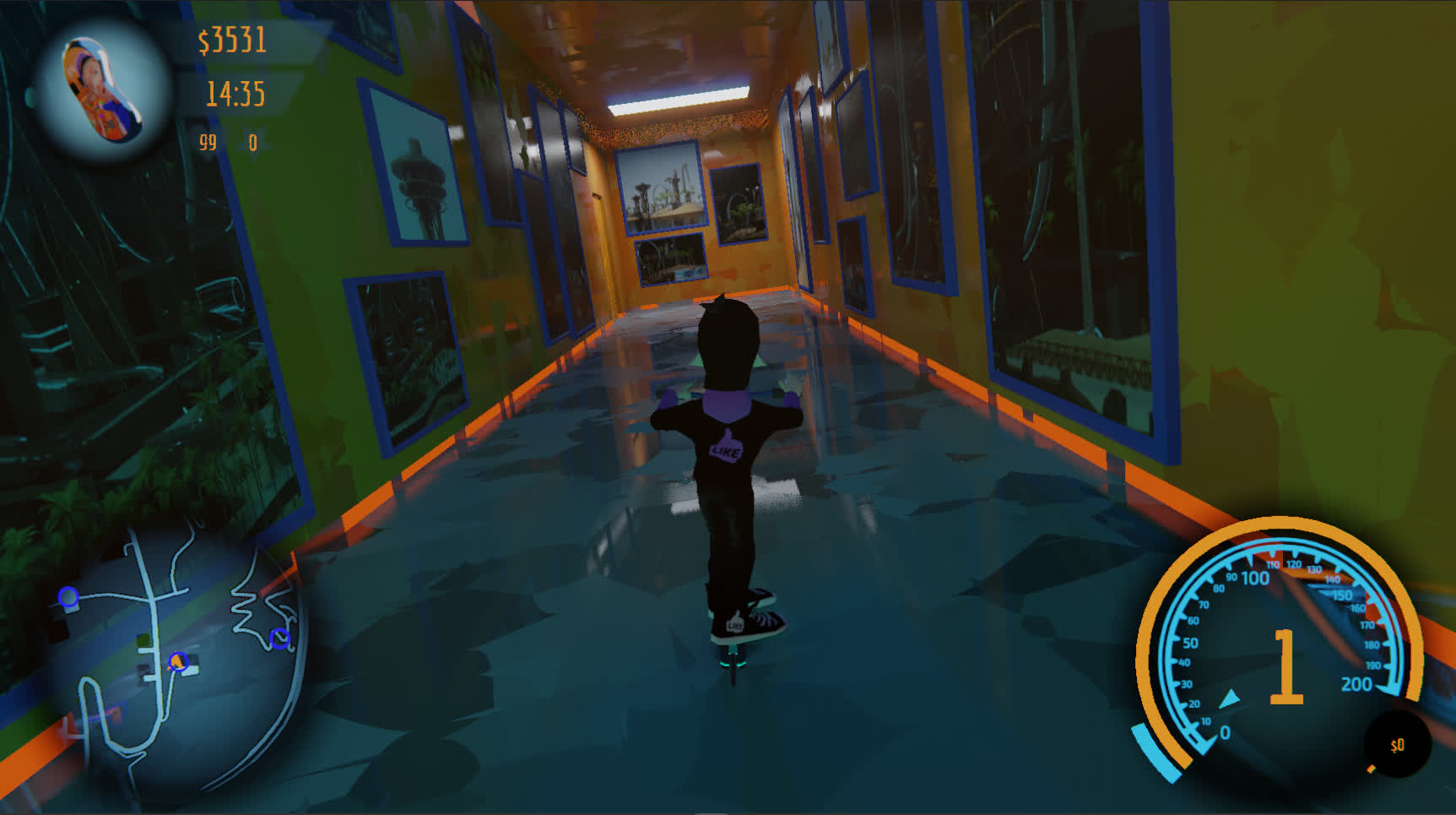
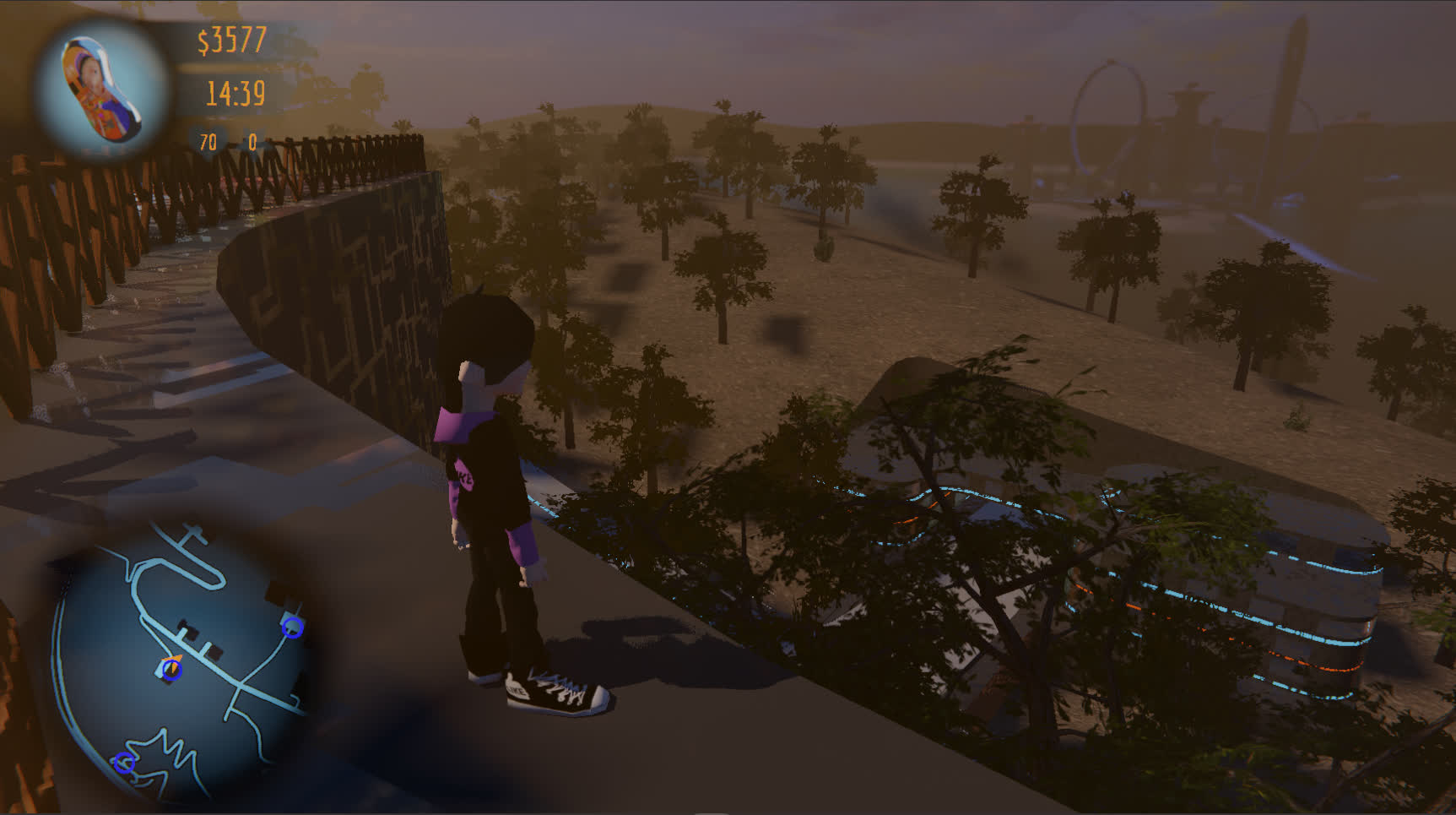
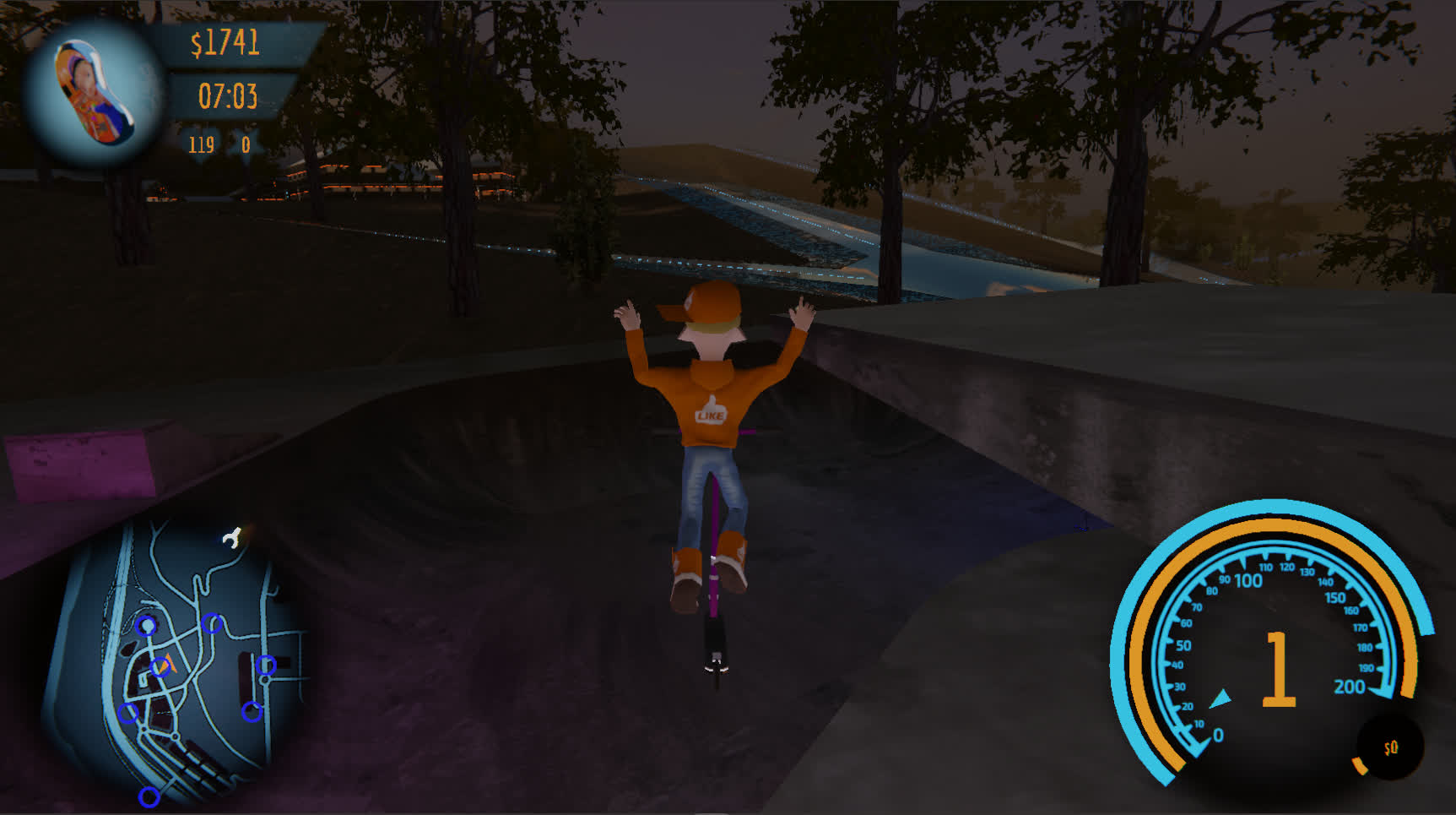
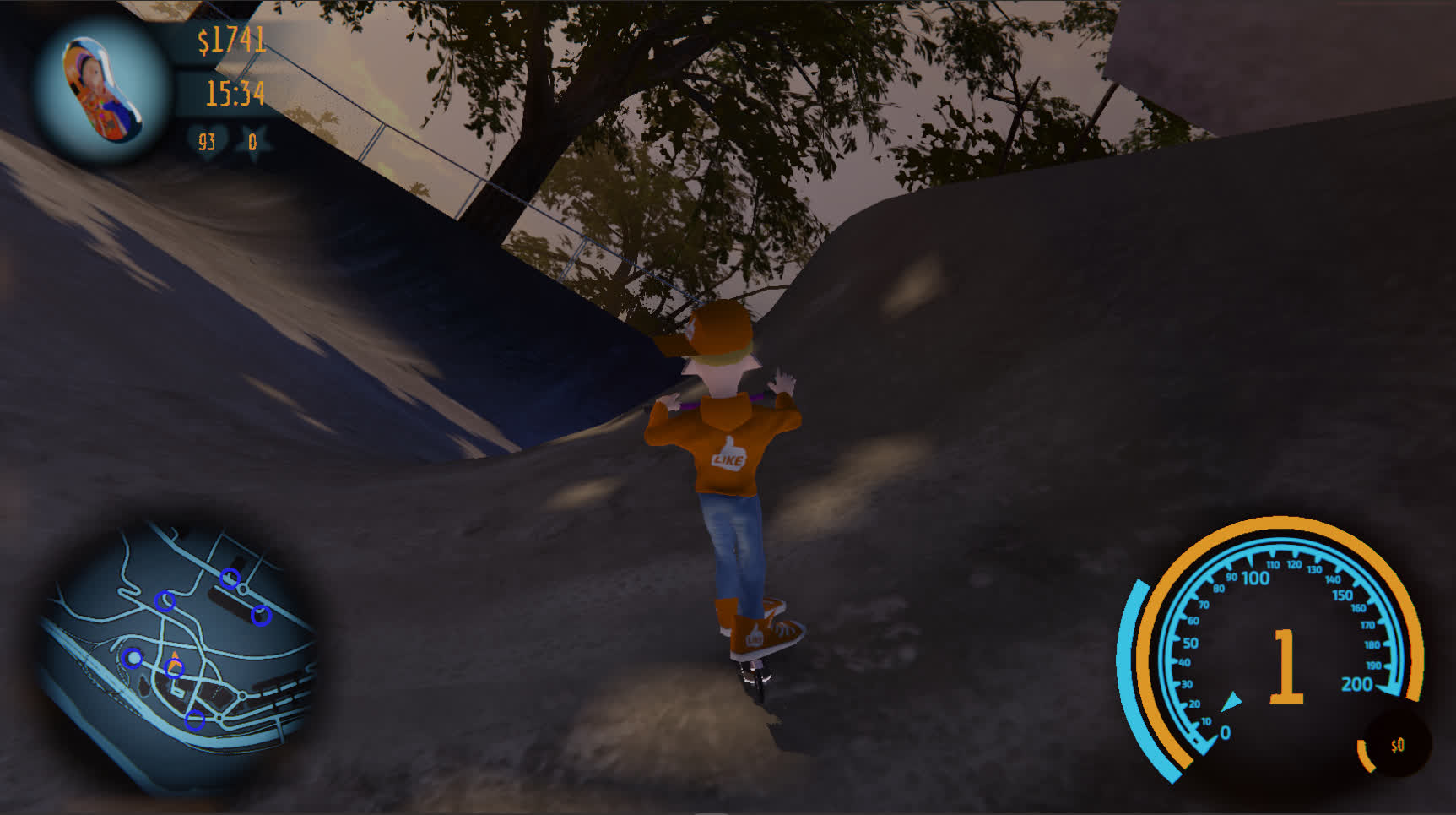
DANI's RACE lets you go
where you please.


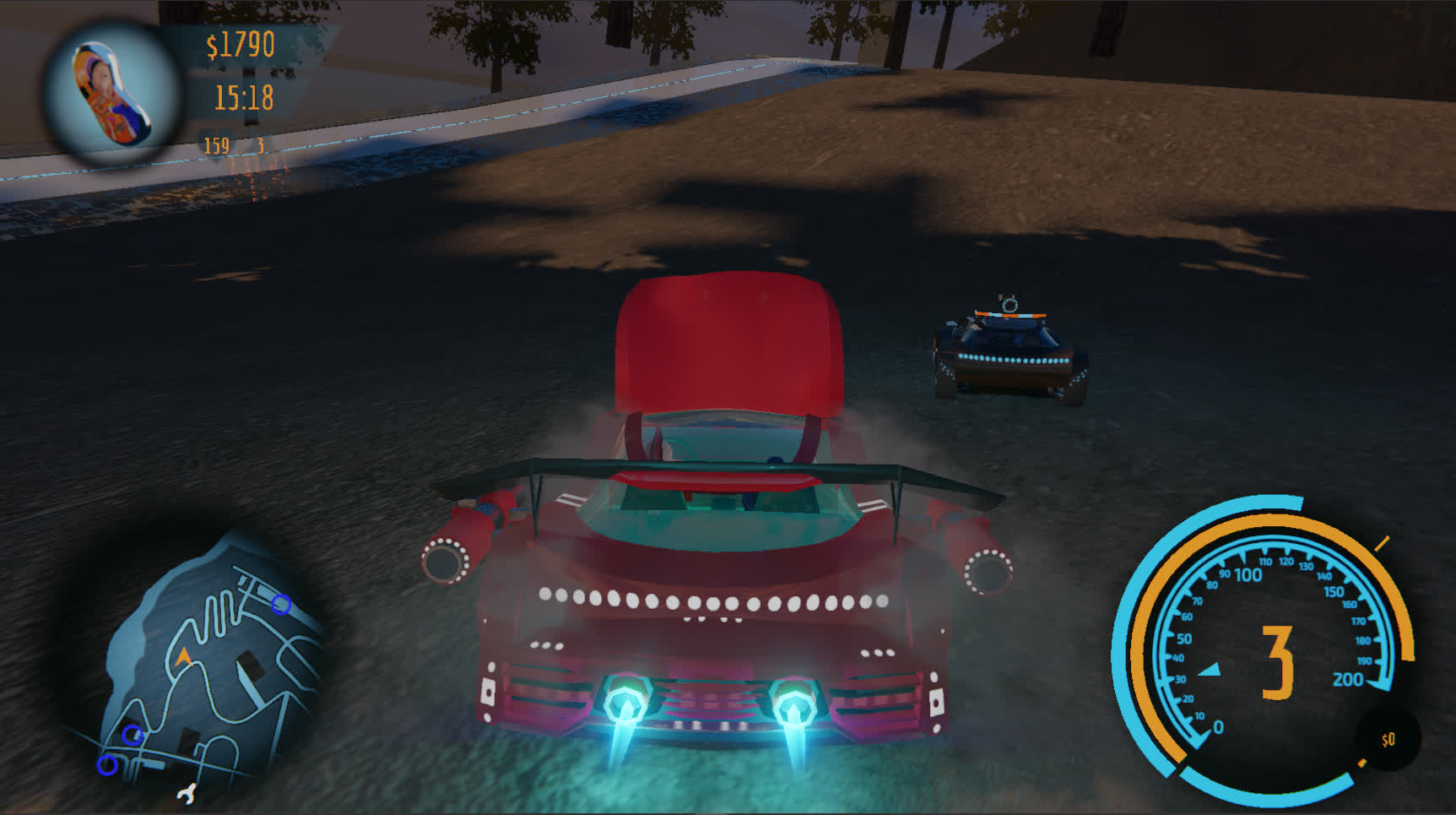
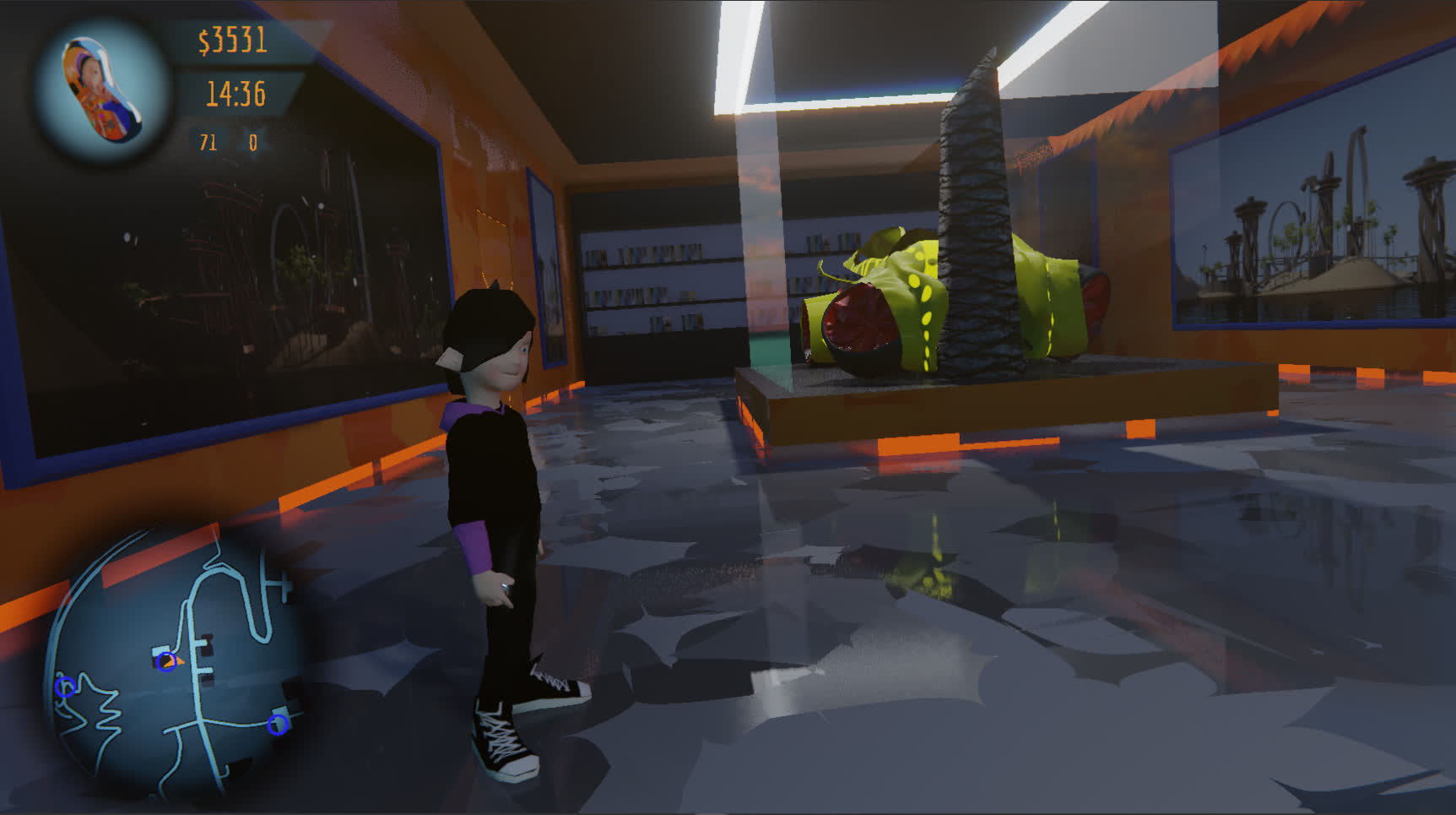
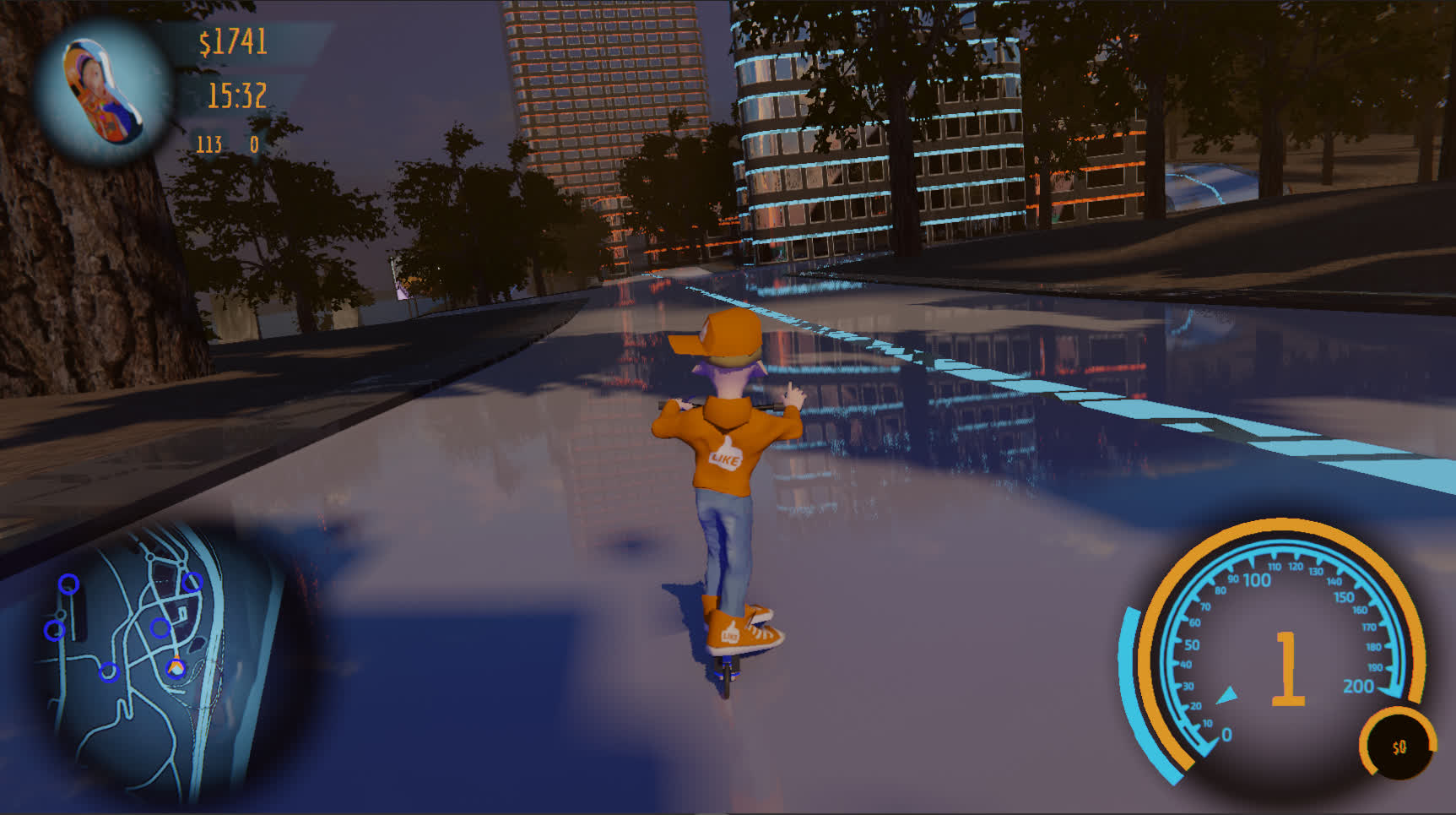
LIBRE
DANI's RACE is Free as in Freedom
Others call it "Open Source".

[icon forgejo] Source Code


GAMEPLAY TRAILER


ARE YOU SMART ENOUGH TO INSTALL DANI's RACE?


Kids can figure it out. And so do nerds. Are you as cool?


1 Download

First of all you need to grab a copy of the game. You can see various versions of it in the petitions.
[icon petition] See Versions

2 Engine

Then you want to download and install the UPBGE game engine. Specifically version 0.36.1.
[icon download] Get Engine

3 OS

People tell me that on Windows everything just works. So I suppose you can figure it out by yourself.

If you can't figure it out, maybe install GNU / Linux and follow the rest of steps from there.

4 Launcher

Open the terminal and run the run.py program in python3.

python3 run.py

Make sure you are in a correct folder first.

5 PyGObject

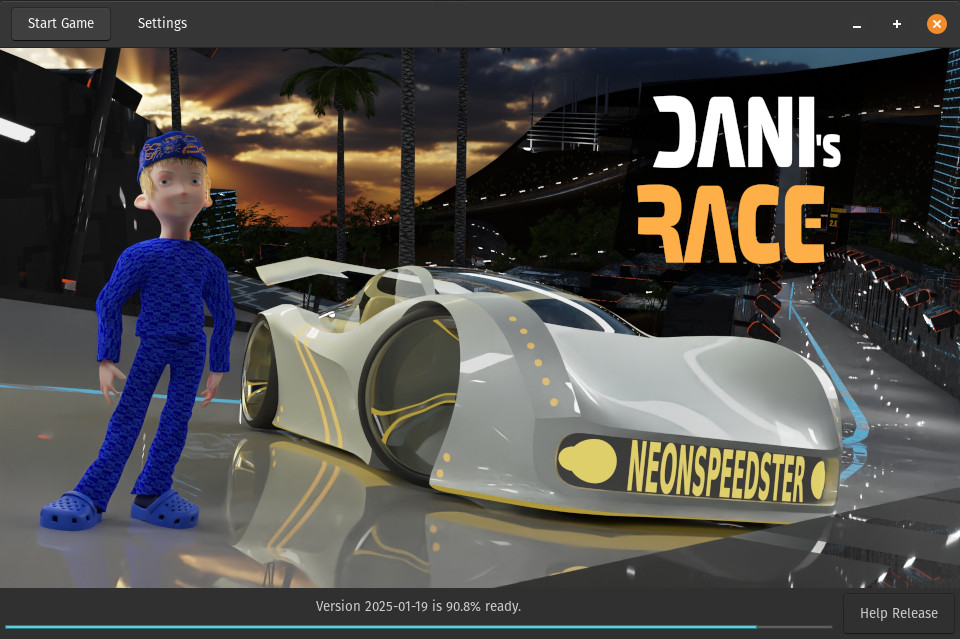
If everything works it should look like this:


If instead you have errors and stuff. Maybe you need to install PyGObject or other stuff.
[icon link] PyGObject

6 blenderplayer

Now go into settings.


And tell the game where you put the engine. The one from step 2. If you don't know what to do with that package. Just unpack it. Somewhere. And give the game the link to the blenderplayer file. That is all there is to it.

7 Play

Now play.


POPULARITY